Personal Food Inventory Spreadsheet
Use this free template with Google Sheets and Microsoft Excel
Template Specification
Key Features of This Template
About this template
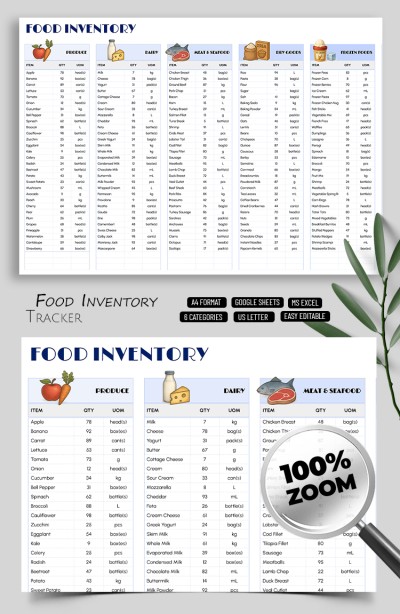
Get a free copy or download our Personal Food Inventory Spreadsheet right now. A simple, clean design combined with powerful built-in features makes it easy to record and track your home food inventory. The food inventory template includes a structure that allows you to sort all your products into different categories for quick access.
Take Advantage of the Kitchen Food List Template
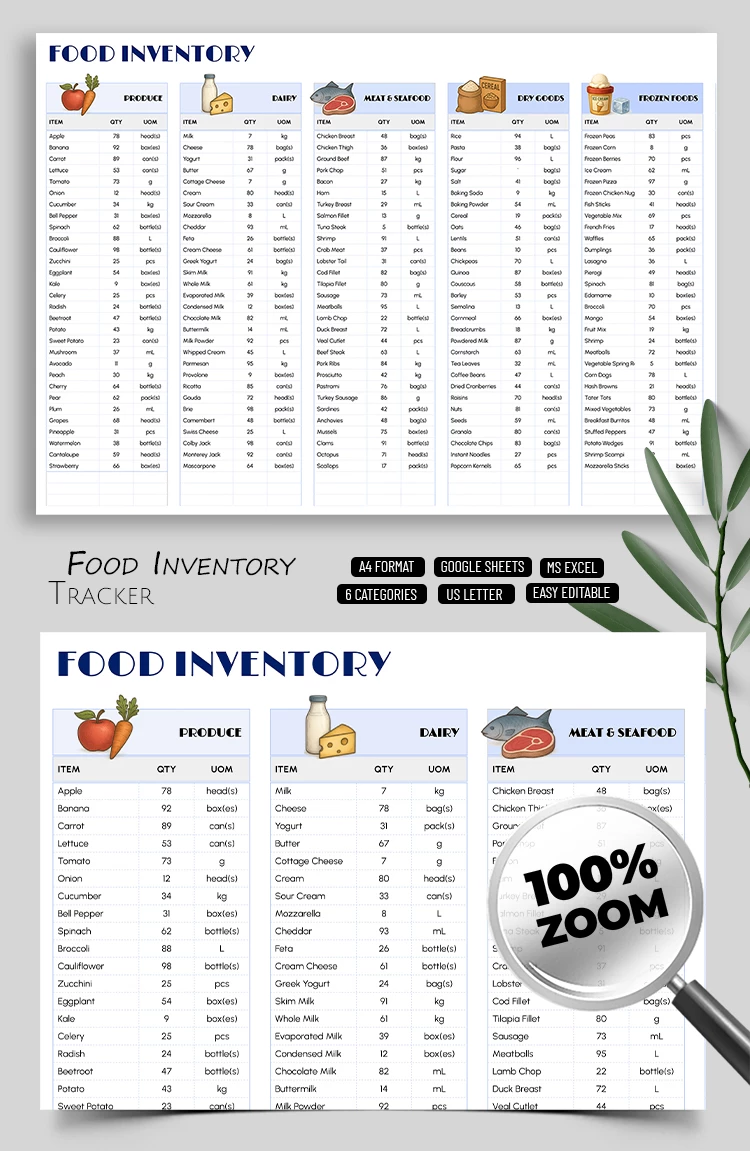
This inventory sheet template offers a basic layout with the following main sections:
- Six separate tables for product categories, including produce, dairy, meat and seafood, dry goods, frozen food, and beverages.
- Unlimited rows for recording all the products in your kitchen.
- Three columns for each category: item, quantity, and UOM.
There is also an additional sheet inside the template that displays various UOM options for the drop-down list. You can keep the existing ones (head(s), box(es), can(s), g, kg, and more) or add new values.
You can also choose different fonts, add icons for each category, and create a custom title. Personalize and fill out our inventory spreadsheet example in Google Sheets or Excel using any device.
Download Free Template
Google Sheets
Opens in browserMicrosoft Excel
.xlsxWHAT’S INCLUDED
Inventory Tips
FAQ
How to Use and Edit This Template

Get Your Document

Customize Everything

Add Your Content

Print, Export, or Share
Related Templates
Recently Viewed