
Certificate Templates in Google Slides and PowerPoint
Our certificate templates in Google Slides and PowerPoint formats are available for free or with a cheap premium subscription. Choose from ready-to-use certificate sample templates for different occasions. Download and customize soccer, years of service, sport, gift, birth, participation, and many other options!
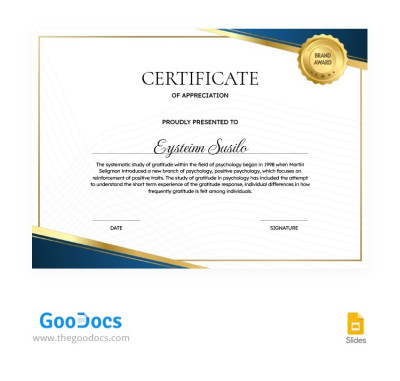
Blue-Golden Certificate Appreciation
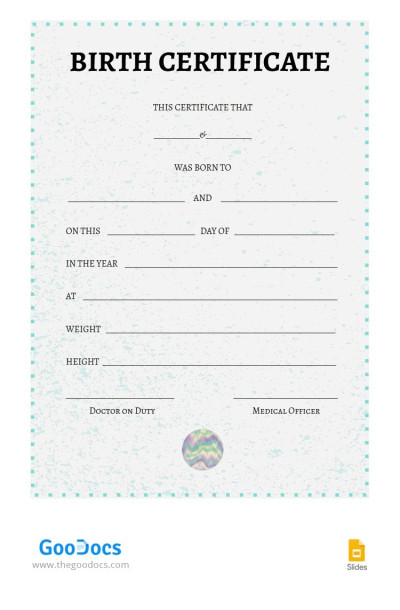
Simple Birth Certificate

Certificates of Insurance
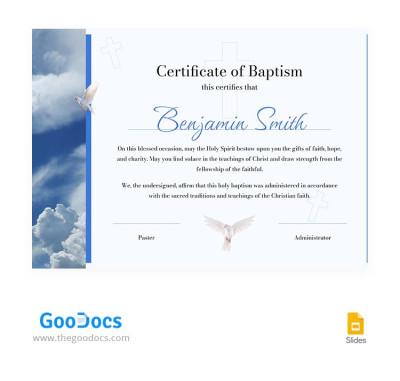
Austere Baptism Certificate
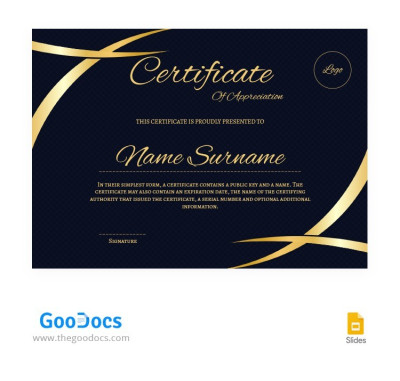
Gold-Blue Winner Certificates
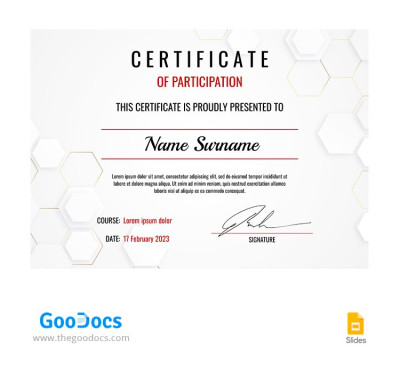
Light Gray Participation Certificate
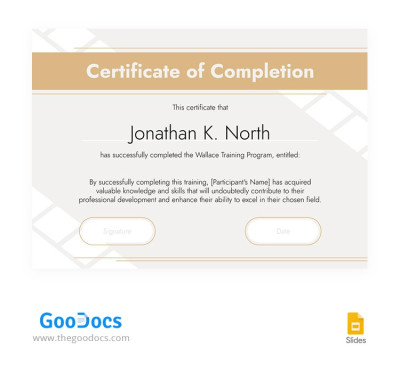
Stylish Beige Training Certificate
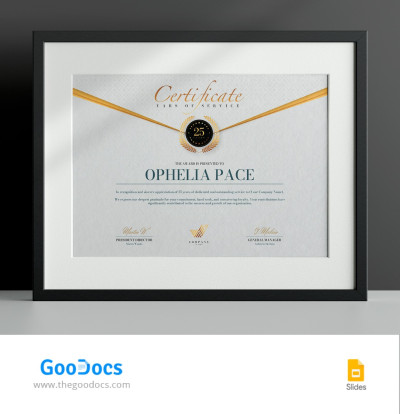
Years of Service Award Certificate
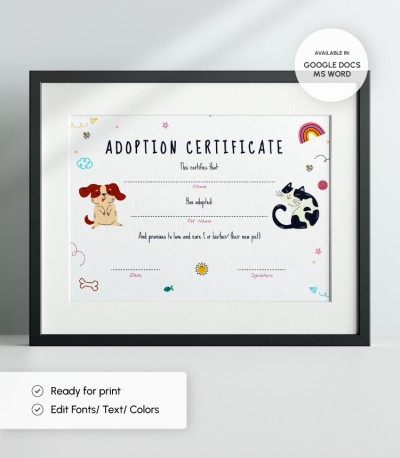
Pet Adoption Certificate
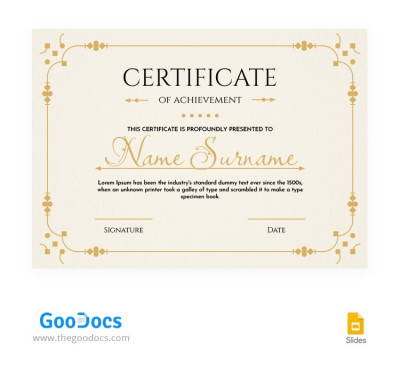
Elegant Congratulation Certificate
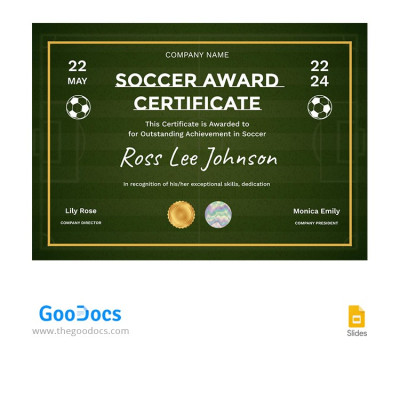
Green Soccer Award Certificate
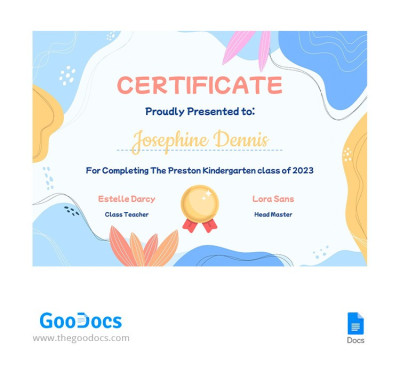
Cute Kindergarten Certificate
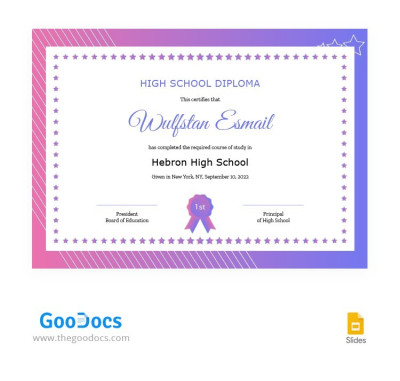
High School Diploma Certificate Template
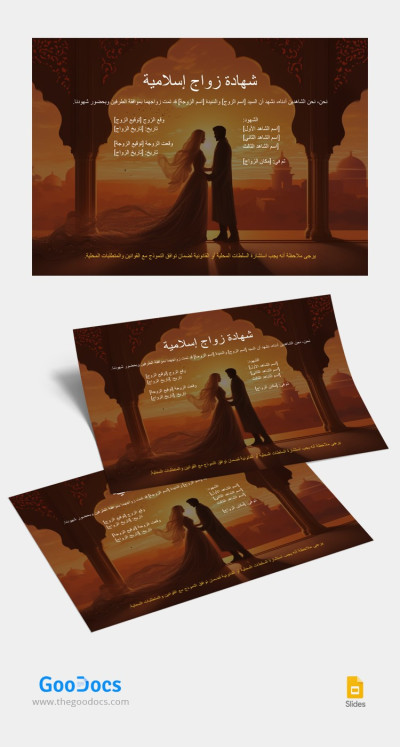
Islamic Marriage Certificate
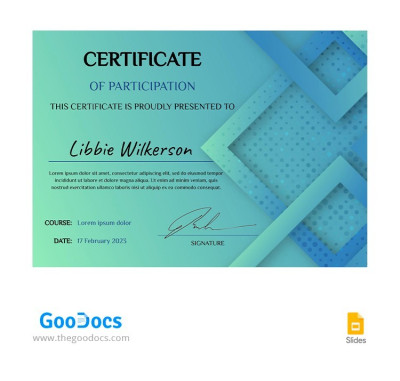
Turquoise Certificate of Participation
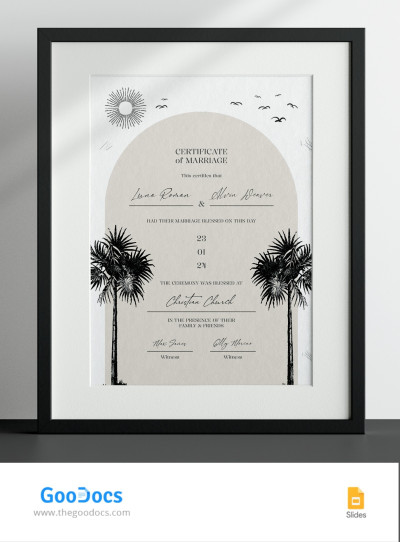
California Marriage Certificate
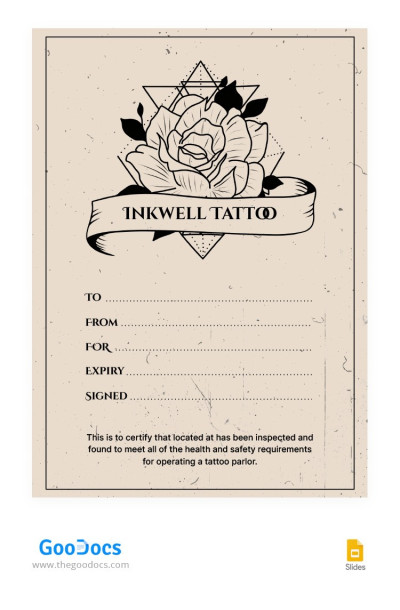
Beige Tattoo Gift Certificate
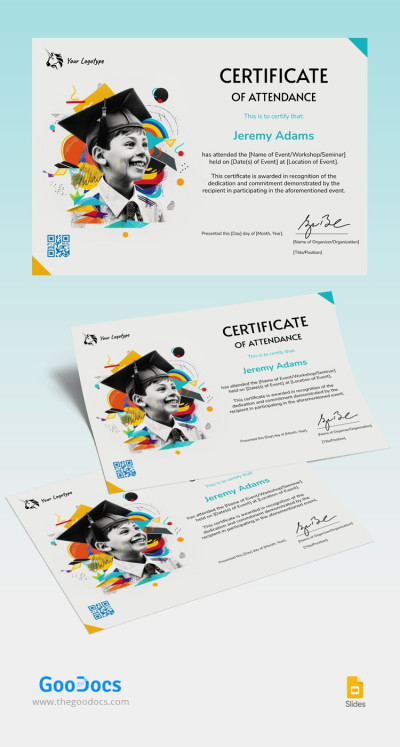
Attendance Award Certificate
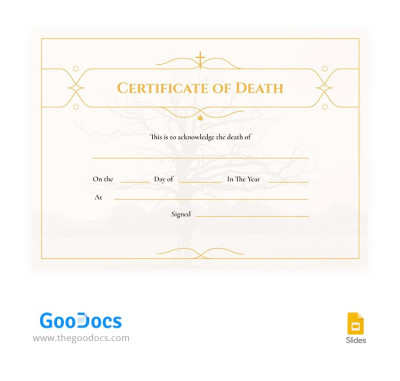
Lines Yellow Death Certificates
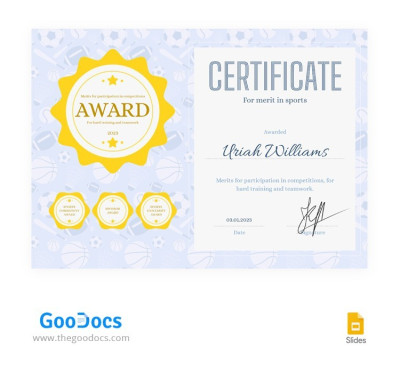
Premium Sports Certificate
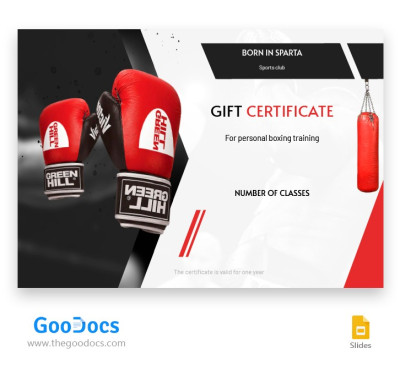
Boxing Training Award Certificate
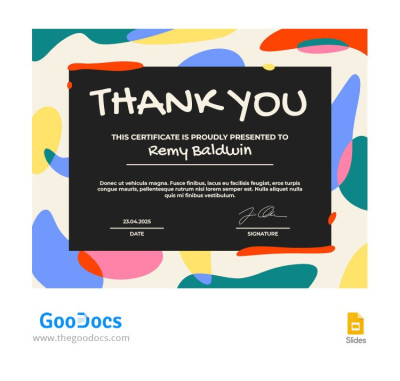
Multicolor Thank You Certificate

Super Funny Certificate
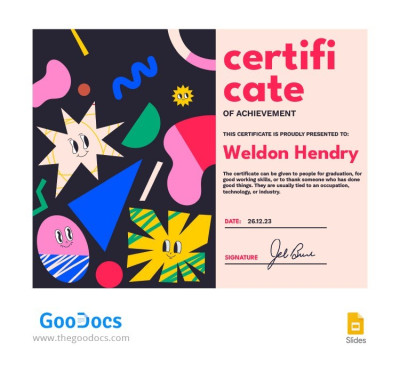
Colorful Funny Certificate
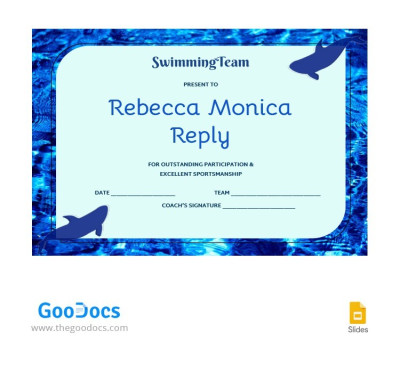
Swimming Certificate
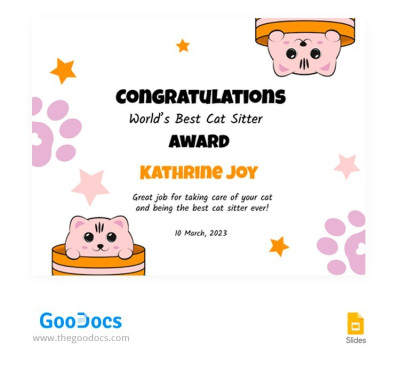
Pet's Award Certificate
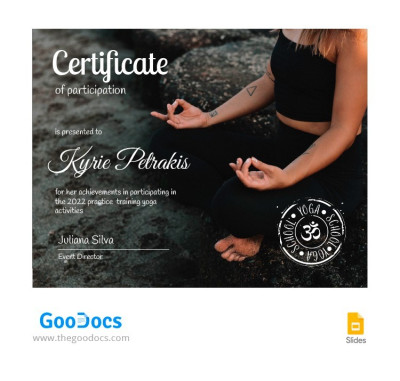
Yoga Practice Certificate
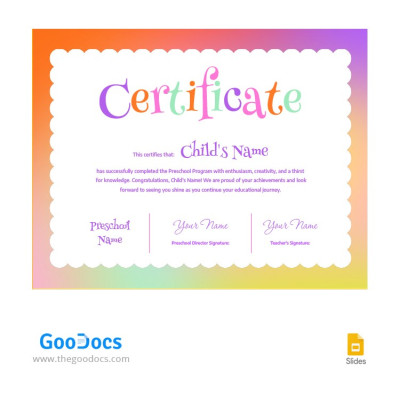
Colorful Preschool Certificate
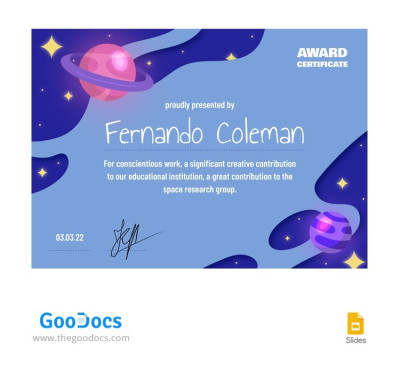
Space Award Certificate
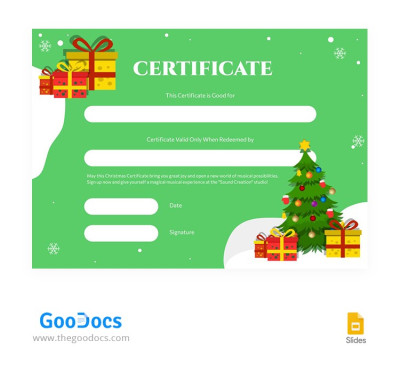
Bright Green Christmas Certificate
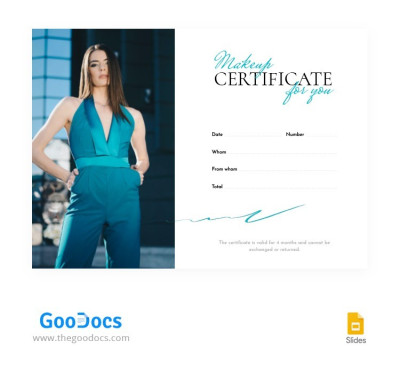
Makeup for You Certificate
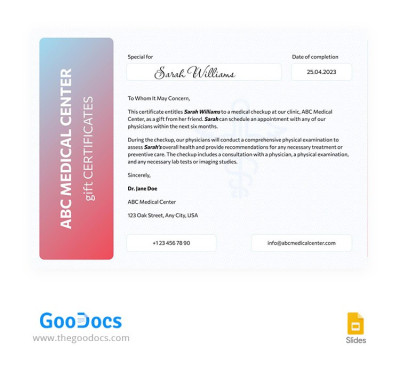
Minimal Medical Certificate
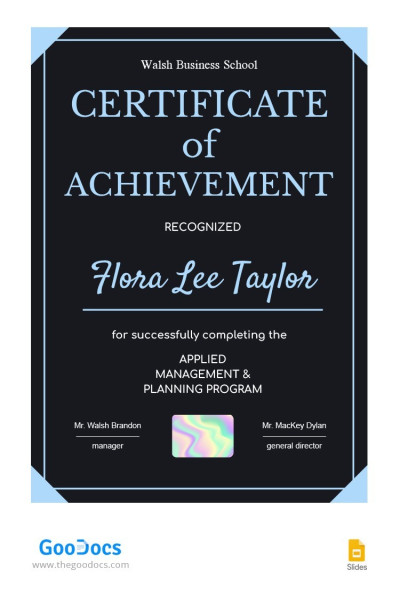
Dark Achievement Certificate
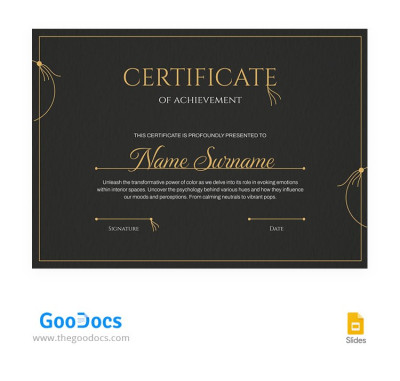
Elegant Dark Certificate of Achievement Template
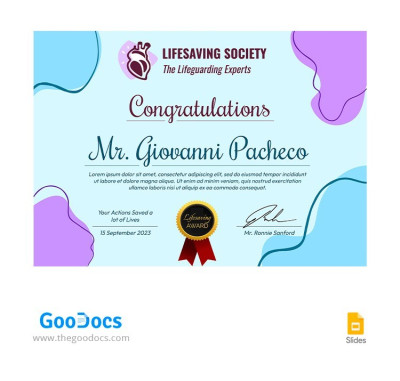
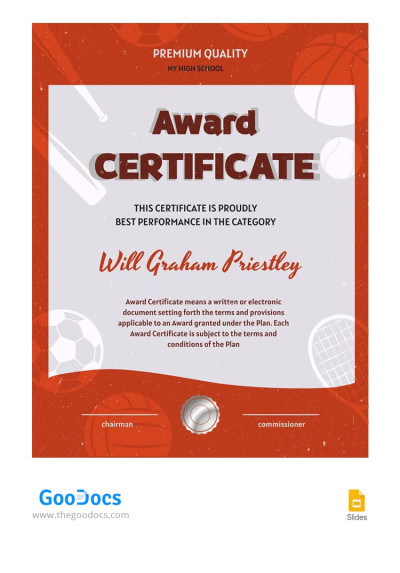
Sports Star Award Certificate
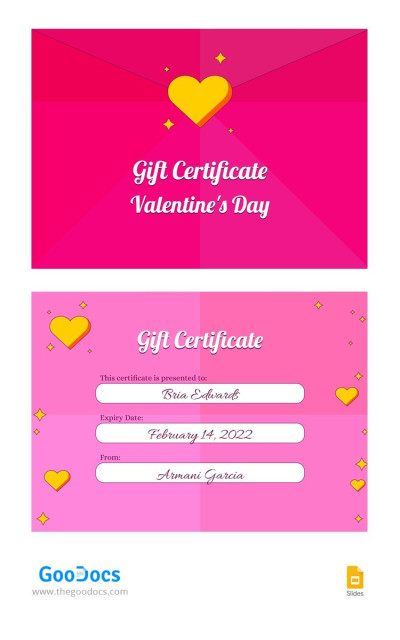
Valentine's Day Gift Certificate

Stylish Tattoo Gift Certificate
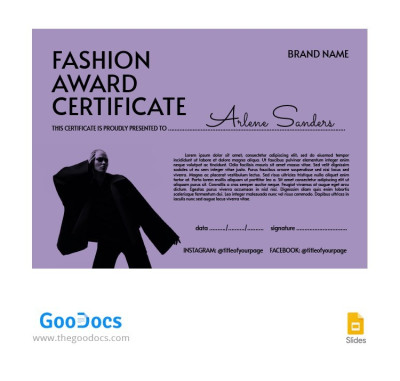
Fashion Award Certificate
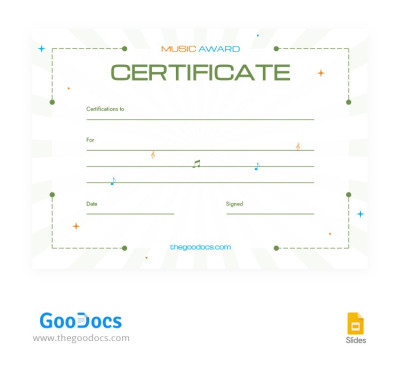
Creative Music Award Certificate
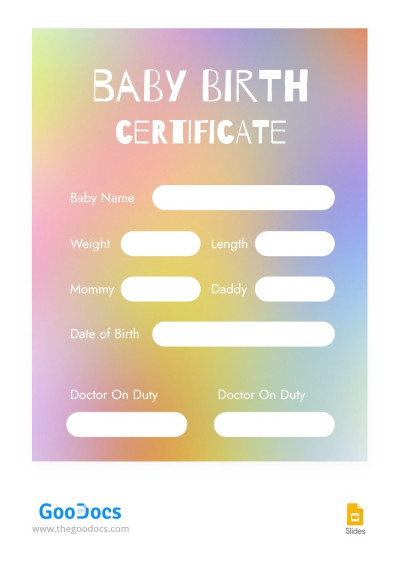
Baby Birth Certificate In Pastel Colors
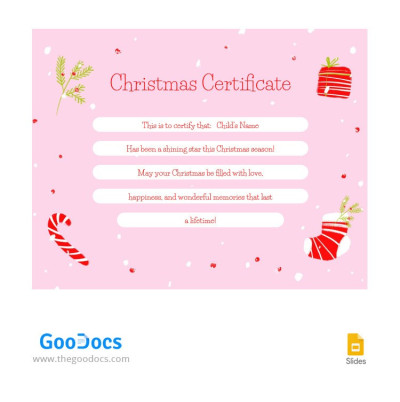
Cute Pink Christmas Certificate
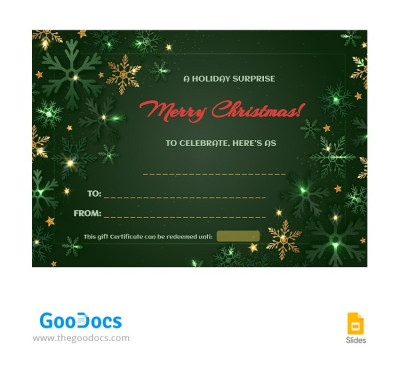
Green Christmas Certificate
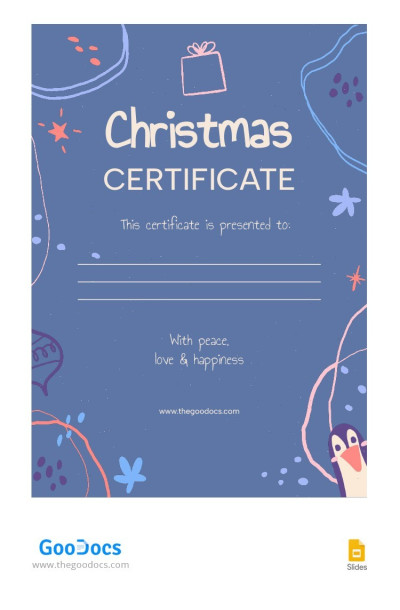
Cute Christmas Certificate
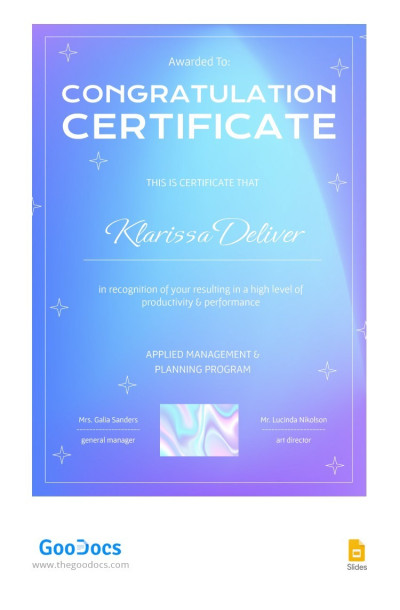
Gradient Congratulation Certificate
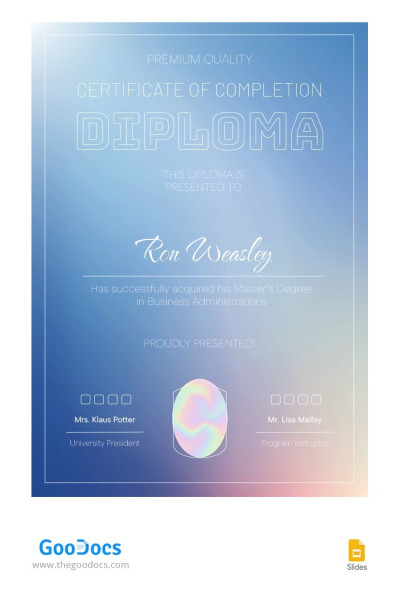
Gradient Diploma Certificate
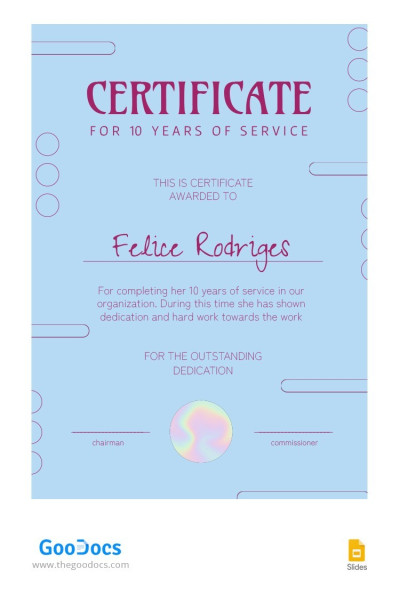
Blue Employee Service Certificate
Need to create a presentable certificate design that looks flawless when printed? Our collection of PowerPoint and Google Slides certificate templates will help you with that matter. Download or make a copy of a ready-made layout for any certificate directly from this page. You can easily customize the design, change the placeholder text, and print it immediately.
Discover more features of our PPT and Google Slides certificate templates:
- Download a template with a premium design for free. Most options on this page are available free of charge, and all were crafted by professional designers. This ensures the overall composition of each layout looks polished. Our templates feature elegant or modern frames, unique graphic patterns, and carefully selected fonts. You don't need any graphic design skills; all you need to do is change the placeholder text.
- Personalize your certificate for any purpose and recipient. Need to create dozens or hundreds of certificates for different recipients? Or perhaps you are looking for a unique, highly specialized option? In both cases, our Google Slides certificate templates feature clear placeholders for entering names, issue dates, company logos, and signatures. Simply duplicate the page, change the details, and your new certificate is ready.
- Print without any additional settings. The page dimensions are already configured for international printing standards (US Letter and A4) and are available in both landscape and portrait orientations. The fonts and graphics remain sharp even when printed on a standard office printer. You can also save the final version as a PDF to email, post on social media, or upload to your website.
Choose the perfect editable Google Slides certificate template on this page and start personalizing it for free right now. We offer layouts for online schools, beauty salons, fitness centers, and corporate needs. More relevant certificate templates in various formats are available on our website.
Certificates Templates FAQ
The best way to create a certificate in Google Slides is to use a ready-made certificate template from TheGoodocs and personalize it for your specific occasion and recipient:
- Choose a certificate template that suits your needs on this page. We've collected appreciation, gift, award, and other editable certificate examples in Google Slides, all in one place.
- Save a copy to your Google Drive. Click on the preview or template name to go to its page. Click the Google Slides button on the right side, and a new window will open in a few seconds. Click "Use the Template."
- Create a master version of the certificate. Using the Google Slides interface, replace the placeholder text (click in the text box and type your own), insert your company logo (Insert => Image => Upload from computer), and add the date and signature. You can also customize the fonts and colors as you like.
- Create a copy of the certificate template and personalize it for the recipient. Now click File => Make a copy and add the recipient's name. Repeat this for each certificate.
- Share digitally or print your certificate. You can save the completed certificate as a PDF by selecting File => Download => PDF Document. This format can be emailed or even printed directly without any extra hassle.
Using a pre-designed template with placeholders for text, name, date, and logo, you can easily create a certificate in Google Slides without spending hours formatting the page, choosing colors and fonts, or setting up text blocks. What's more, our certificate templates for Google Slides are completely free and print-ready.