
Bifold Menu Templates
On this page, you'll find classic bifold menu templates that are perfect for creating book-style menus. Among elegant, simple, and modern designs, you're sure to find the perfect fit for your establishment. Plus, our half-fold menu layouts are editable, printable, and easy to fold. Choose a template in Google Docs, Word, Google Slides, or PowerPoint formats, and add dish categories, descriptions, and images in just a few clicks. Save the finished template as a PDF and print—it's that simple.
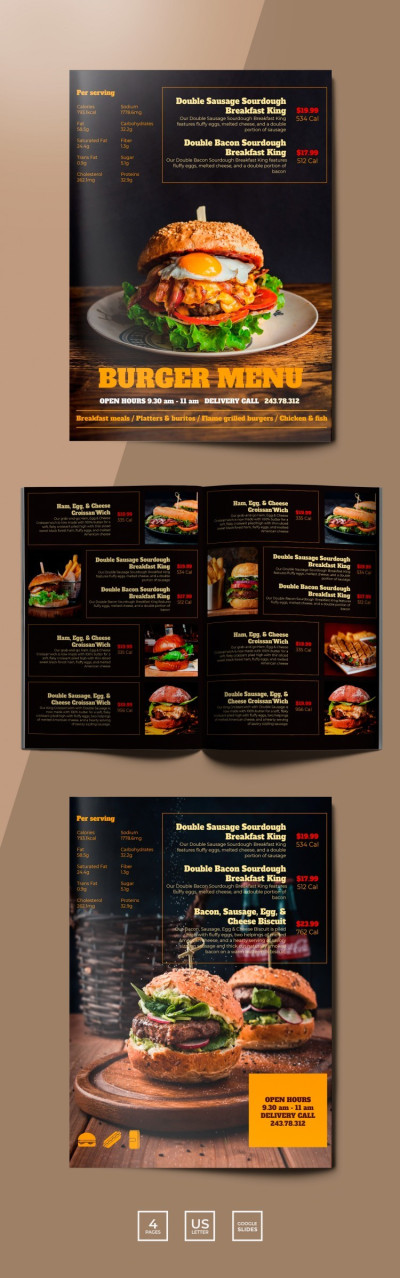
Burger Menu Restaurant
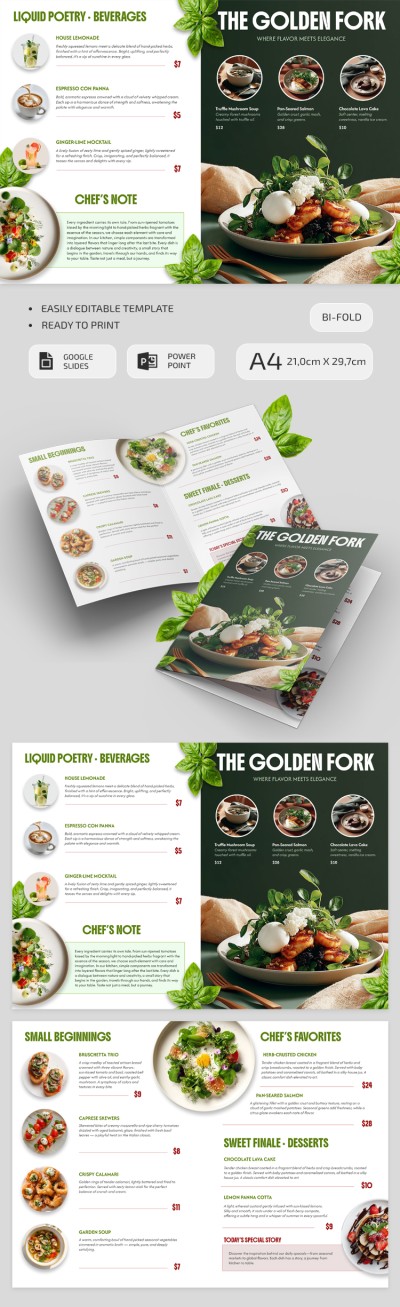
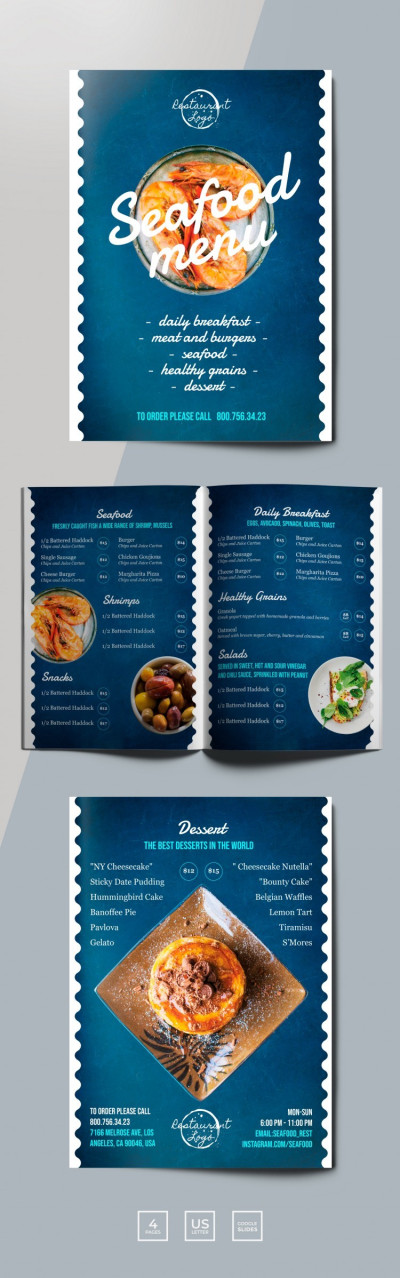
Seafood Restaurant Menu
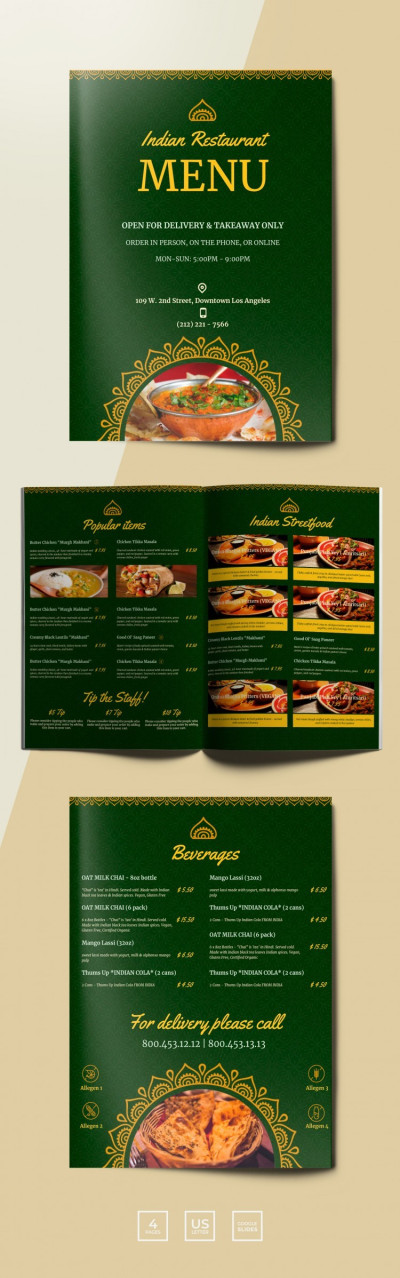
Traditional Indian Restaurant Menu
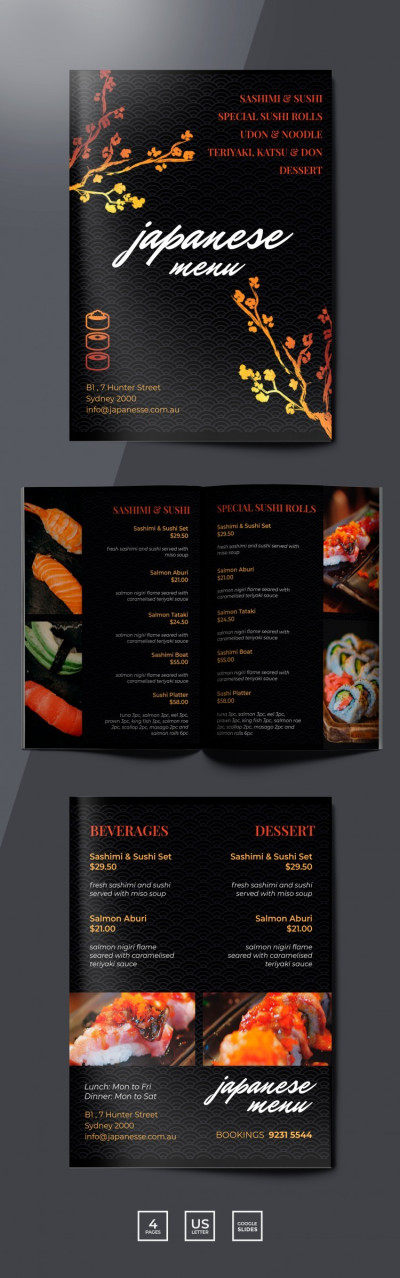
Sushi Restaurant Menu
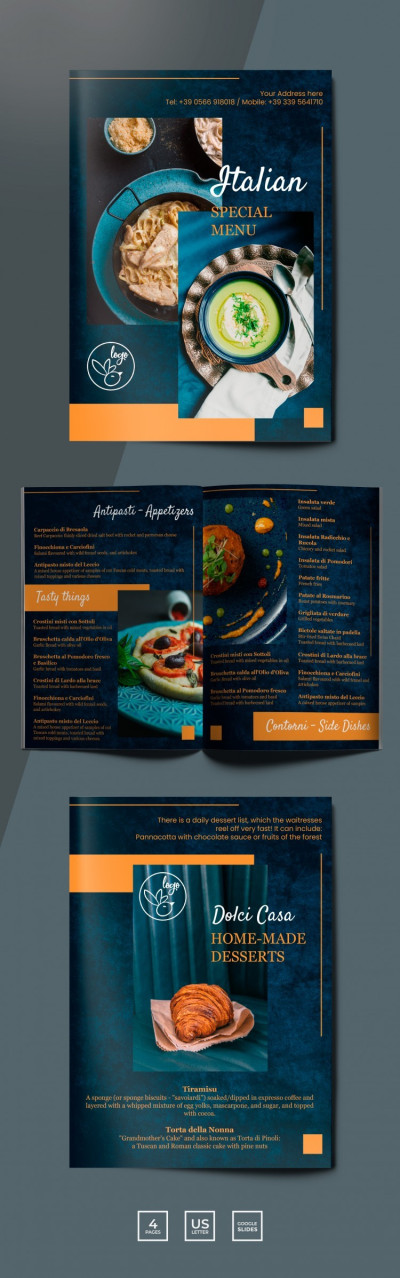
Dark Italian Restaurant Menu
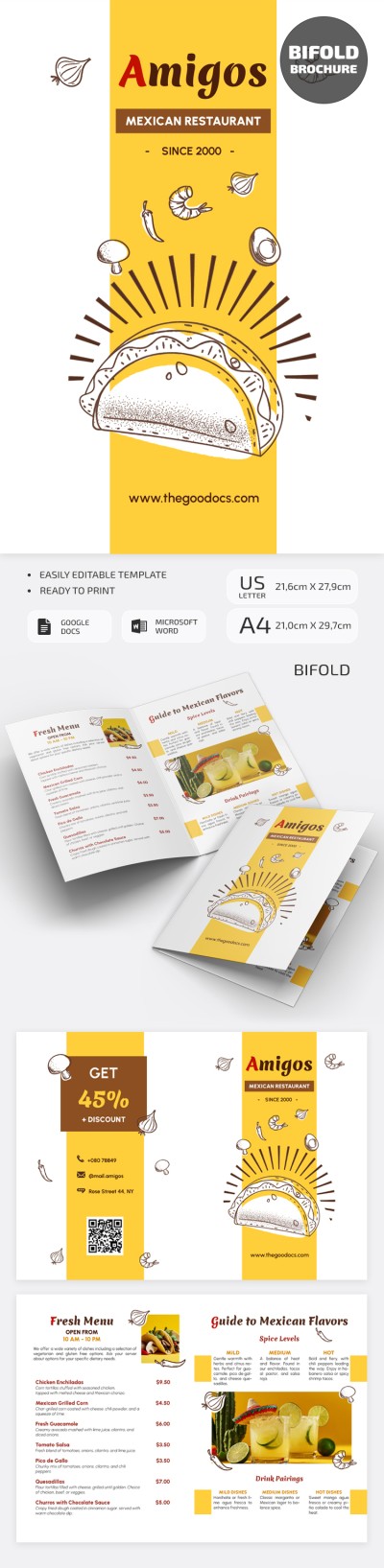
Mexican Restaurant Brochure
Red Asian Food Restaurant Menu
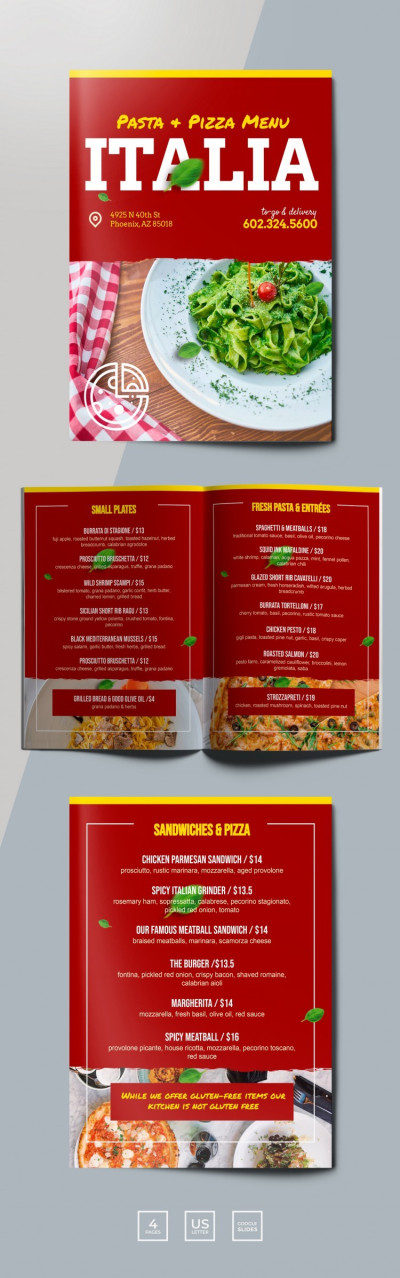
Red Italian Restaurant Menu
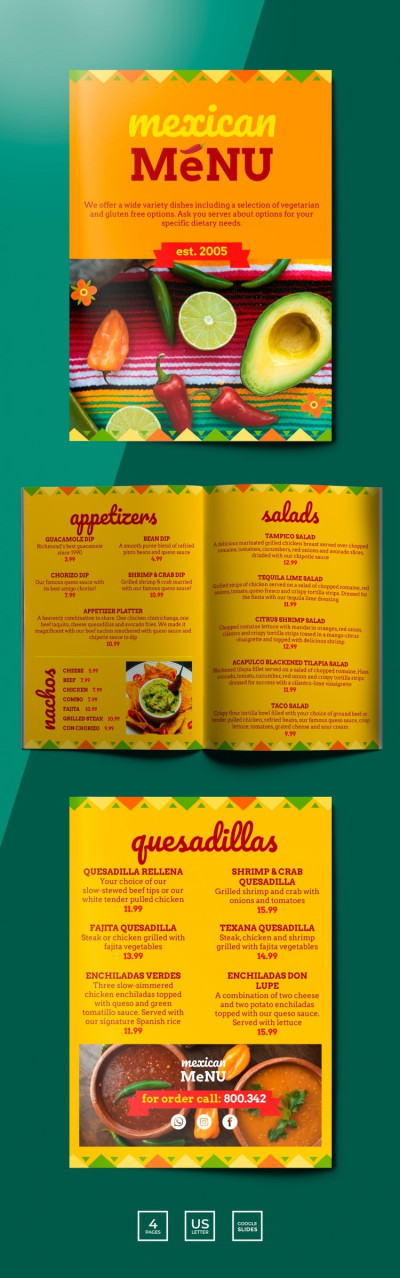
Mexican Restaurant Menu
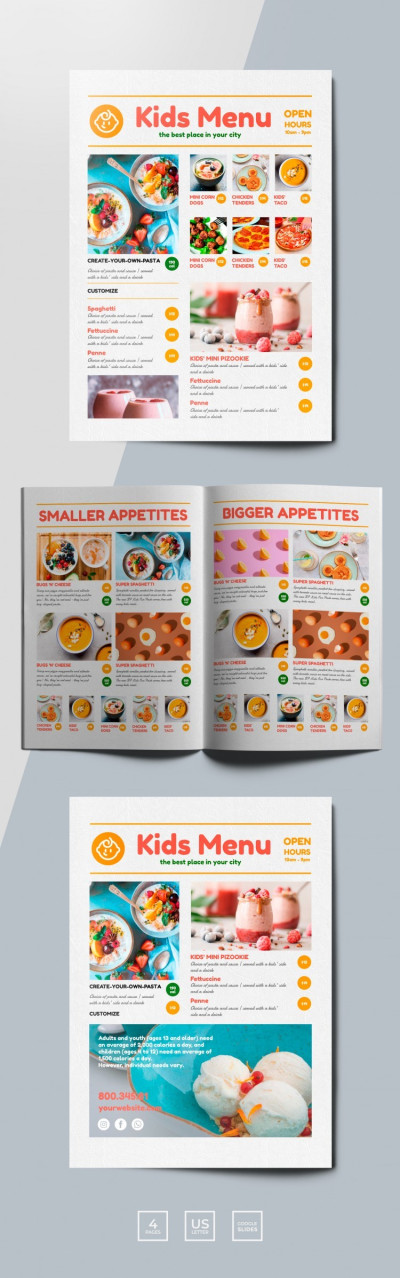
Kids Restaurant Menu
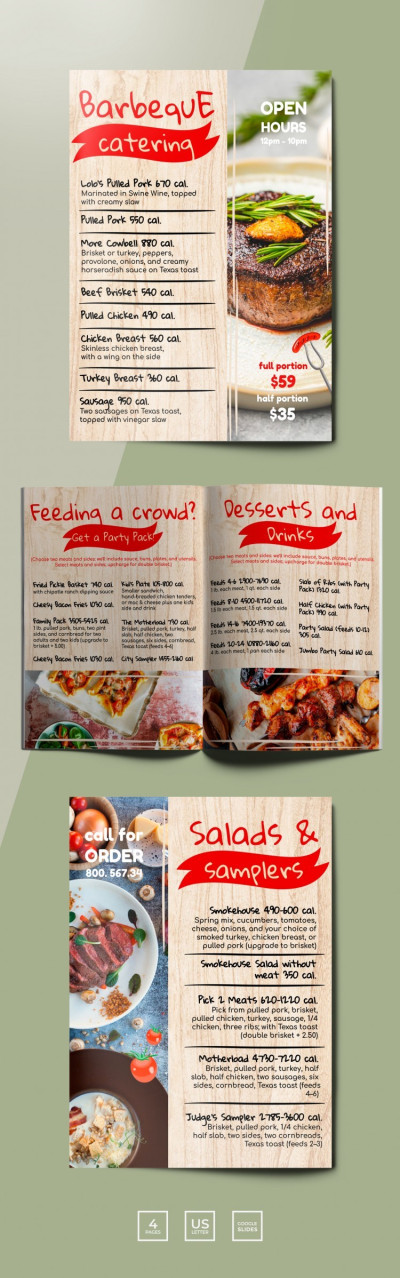
Barbeque Restaurant Menu
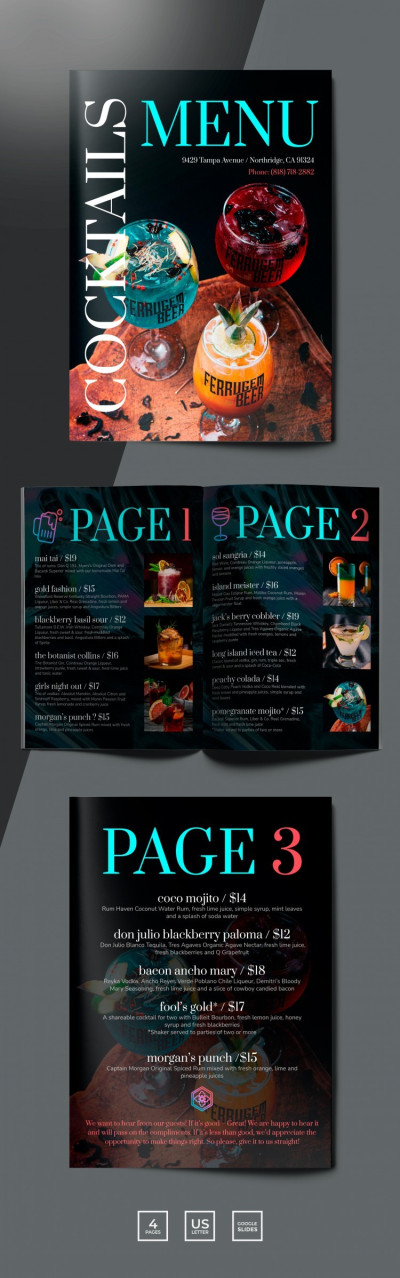
Cocktails Restaurant Menu
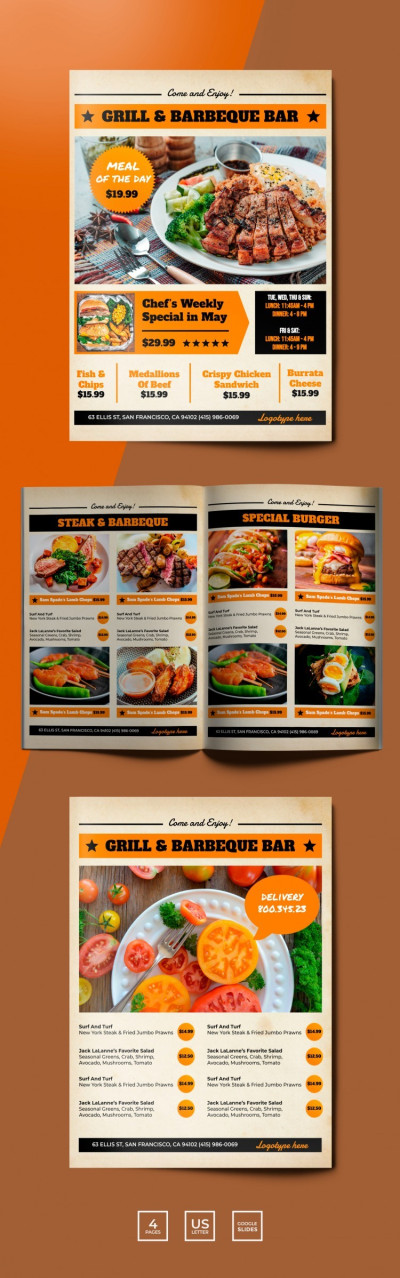
Grill and Barbeque Restaurant Menu
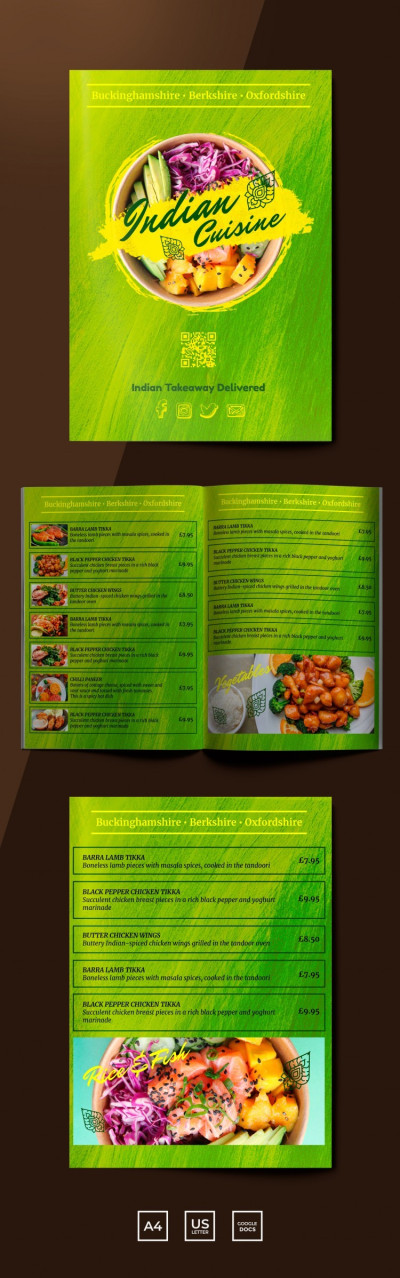
Delicious Indian Restaurant Menu
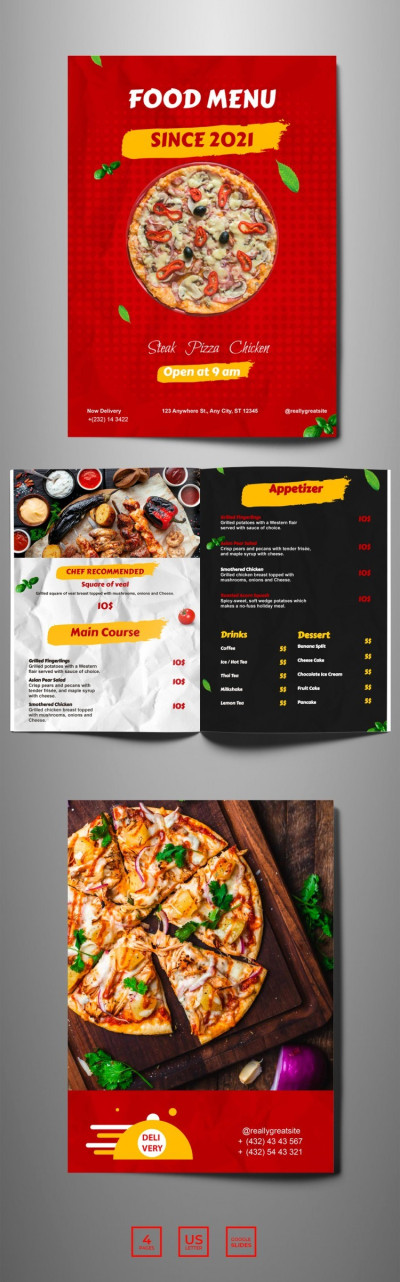
Bright Food Menu
Please try different filters or clear all to start over.
Our bifold menu templates offer standard layouts for booklets and two-sided menus that are perfect for any restaurant, cafe, or fast-food establishment. You can create multi-page catalogs with different dish categories or use single-fold templates with four pages to highlight your offerings.
Discover more advantages of our bifold menu templates:
- Use a classic structure without extra customization. Our template layouts follow proven restaurant marketing standards. They come with a premade front page featuring a striking cover where you can add your logo, name, and business details. The inside pages are reserved for showcasing your main dishes, while the back layout easily accommodates drinks, contact information, or a QR code.
- Keep your marketing costs lower. With a four-page bifold menu layout, you don't need expensive binding, gluing, or folders, making printing much more affordable. You can fit all your items onto a single standard A4 or US Letter sheet and print the exact number of copies you need. If prices or your selection change, you can update the template in just a couple of clicks.
- Customize content easily in familiar editors. You can use Google Docs, Google Slides, Word, or PowerPoint to customize your menu. Simply select the placeholder text for descriptions and dish names, or the image fields, and replace them with your actual content in your preferred editor. Then, save the template as a PDF and send it to print.
Our templates don't require tedious formatting, margin adjustments, or building a design from scratch. Save time with a free, ready-to-fill, printable bifold menu template. Download distinctive restaurant menu templates from our website today.
Bifold Menu Templates FAQ
A bifold menu template is a pre-designed layout that can be customized, printed, and folded in half to create four panels. Our bifold menu templates come with a pre-set structure for your appetizers, main courses, soups, and drinks, as well as distinctive designs for different establishments, from burger joints and sushi bars to grills and Indian restaurants.
A ready-made template lets you start adding your content right away. You can use the sample text as inspiration when filling in names, prices, descriptions, and ingredients for each dish without wasting time and money on layout creation. Our bifold menu templates also include a clear fold line and are ready to print on standard US Letter and A4 paper in landscape orientation.
A standard bifold menu has four panels:
- The front panel highlights your establishment's name and featured dishes.
- The two interior panels display dish categories and items.
- The back panel holds contact details, a drinks list, or extra information.
This way, across these four panels, you can neatly categorize your dishes, share opening hours, and include contact info, making this format extremely compact.
Our bifold menu templates are widely favored thanks to their versatility and ease of use:
- Free designs. Our templates stand out because they are created by professional designers and are available on TheGoodocs for free or with an affordable premium subscription.
- Compact and versatile layout. A single US Letter or A4 sheet transforms into four separate panels to organize your restaurant info and dishes. When folded, it takes up less table space.
- Easy customization. There is no need to create anything from scratch. Simply fill in the bifold menu template in Google Docs, Word, Google Slides, or PowerPoint with your own items. You can also choose new fonts and fully adjust the layout.
This means you get a design that's ready to print in standard A4 and US Letter sizes. Simply edit it, save it as a PDF, print it out, and fold it in half. Plus, printing is much more cost-effective since you only need a single sheet of paper per menu.