
Free Fillable Invoice Templates
On this page, we've compiled a collection of free fillable invoice templates compatible with our online editor. You can fill them out and add your company logo right in your browser without leaving the page. Each blank invoice allows you to adjust item quantities and unit prices, add client and company details, include an invoice number, and set tax rates. The templates automatically calculate the subtotal and grand total, letting you save the file as a PDF or export it to Word for printing or sending digitally.

Original Invoice
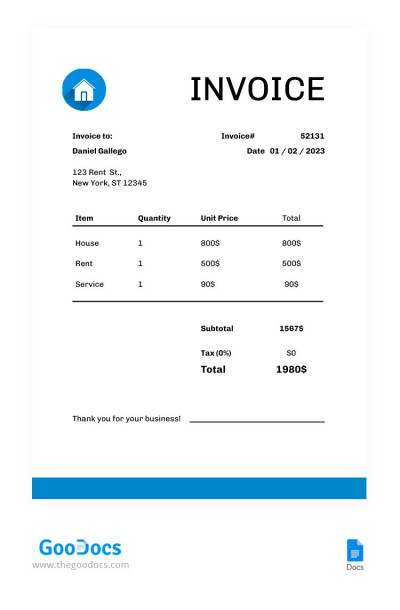
Minimal Rental Invoice
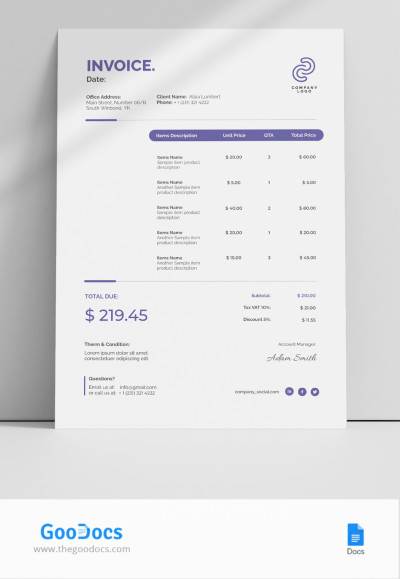
Blank Invoice
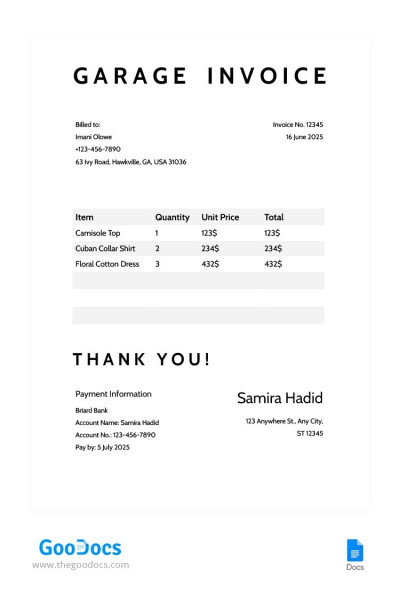
Garage Invoice
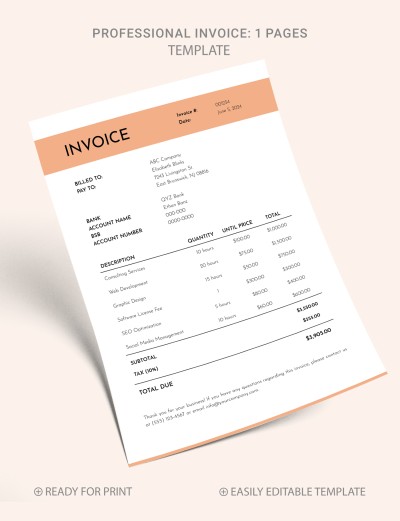
Elegant Professional Invoice
Please try different filters or clear all to start over.
Use our free fillable invoice templates for your business right away. We offer dozens of blank templates you can fill out directly on the page using our easy-to-use editor. Just choose a suitable fillable invoice, add your information, and save the finished version as a PDF for printing or sending to customers digitally.
Find out how our blank invoices can save you time and money:
- Use ready-made templates and the editor for free. Our samples are completely free, so you don't even need to register on the website. You get a professional-quality invoice right away, without having to buy expensive accounting software.
- Fill out the pre-made fields. Choose a fillable blank invoice, and fill it out in a few clicks. You can insert your logo, company details, billing and shipping info, select a currency, add your items or services, rate or unit cost, and more.
- Get automatic calculations. Based on the quantity of items or hours worked and the unit price you enter, our templates will calculate the subtotal and total. You can also apply a tax rate.
- Don't waste time on design. Choose an elegant or minimalist fillable invoice that perfectly suits your needs. Our templates cover everything freelancers, small businesses, and sole proprietors need to quickly create invoices for clients.
Create your invoice today! Choose a fillable invoice template on this page and start customizing it now. We offer user-friendly options and an editor that is easy to use. You can find even more invoice templates at the link.
AI Invoice Generator FAQ
The invoice must include all the information necessary to identify who is providing the goods or services, the quantity, and who is responsible for receiving and paying:
- Add the seller's or service provider's contact information (company name, address, phone numbers, email, and logo), the invoice number, and the issue date to the header.
- Provide billing and shipping details (name, company name of the payer and recipient, address, and phone number) below the header.
- Add the name of each service or product, quantity, and unit price to the table.
- Calculate the subtotal, any applicable discounts, tax rates, shipping costs, and the grand total below the table.
- Include the payment terms and conditions, along with the signature and title of the person responsible for issuing the invoice in the footer.
If you're unsure what to include in your invoice, you can use a fillable invoice template from TheGoodocs. Choose a suitable design on this page and fill it out right here in a couple of minutes to get a ready-made printable invoice.
Filling out our ready-made invoice template takes just a couple of simple steps. First, select the form you need on this page and click on its preview or name. On the template page, click the "Customize with AI" button.
After this, in the editor that opens right on our website:
- Choose the logo position and size (optional).
- Enter your company information (name, address, city, state, ZIP code, phone number, and email address).
- Fill in the invoice details (date, invoice number, currency).
- Enter billing and shipping details (payer and recipient names, company name, address, phone number).
- Add the service or product name, quantity, and unit price.
- Click the "Add Line Item" button to create as many product lines as you need.
- Enter any discount, tax rate, and shipping cost.
Once all the information is entered, our editor will automatically calculate the subtotal and grand total.