
Log in
Sign up
ADVERTISEMENT
ADVERTISEMENT
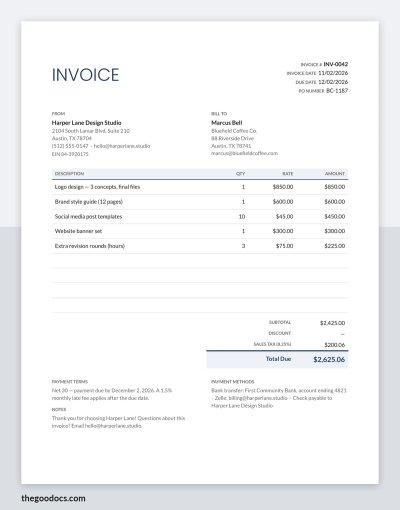
Simple Invoice Template Example and Blank
Use this free template with Google Docs and Microsoft Word
4.25 (1 reviews)
•
Last updated
Updated
November 18, 2026
•
Created by
Oleksandr Bahlai
ADVERTISEMENT
Save
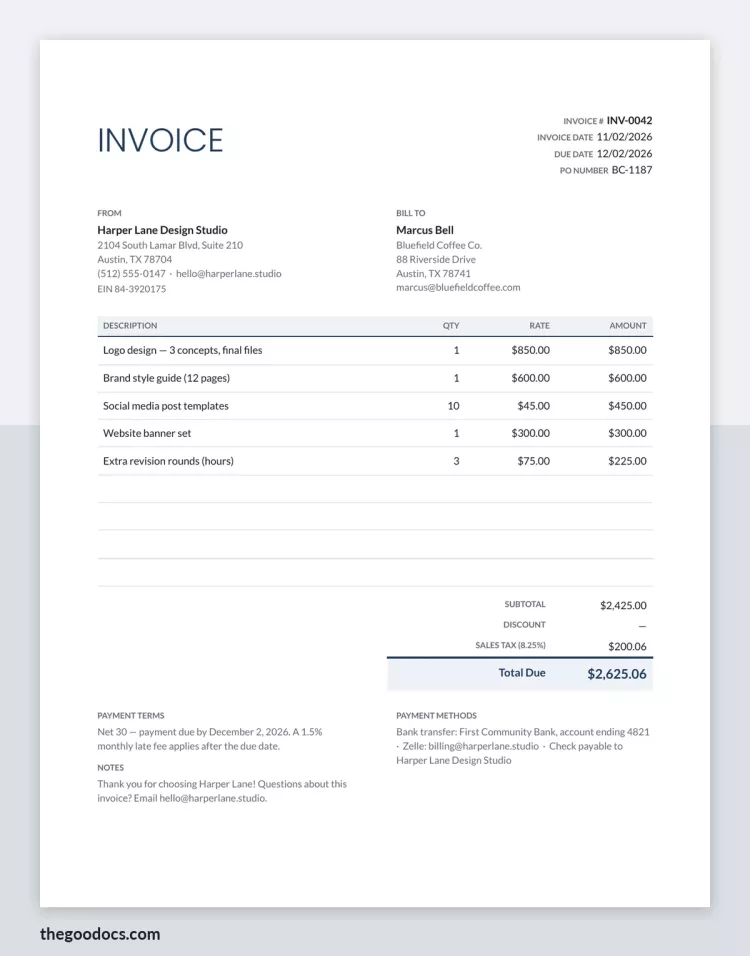
Template Specification
Format
Google Docs, Microsoft Word
Created
November 18, 2026
Last Updated
November 18, 2026
Community
Added to collections by 0 Users
Usage Stats
0 downloads this month
ADVERTISEMENT
Free Template
Download Free Template
Choose your platform and start editing right away
COLOR
CONTENT
Example
With sample text
Blank
Empty, ready to fill in
PLATFORM
Google Docs
Opens in browserMicrosoft Word
.docs
PAPER SIZE
US Letter
Google Docs – US Letter
No account required • Attribution required
Add to Collection
Facebook
Pinterest
Twitter
Copy link
WHAT’S INCLUDED
Detailed client billing information
Itemized service and charges section
Net payment terms and methods
Professional layout with totals and tax calculation
Invoice Tips
1
Ensure the invoice number is unique for easy tracking.
2
List each service with a clear description and rate.
3
Specify the payment due date to avoid late payments.
4
Include tax rates applicable to ensure correct billing.
FAQ
Can I add additional service items?
Yes, you can add more lines to the service and charges section.
Is there a space to include special notes?
Yes, there's a notes section for any additional information.
Can I specify different payment methods?
Yes, you can indicate different payment methods and terms.
Does the template include a section for taxes?
Yes, it includes sales tax calculation.
Is this template compatible with Google Docs and Microsoft Word?
Yes, it works with both Google Docs and Microsoft Word.
ADVERTISEMENT
How to Use and Edit This Template
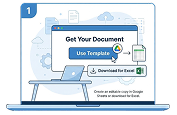
1
Get Your Document
Click the "Edit Template" button to create your own editable copy in Google Docs or download for Microsoft Word
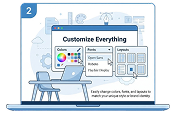
2
Customize Everything
Easily change colors, fonts, and layouts to match your unique style or brand identity
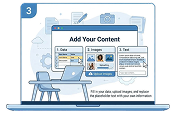
3
Add Your Content
Fill in your data, upload images, and replace the placeholder text with your own information
4
Print, Export, or Share
Print, export as PDF, or share instantly
Related Templates
Recently Viewed
Simple Invoice Template Example and Blank
Open in Google Docs and Microsoft Word
Simple Invoice Template Example and Blank
Open in Microsoft Word
Your session has ended!
This may be due to prolonged inactivity or your account being used on another device.
OK
Link copied to clipboard