
10 Panel Comic Strip Templates
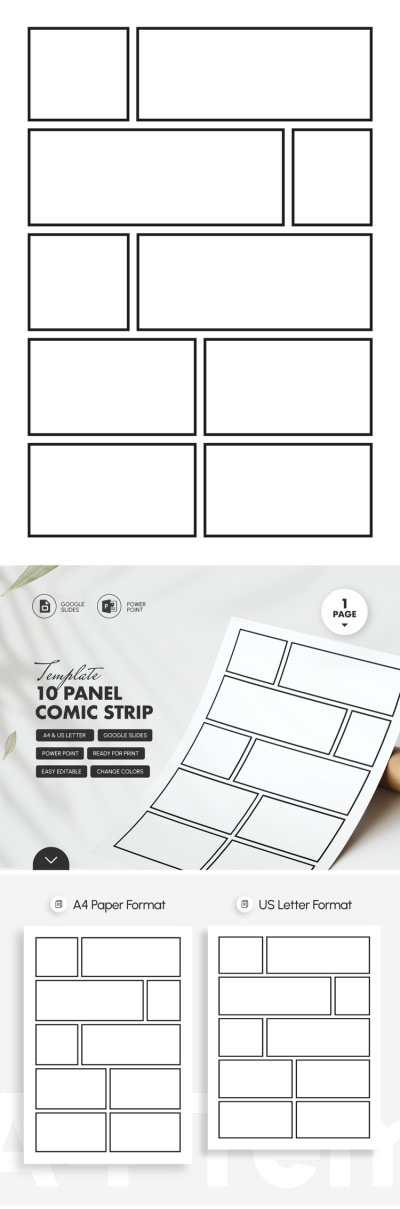
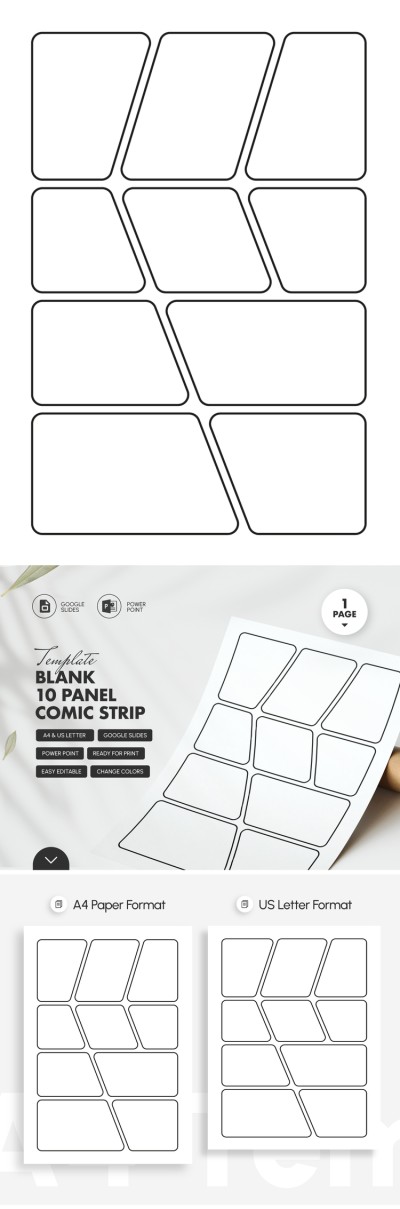
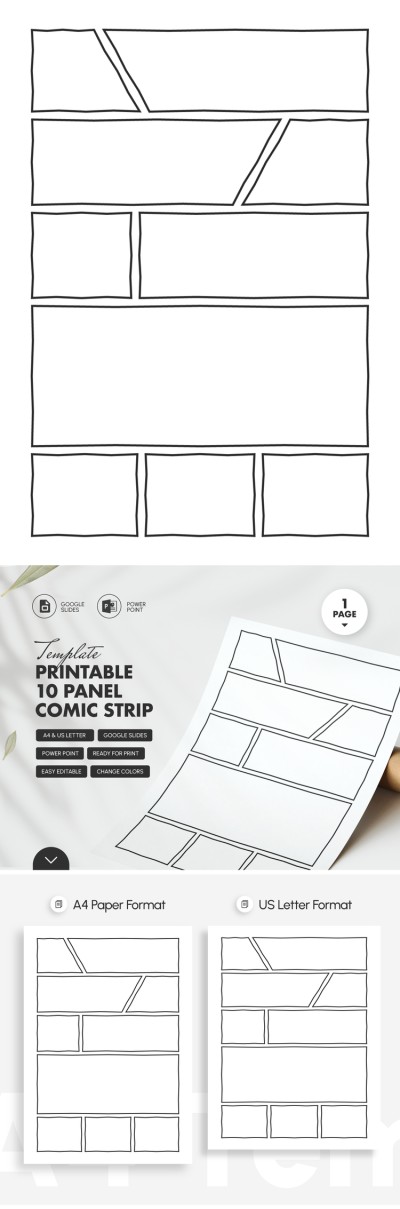
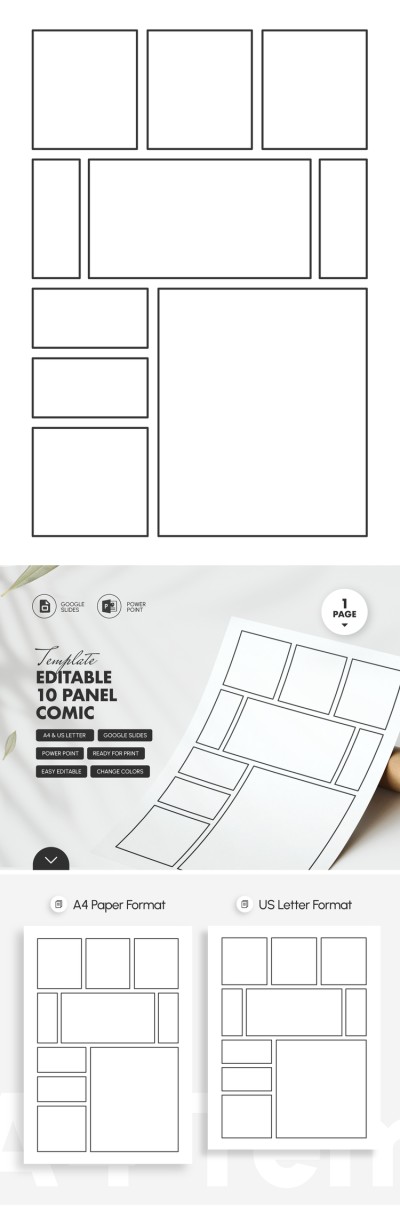
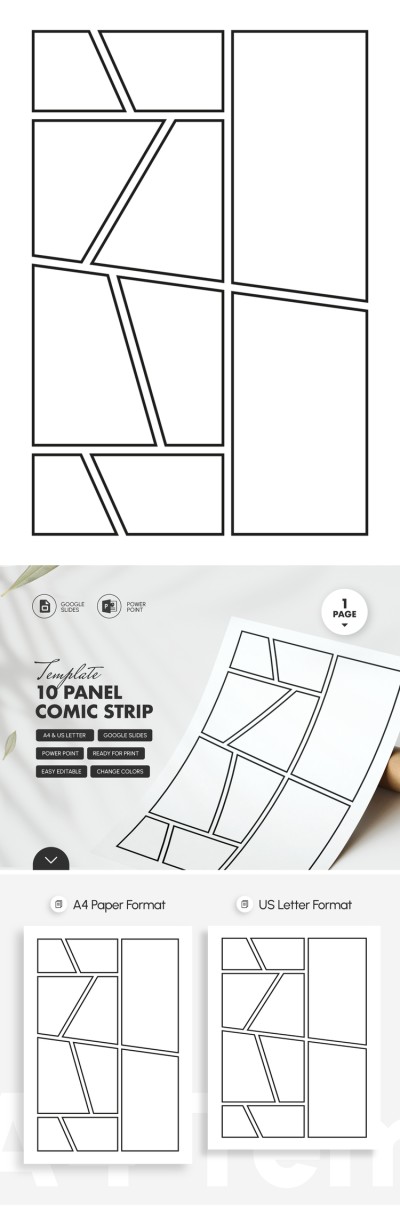
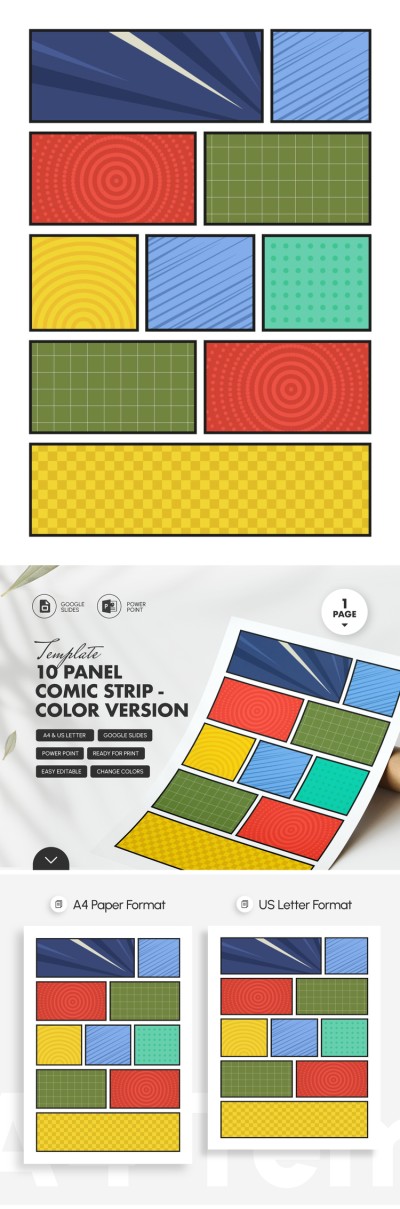
Our 10-panel comic strip templates help you create detailed stories without wasting time formatting the page. Get distinct layouts, from standard options with square and rectangular panels to unconventional designs. You can adjust sizes, combine panels, delete unnecessary ones, and fully customize the layout in Google Slides, Google Docs, Word, or PowerPoint. These templates are ideal for dynamic action scenes, varying camera angles, step-by-step illustrations, and more. Print the layout to draw by hand or import it into any graphics editor.
Please try different filters or clear all to start over.
Take advantage of our pre-designed 10-panel comic strip templates. Use free ready-made layouts to draw your stories. We offer distinctive templates with unique panel layouts, ranging from standard square and rectangular options to unconventional shapes that add dynamic energy to your storytelling. Use these perfectly marked-up panels to bring any story to life.
Explore more benefits of our 10-panel comic strip templates:
- Create your deep stories across ten panels. Unlike short strips with just a few frames, our 10-panel comic layouts offer more creative freedom and structural elements to build your plot. Having ten panels on a single page allows you to seamlessly introduce characters, build intrigue, and guide readers through the conflict, climax, and resolution of your story on a single page.
- Get a ready-made layout with pre-set grids and margins. Instead of spending hours drawing ten identical panels or trying to align complex geometric shapes yourself, you can use a ready-made template. Choose options with clean borders, perfect spacing, and other pre-configured settings.
- Customize your layout in a convenient editor. Our 10-panel comic templates are fully editable in Google Slides, PowerPoint, Google Docs, and Word. This means you can easily scale each panel, rearrange the layout, fill the frames or the spacing between them with color, and more. Everything you need to prep your canvas is built right into your favorite editor.
You can insert your illustrations into 10-panel comic strip templates or print our templates out to draw your characters by hand. Once your comic is finished, you can also easily share your work digitally or in print. Download your favorite comic strip templates for free on our website.
10 Panel Comic Templates FAQ
With ten comic strip panels, you have enough space to tell a complete mini-story. A 10-panel comic strip gives you room to set up a situation, build up tension, deliver a climax, and show real character growth.
Follow a simple guide to creating your own 10-panel comic strip:
- Choose a ready-made template. On this page, you can find 10-panel comic templates with classic rectangular or unique frame shapes, ready to print or open in your favorite design tool.
- Map out your plot across ten panels. A solid structure uses panels 1 and 2 for the setup, 3 to 5 to build tension, 6 to 8 for the climax, and 9 and 10 for the final punchline or resolution.
- Prepare a quick script first. Write down what happens in each frame, keeping in mind that every panel should focus on a single action or thought.
- Start with a rough draft. Sketching quick outlines helps you test the pacing and visual flow before committing to final details.
- Polish your comic. Once you are happy with the draft, clean up the linework, add colors, and insert speech bubbles with text.
Making a comic is all about bringing your ideas to life, so why waste time drawing grids from scratch? Save time on formatting and grab one of our ready-to-use 10-panel comic templates on this page to get started.
Yes, a 10-panel comic strip template is perfect for a book summary.
It gives you plenty of room to clearly map out all the main ideas:
- For fiction books, you can dedicate one panel to each major plot point. This gives you a clear visual sequence covering the introduction, inciting incident, rising action, major obstacles, turning point, escalation, climax, falling action, resolution, and a final takeaway. These classic storytelling beats are exactly what teachers look for in school projects.
- For non-fiction books, you can group your panels around core concepts. You might use the first panel for the main idea, and panels two through seven for key principles like strategies or historical facts. Then, use panel eight for a real-world example from the text, panel nine for the main lesson, and panel ten for a personal review or recommendation.
Using a 10-panel layout helps you turn a complex book into an engaging, step-by-step visual summary. It keeps your thoughts organized as every major takeaway gets its own dedicated frame.
Yes, you can easily add speech bubbles, thought bubbles, and captions to our 10-panel comic templates.
That’s how you can add them to our templates:
- Download the template or make a copy.
- Open the file in Google Docs, Word, Google Slides, or PowerPoint.
- Use the File menu to export your layout in the format you need.
- Save it as a PNG or JPEG if you want to bring the template into a graphics editor for digital drawing and lettering.
- Save it as a PDF if you prefer printing on A4 or US Letter paper to draw and write by hand.
You have complete freedom to customize your comic digitally or on paper. Plus, many of our 10-panel templates already include pre-drawn speech bubbles in various shapes and sizes, so you can start adding dialogue right away.