Weekly Attendance Tracker Template
Use this free template with Google Sheets and Microsoft Excel
Template Specification
Key Features of This Template
About this template
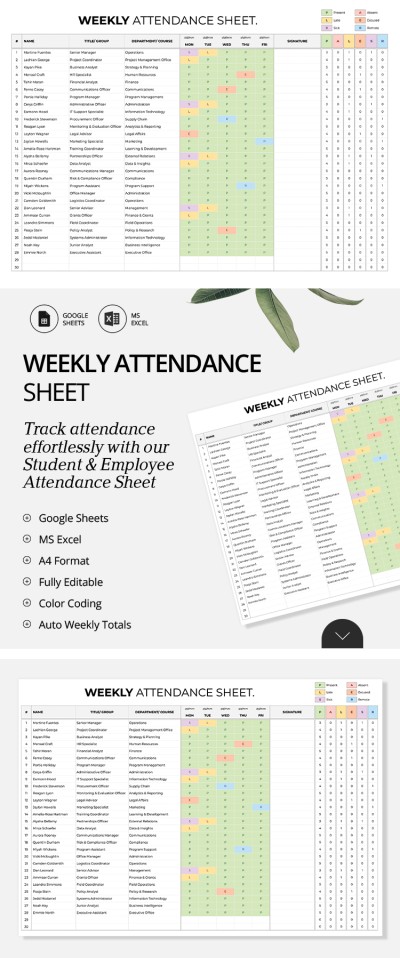
Looking for a convenient spreadsheet to record the attendance of your students or employees? This Weekly Attendance Tracker Template is your go-to choice to make the process faster and more efficient. The template features a streamlined structure that's ideal for use in both workplaces and schools.
Easily Organize Your Weekly Attendance Records
This Google Sheets and Excel tracker template has an intuitive interface:
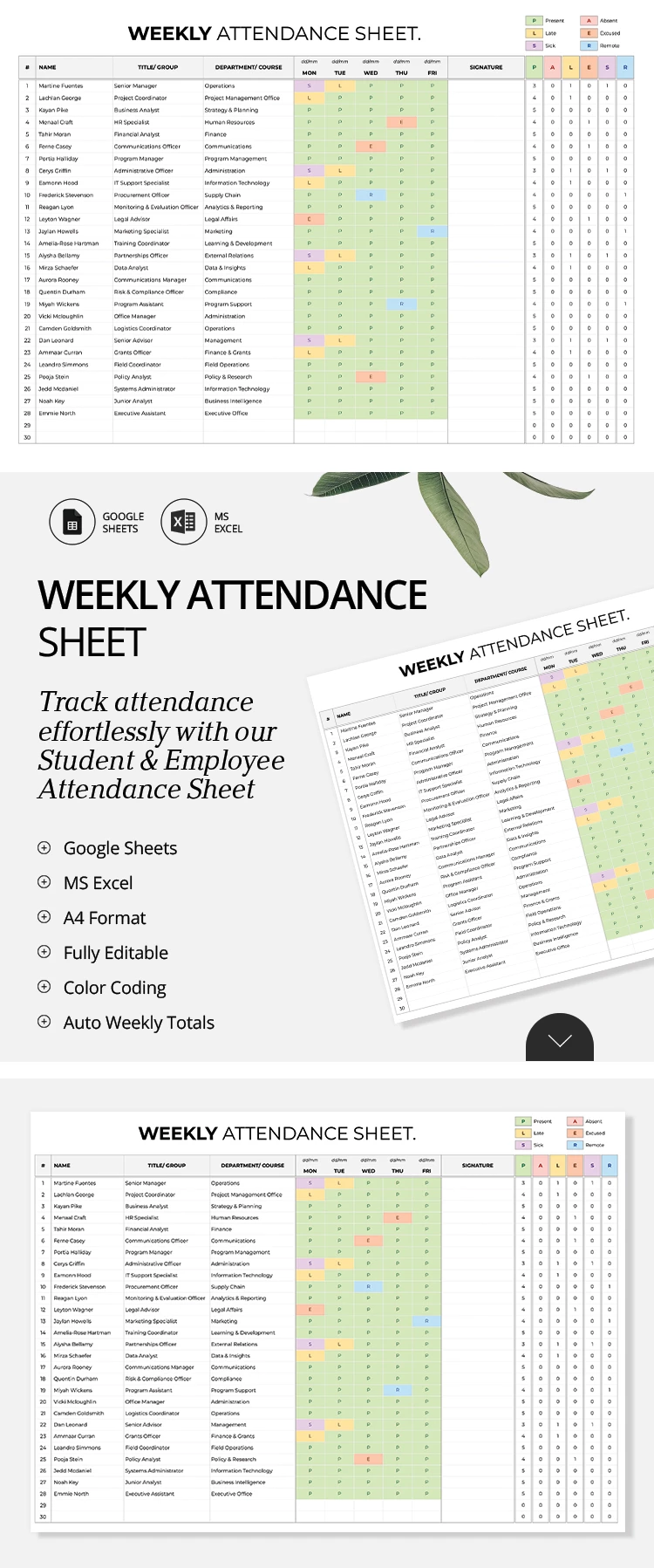
- The header section contains a customizable title and a key for attendance status values.
- The main table comes with columns for names, titles or groups, departments or courses, weekly tracking, and signatures.
- To the right, the table automatically calculates the total count for each status for every student or employee.
To set up and use the spreadsheet, simply add names and group details, then mark attendance regularly. It’s easy: just click on a cell and select the desired status from the drop-down list. You can also customize the list of statuses on a separate Setup Sheet. Choose your free attendance tracker Excel template from our website today!
Download Free Template
Google Sheets
Opens in browserMicrosoft Excel
.xlsxWHAT’S INCLUDED
Tracker Tips
FAQ
How to Use and Edit This Template

Get Your Document

Customize Everything

Add Your Content

Print, Export, or Share
Related Templates
Recently Viewed