Business Expense Tracker Template
Use this free template with Google Sheets and Microsoft Excel
Template Specification
About this template
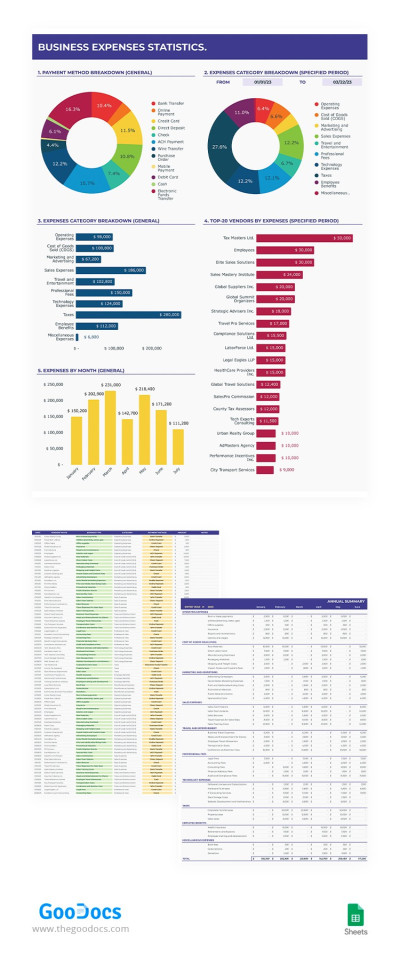
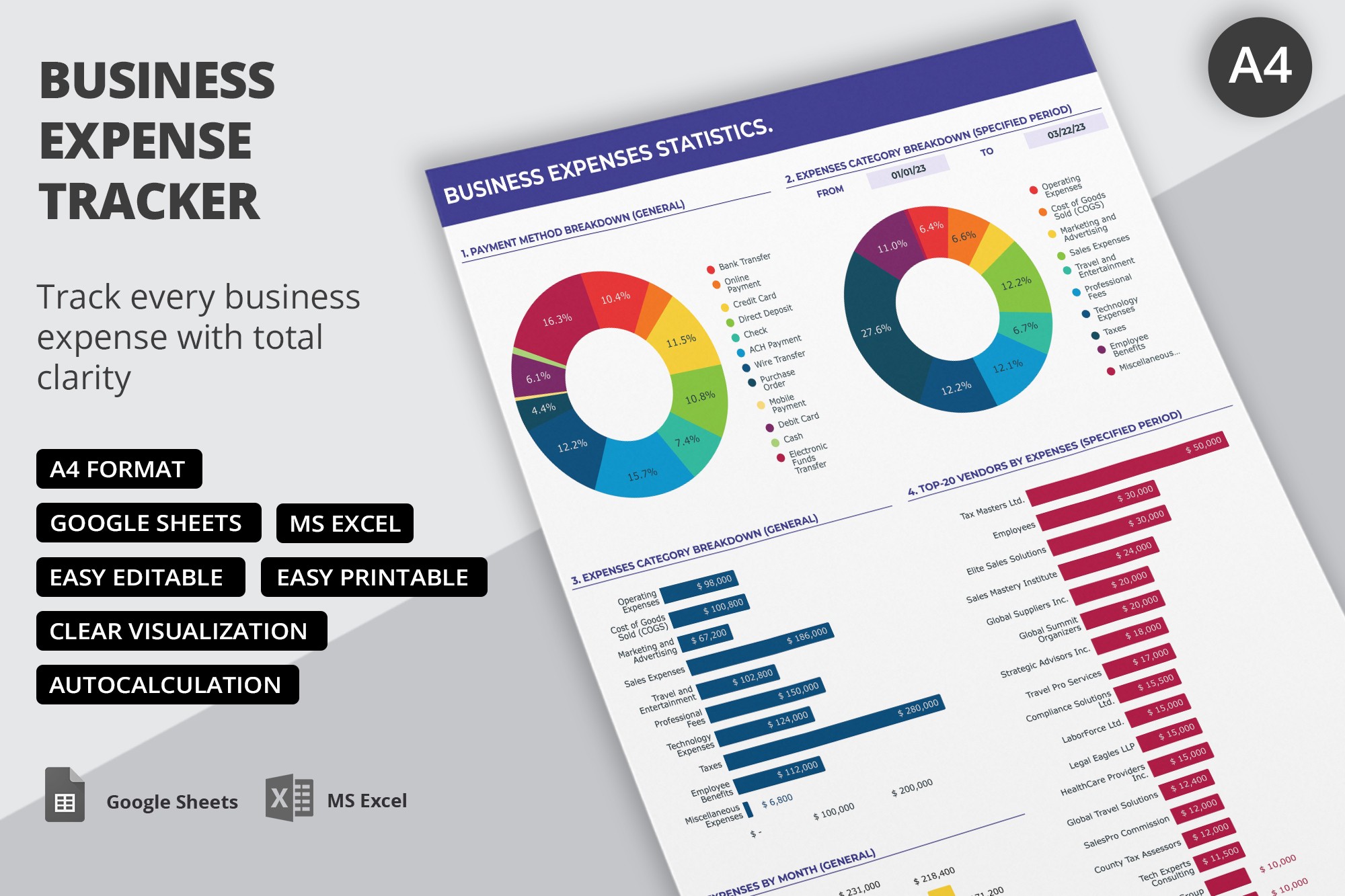
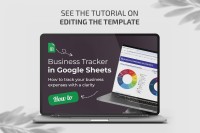
This Business Expense Tracker Template is available for free in Google Sheets format. Inside, you'll find everything you need to track, calculate, and monitor your business's expenses across various categories. We've also included convenient charts that are automatically generated based on the data you enter.
Use Our Comprehensive Business Expense Tracker
This template is extremely versatile in terms of design. It's suitable for any business, from consulting to IT companies and small businesses.
Our finance Google Sheets template consists of three main sheets:
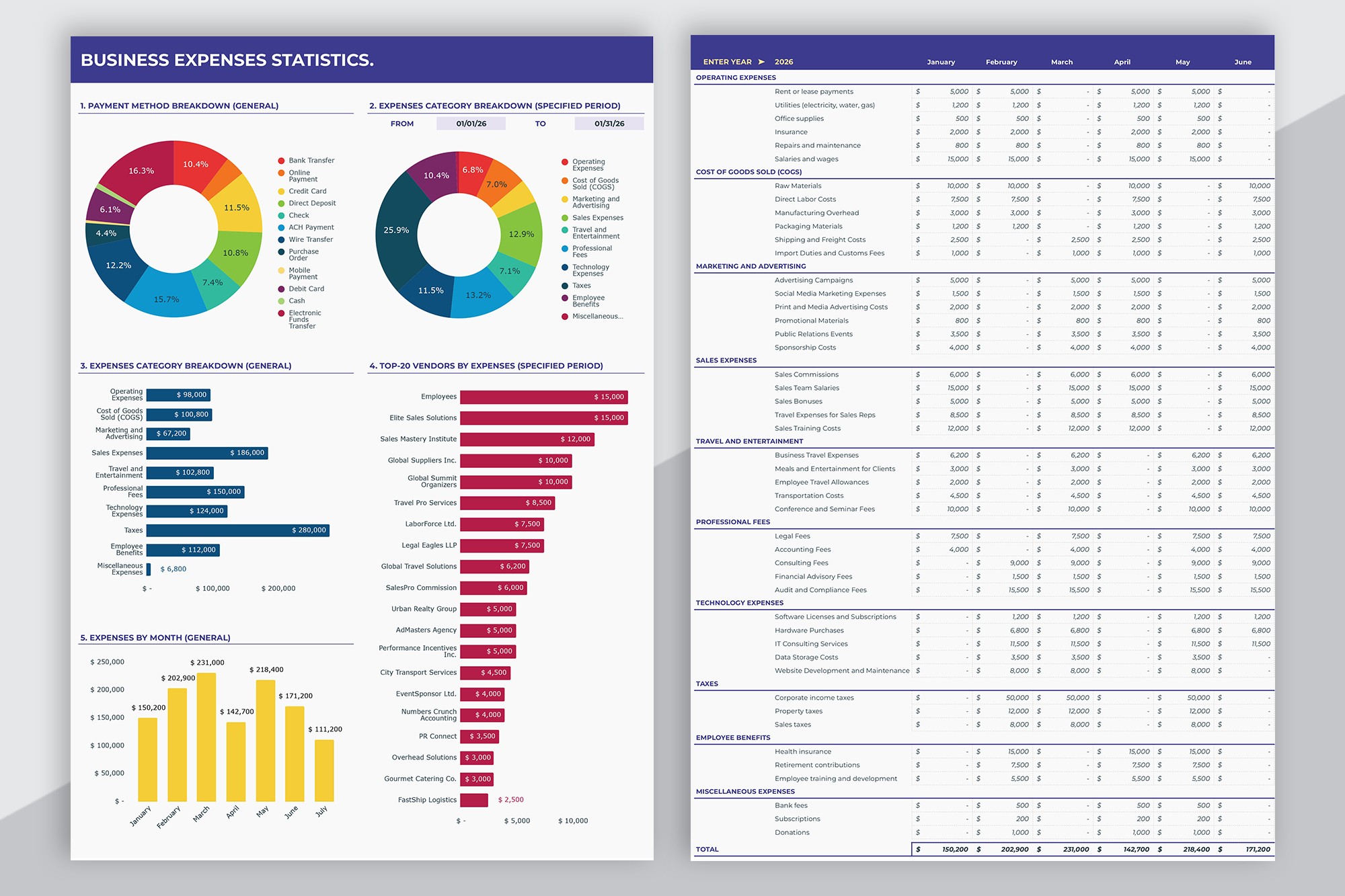
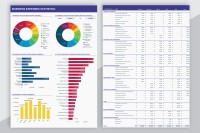
- The Statistics sheet offers a complete overview of key expense data. It includes pie charts for visualizing payment methods and expense category breakdowns. There are also bar charts showing expenses by category, vendor, and month.
- The Summary sheet also provides a detailed overview of business expenses, but in a table format. All expenses are already divided into operating, goods, marketing, sales, travel, taxes, and other categories.
- The Expenses Log sheet is where you'll enter each payment. Include the vendor, date, amount, and notes in the ready-made spreadsheet. From the drop-down list, you can select the expense type, category, and payment method.
This financial tracker template also includes a Data sheet. Using it, you can edit the drop-down lists and expense categories that will be displayed in the summary section. Get a copy of this editable Google Sheets expense tracker template for free right away.
Download Free Template
Google Sheets
Opens in browserWHAT’S INCLUDED
Tracker Tips
FAQ
How to Use and Edit This Template

Get Your Document

Customize Everything

Add Your Content

Print, Export, or Share
Related Templates
Recently Viewed