Business Expense Tracker Template
Use this free template with Google Sheets and Microsoft Excel
Template Specification
About this template
Looking for a modern, cost-effective, yet easy-to-use expense tracker for your company, store, or café? Try this Business Expense Sheet Template. We offer a simple solution for recording and tracking all your business expenses.
Check Out All the Benefits of Our Expense Sheet
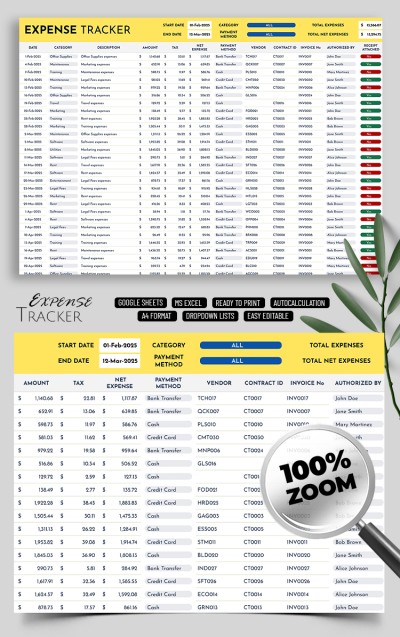
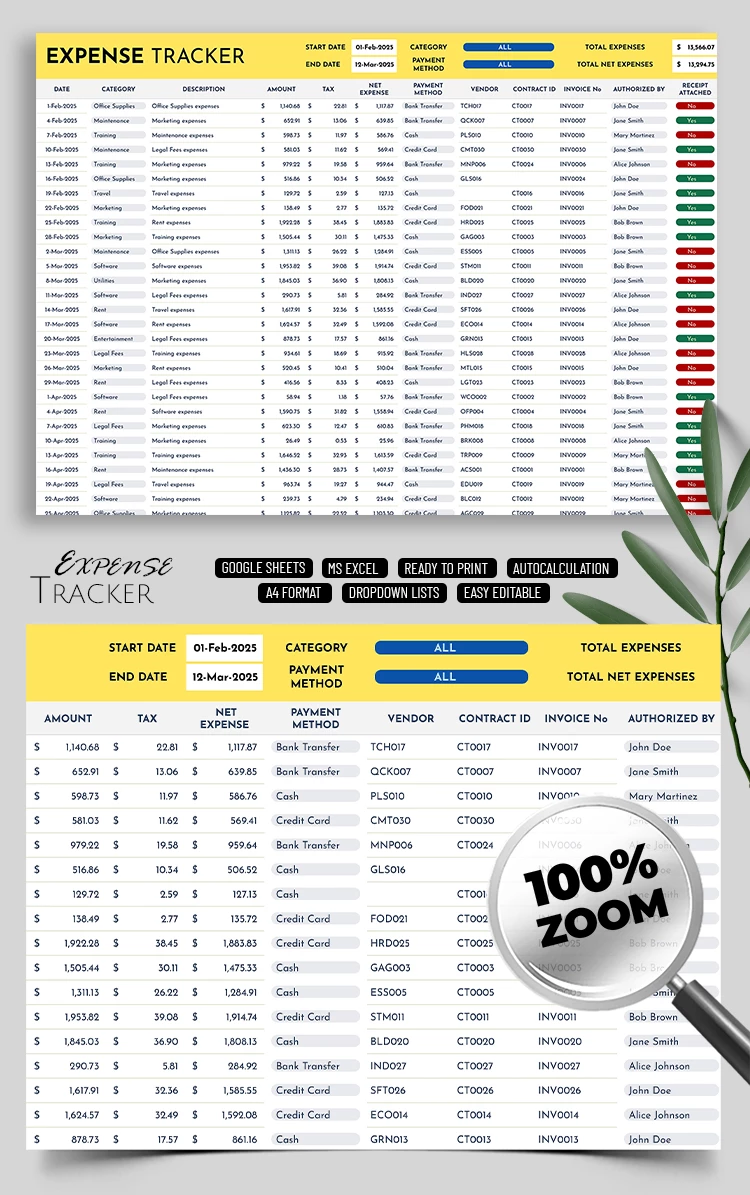
This finance tracker in Google Sheets and Excel formats contains two sheets. The first one is your expense tracker and includes:
- A header section featuring fields for start and end dates, category, payment method, total net, and overall expenses. Using the built-in drop-down menus in the category and payment method sections, you will automatically get expense amounts for each of them.
- A table section containing columns for date, category, description, amount, tax, net expense, payment method, vendor, contract ID, invoice number, responsible person, receipt attached, and notes.
Using this template is straightforward. Customize the table or leave all the columns as they are and fill them in. The completed data will automatically be pulled into the header.
Using the Setup sheet, you can configure custom categories for different drop-down lists, such as payment method, expense category, and authorized by. Get access to our business expense tracker template for free.
Download Free Template
Google Sheets
Opens in browserMicrosoft Excel
.xlsxWHAT’S INCLUDED
Tracker Tips
FAQ
How to Use and Edit This Template

Get Your Document

Customize Everything

Add Your Content

Print, Export, or Share
Related Templates
Recently Viewed