Get unlimited access to 5000+ Templates for Google Docs, Slides and Sheets
Unlimited Access
All Templates

Action Items Tracker Template

Use this template with Google Sheets and Microsoft Excel
4.38 (2 reviews)
Last updated Updated June 8, 2026
Created by Natalia Prokhorenko
ADVERTISEMENT

Template Specification

Format Google Sheets, Microsoft Excel
Created October 25, 2024
Last Updated June 8, 2026
Community Added to collections by 34 Users
Usage Stats 0 downloads this month

About this template

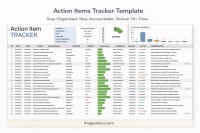
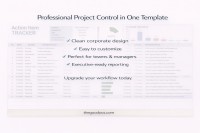
This Action Items Tracker Template is suitable for any field of activity - from IT and project management to finance and general administration. It helps organize tasks, distribute responsibility, and track progress!

Comprehensive Structure and Functionality

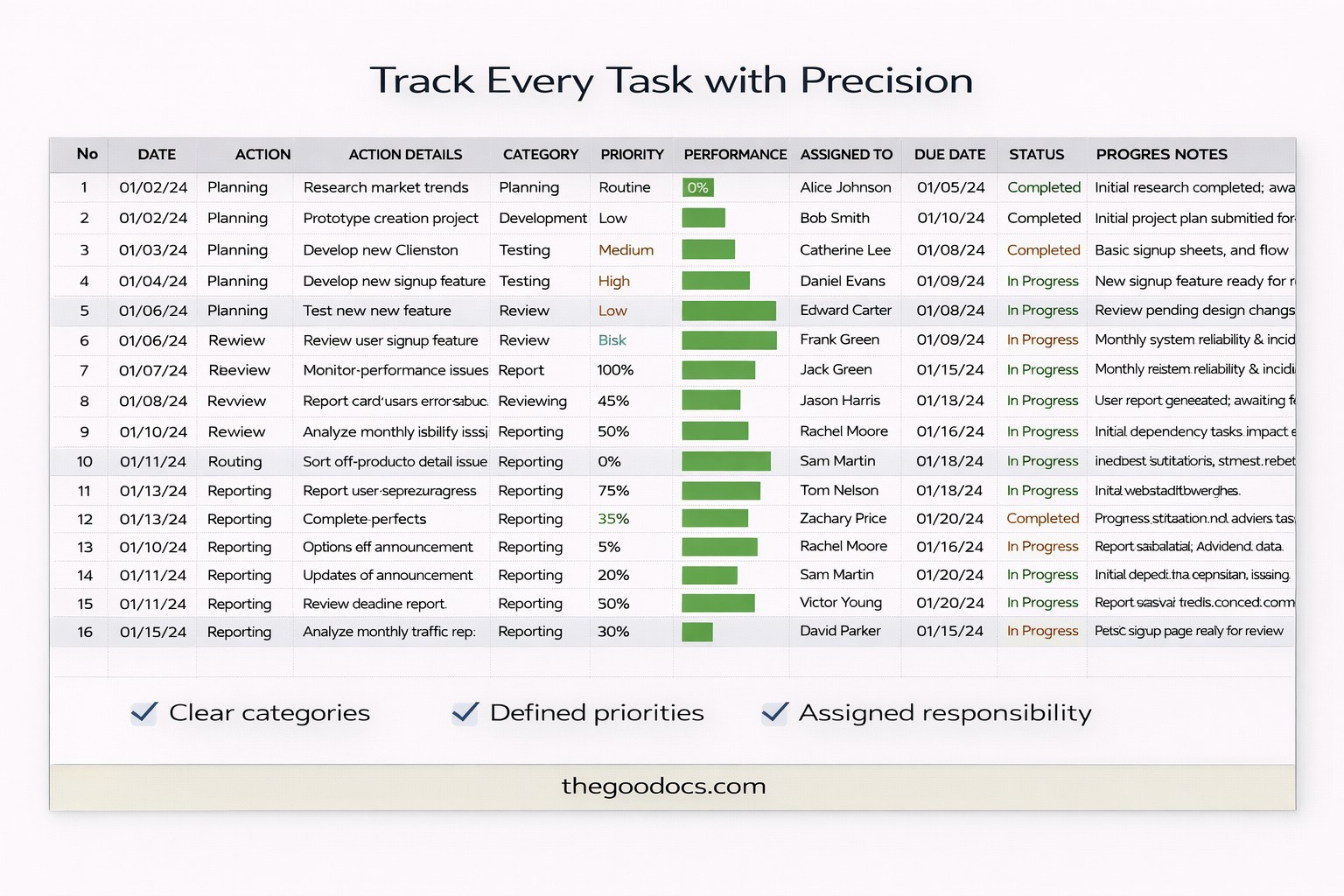
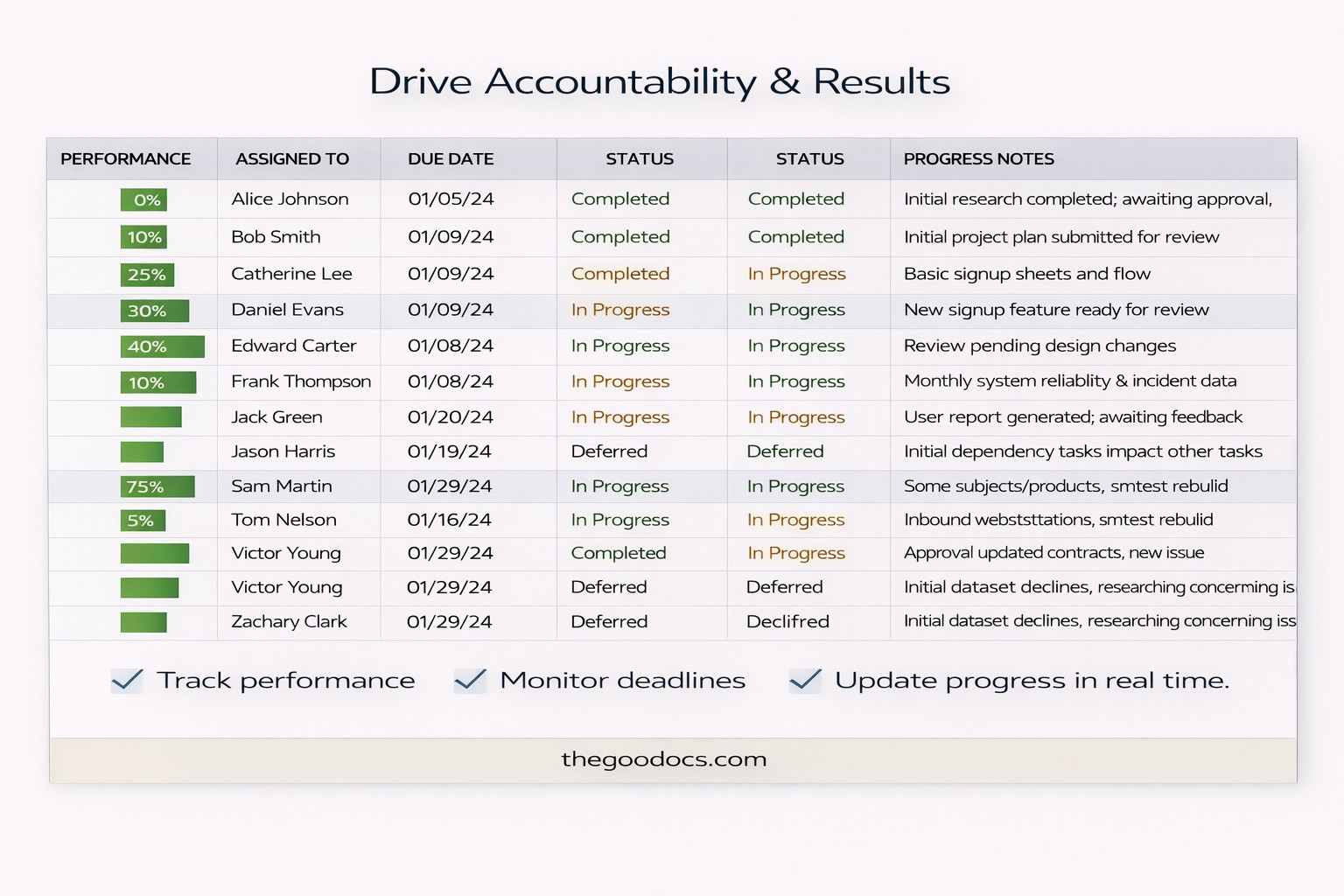
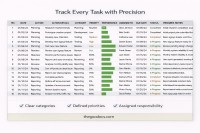
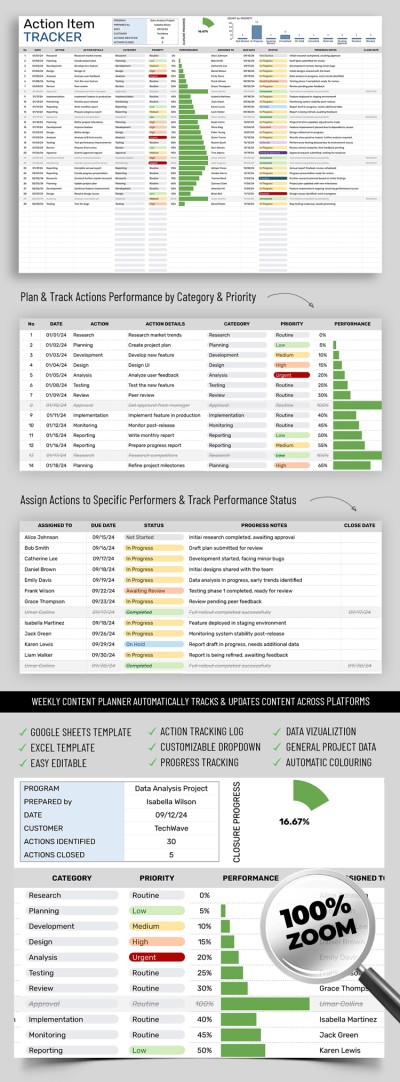
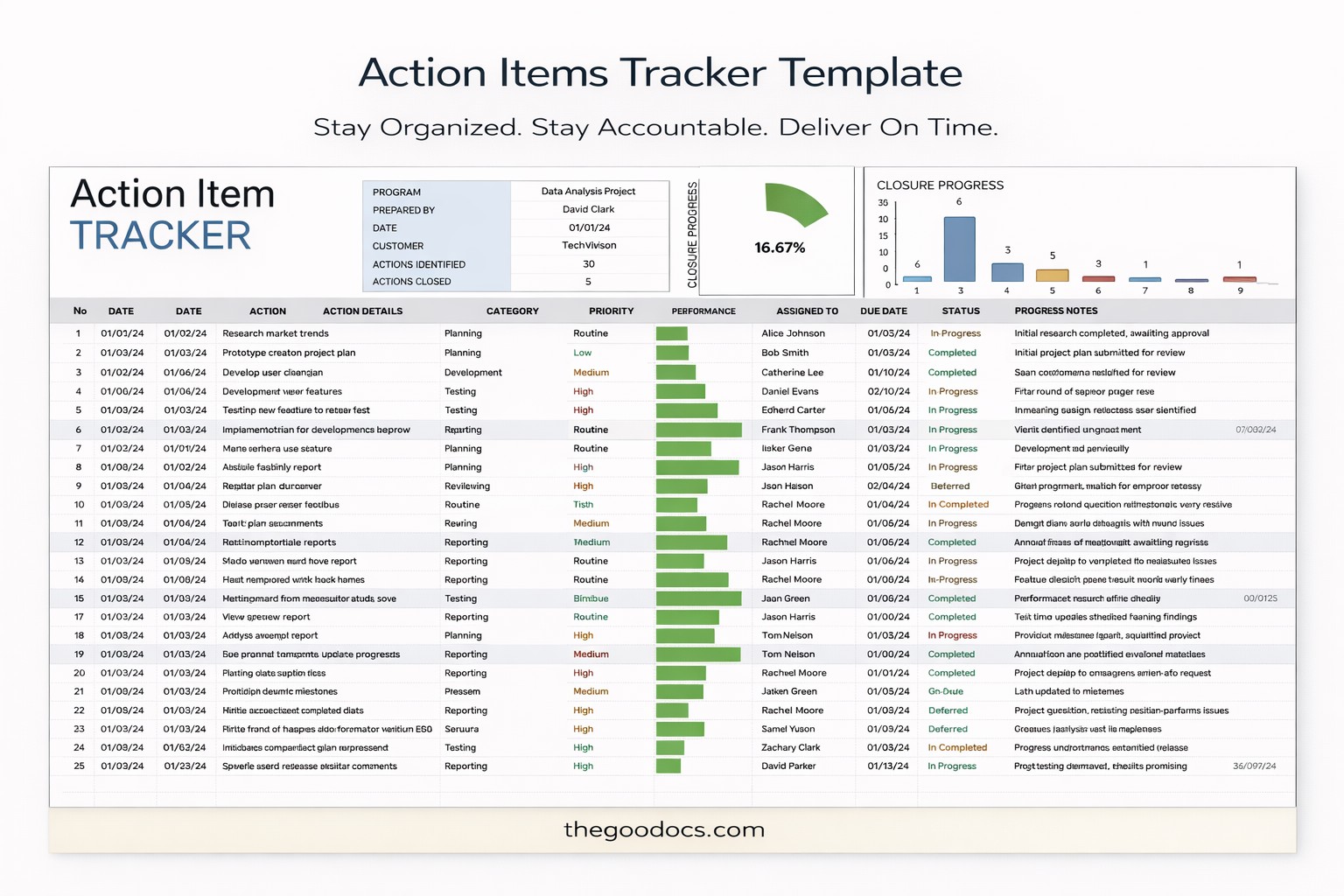
The spreadsheet template is divided into many columns that cover all aspects of task management. Among them are such key categories as Date, Actions, Details, Categories, Priority, Performance, Responsible person, Due Date, Status, Progress, and Closing date.

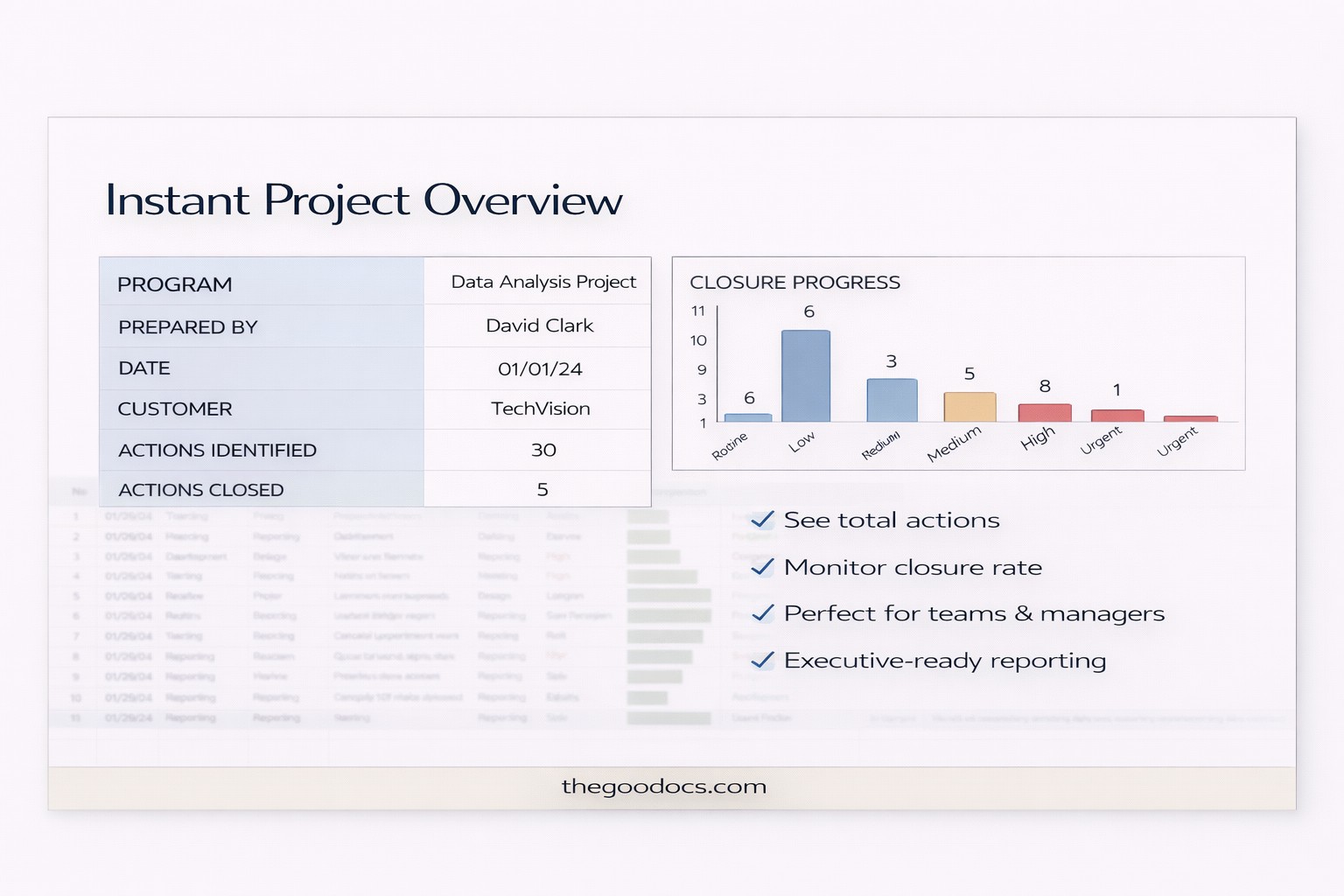
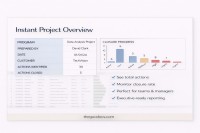
An important feature is the built-in charts that automatically visualize task data. They show the overall progress of all assignments, dividing them into stages from Not Started to In Progress and Completed.

Easy-to-Use Without Special Skills

Our action items template in Excel and Google Sheets is extremely convenient for teamwork. Any team member can make changes online in real-time and share their updates with others. It is fully editable, so you can add new columns, change the color of cells, etc.

Premium Template
50% OFF
Started at
$2.50 $4.99 /month
Instant download after signup
Access to 7,000+ templates
No attribution required
Cancel anytime
UNLOCK THIS TEMPLATE
💳 Safe Payments • 🔒 SSL Secured

WHAT’S INCLUDED

Integrated closure progress chart
Customizable action categories and priorities
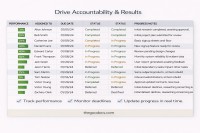
Automatic performance tracking bars
Real-time collaboration features

Tracker Tips

1
Regularly update status for current accuracy
2
Assign tasks during team meetings for clarity
3
Review performance metrics weekly to identify trends
4
Use color codes for priority tracking

FAQ

Is this template compatible with Excel? Yes, download it for Excel or use in Google Sheets.
Is it beginner-friendly? Absolutely, it's designed for easy use without prior skills.
Can I customize the columns? Yes, you can add or modify columns as needed.
Is this template free? Yes, it's completely free to download and use.
How does the progress chart work? It automatically updates based on task completion data.

How to Use and Edit This Template

Get Your Document

1

Get Your Document

Click the "Edit Template" button to create your own editable copy in Google Sheets or download for Microsoft Excel
Customize Everything
2

Customize Everything

Easily change colors, fonts, and layouts to match your unique style or brand identity
Add Your Content
3

Add Your Content

Fill in your data, upload images, and replace the placeholder text with your own information
Print, Export, or Share
4

Print, Export, or Share

Print, export as PDF, or share instantly

Related Templates

Recently Viewed