Personal Finance Balance Sheet Template
Use this free template with Google Sheets and Microsoft Excel
Template Specification
Key Features of This Template
About this template
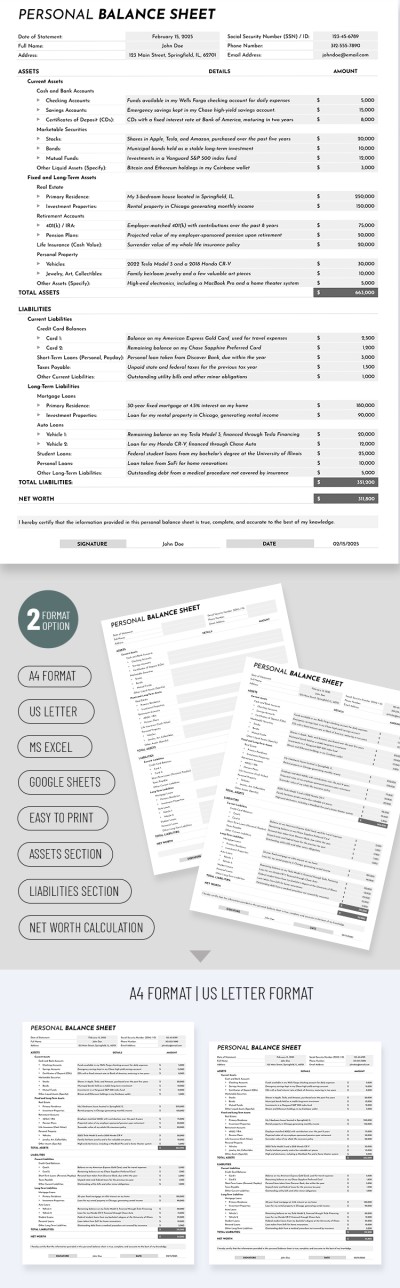
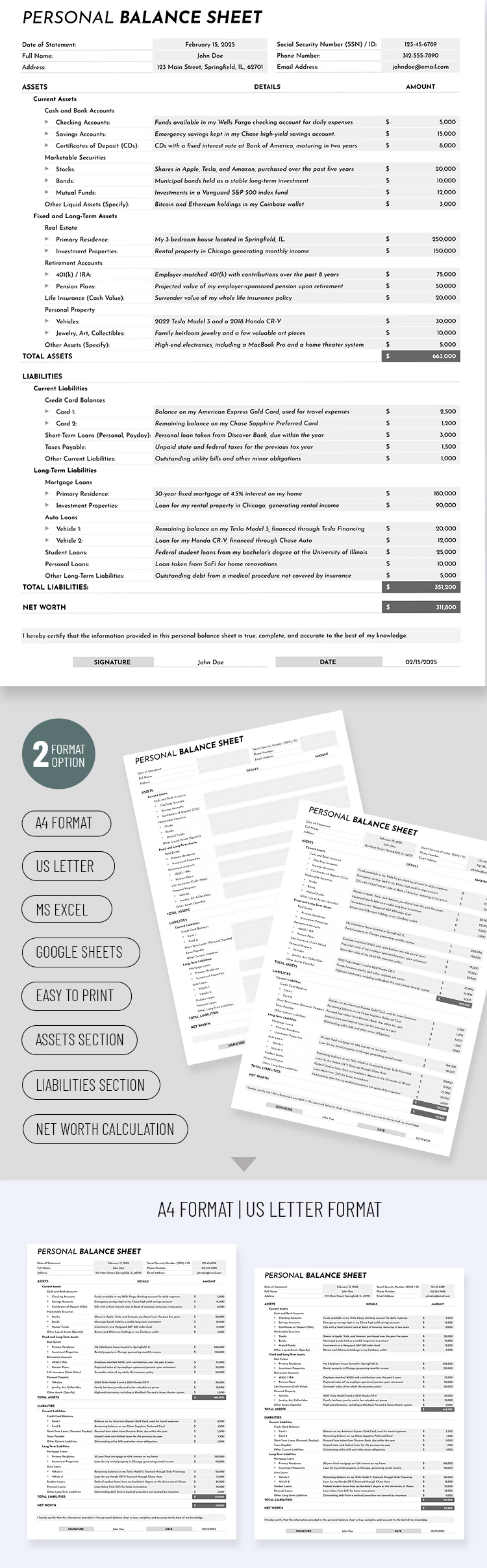
Explore this free-to-edit Personal Finance Balance Sheet Template in Google Sheets and Excel. This form features a white background, easy-to-read fonts, and gray sections for your entries and amounts.
Take Advantage of a Professionally Made Personal Balance Sheet
This example offers a comprehensive structure for recording all your personal assets. Its main advantage lies in the ready-to-use layout and sample text. You can replace or remove unnecessary categories as needed. The built-in formulas in our finance tracker template help you calculate totals for each asset category and your overall balance.
In keeping with balance sheet conventions, the template includes sections such as Assets and Liabilities:
- The Assets section is divided into current, fixed, and long-term assets. Each includes categories ranging from cash and bank accounts to retirement accounts, real estate, and personal property.
- The Liabilities section contains similar categories, but in terms of your liabilities (credit card balances, loans, mortgages, etc.).
The template is undemanding. Simply enter the desired categories or keep the default ones and fill in the current amounts for each. The formulas will automatically calculate total assets, liabilities, and net worth.
Use the best Google Sheets templates for any occasion with TheGoodocs.
How to Use and Edit This Template

Get Your Document

Customize Everything

Add Your Content

Print, Export, or Share
Related Templates
Recently Viewed