Mechanic Work Order Template
Use this free template with Google Sheets and Microsoft Excel
Template Specification
About this template
This comprehensive Mechanic Work Order Template ensures you cover all tasks when drafting your document. It's ideal for auto repair shops and independent mechanics, and is tailored to the needs of industry professionals. Sample text and a pre-made layout save you countless hours of document preparation.
Manage Auto Repair Projects With This Sheet
Our mechanic work order template takes everything into account to ensure your work is fully documented and priced correctly. The layout is fully editable in Google Sheets and Excel, so you can customize it for a specific project in just a few minutes with no extra software needed.
Use the pre-built structure:
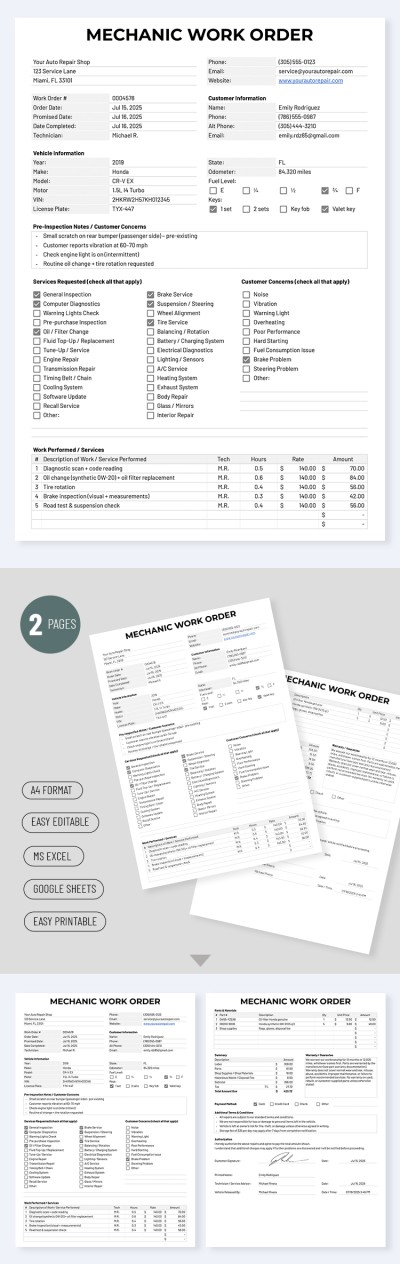
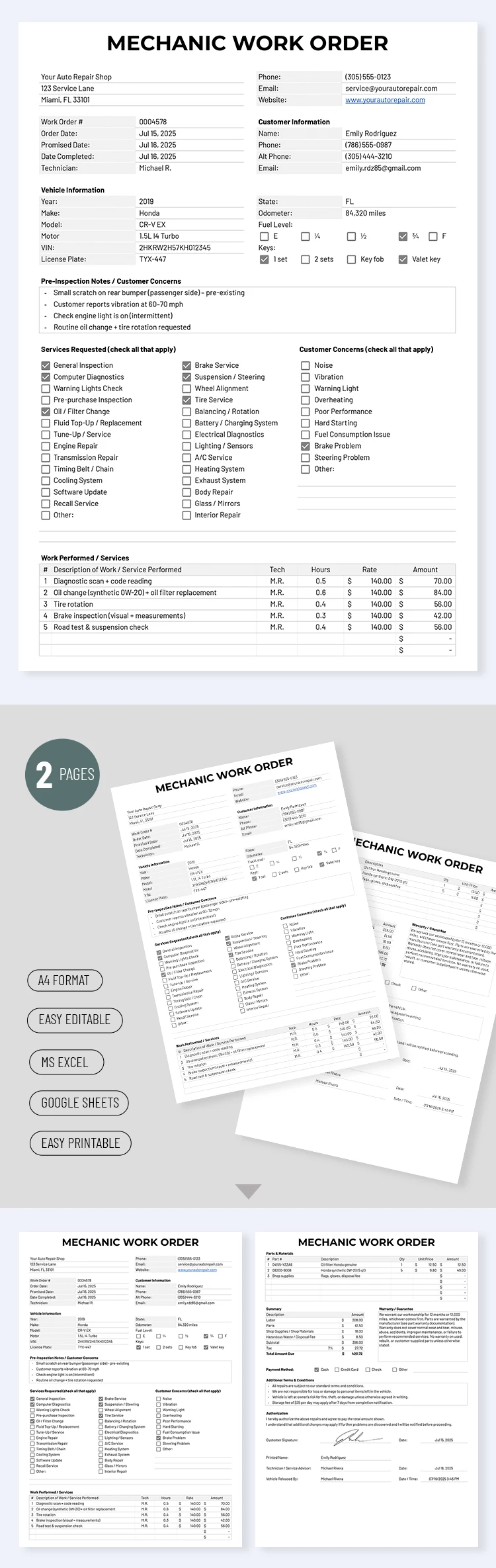
- Add customer and workshop details, including the order date, estimated completion date, vehicle info, contact details, fuel level, and other key information.
- Fill out the list of requested services or use the sample options (ranging from a general inspection and oil change to transmission repair and software updates, with 24 items in total).
- Provide a full description of the services performed and the parts and materials used, including the price, labor rate, and total.
The template also features a summary section that automatically calculates the total cost of the work. Finish the document by adding payment details, terms and conditions, and more. Find the best Google Sheets templates for your needs on our website.
How to Use and Edit This Template

Get Your Document

Customize Everything

Add Your Content

Print, Export, or Share
Related Templates
Recently Viewed