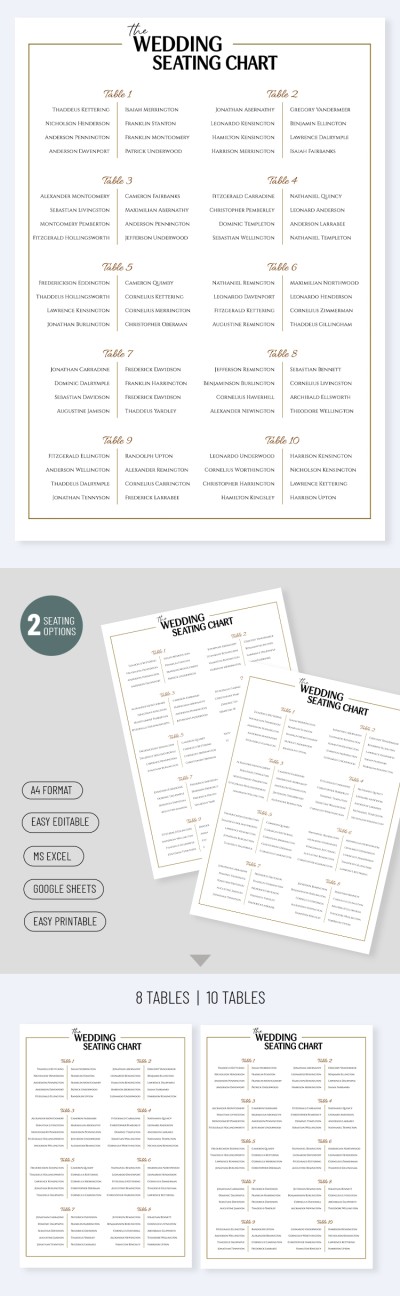
Luxury Wedding Seating Chart Template
Use this free template with Google Sheets and Microsoft Excel
Template Specification
Key Features of This Template
About this template
Choosing the best seating arrangement for the bride, groom, and their guests can be difficult, but our Luxury Wedding Seating Chart Template will help you tackle the task. While deciding who sits next to whom is entirely up to you, this elegant design will help you easily organize your ideas into a beautiful seating layout.
Create an Elegant Wedding Guest Seating Chart
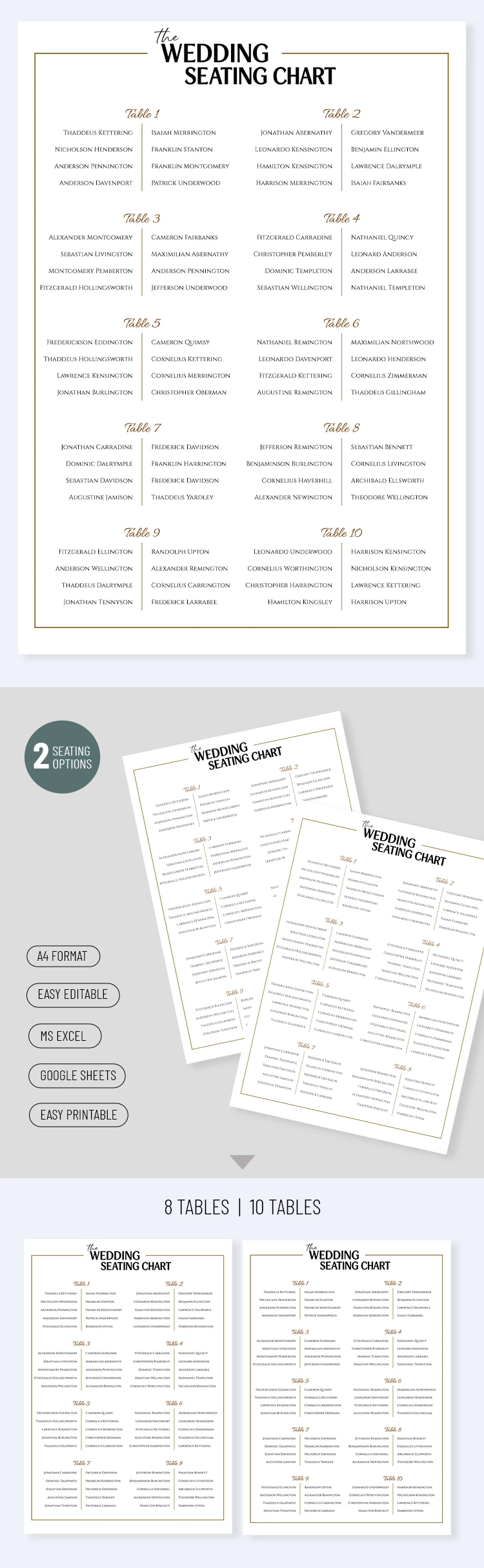
Our template is available in convenient Google Sheets and Excel formats. The clean, elegant design is its standout feature, highlighted by beautiful fonts and a symmetrical layout with clear table labels.
Customize and fill out the wedding seating chart template:
- Add the reception venue, the couple's names, or other personalized details to the header section.
- Use pre-made placeholders to enter table names and list the guests seated at each table, up to 10 people.
- Use the 8- and 10-person seating options available on separate sheets within the same file.
This layout is perfect for both couples planning their own wedding and professional wedding planners. Download any Google Sheets templates for free on our website.
How to Use and Edit This Template

Get Your Document

Customize Everything

Add Your Content

Print, Export, or Share
Related Templates
Recently Viewed