Estimate Template with Sales Tax
Use this free template with Google Sheets and Microsoft Excel
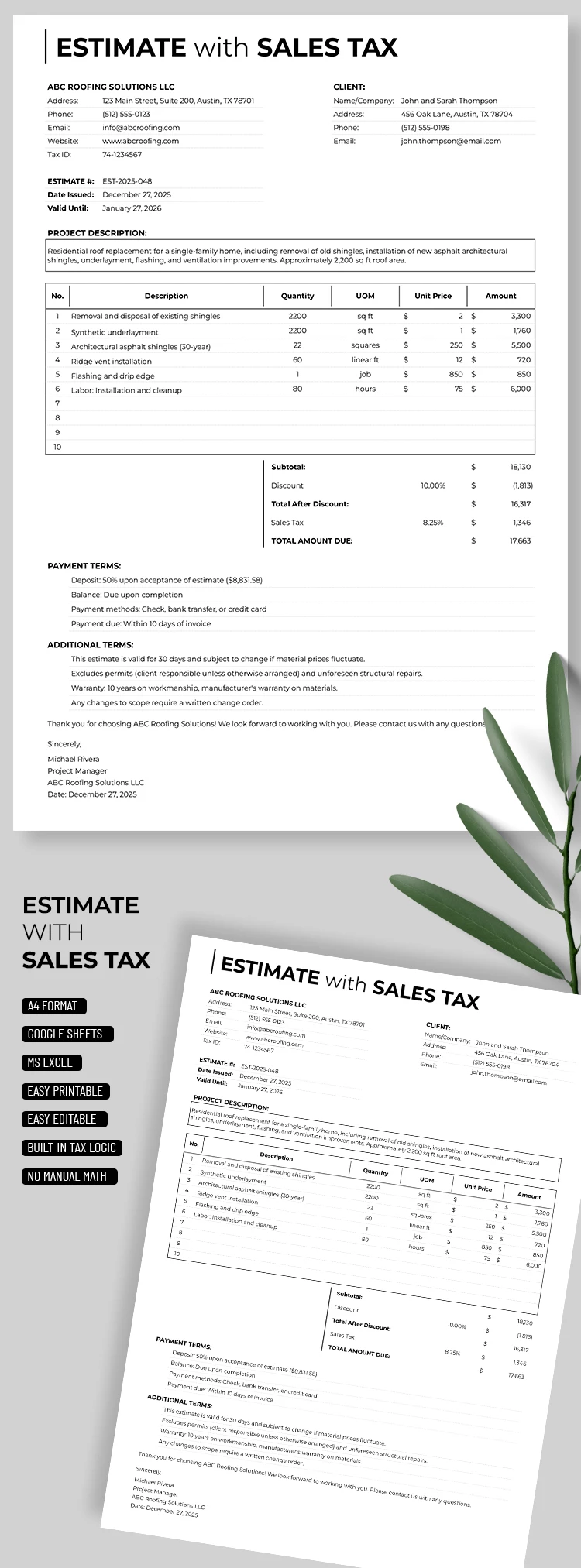
Template Specification
About this template
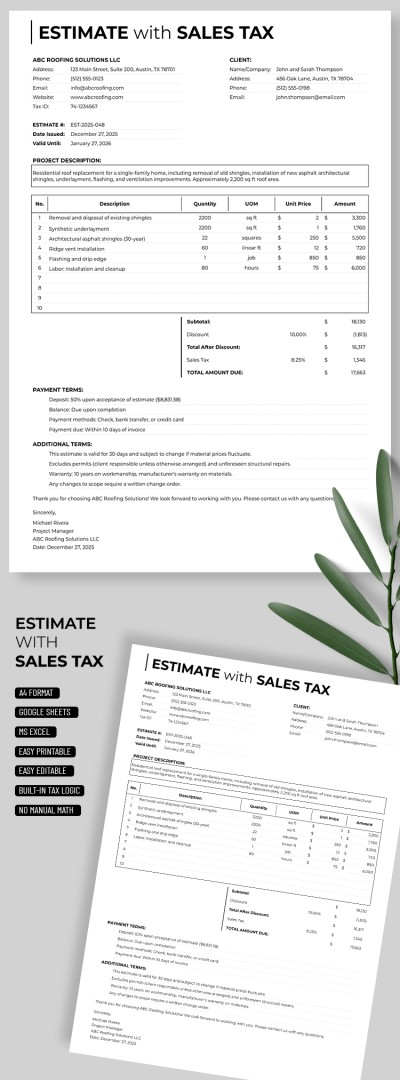
Ensure your estimate is complete and shows the client the full project cost using our fillable Estimate Template with Sales Tax. Our template includes all the sections needed for a professional document. You can write a detailed project description with prices for each service using the built-in fields.
Create Your Professional Estimates in Minutes
Our estimate template is suitable for any industry, from construction to IT, and includes several dedicated sections. A clean black-and-white design with easy-to-read fonts and no distracting decorative elements is perfect for this type of document.
Use the pre-defined fields when filling out the template:
- Add your company details, client information, estimate number, issue date, expiration date, and project description in the header section.
- Use the table to specify the item number, description, quantity, UOM, unit price, and line total.
- Get automatic calculations for the subtotal, discount (optional), sales tax, and total amount due below the table.
Complete the payment terms and additional conditions, then add a signature and date in the footer.
You can use the default structure or customize the template to suit your company's specific needs. You can find even more Google Sheets templates for various tasks at the link.
How to Use and Edit This Template

Get Your Document

Customize Everything

Add Your Content

Print, Export, or Share
Related Templates
Recently Viewed