Printable Cash Receipt Template for Businesses
Use this free template with Google Sheets and Microsoft Excel
Template Specification
About this template
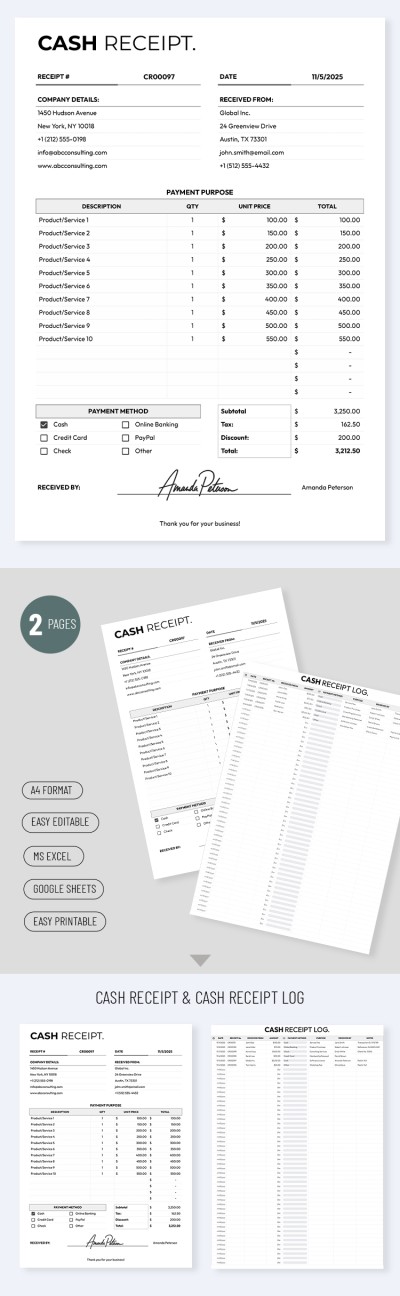
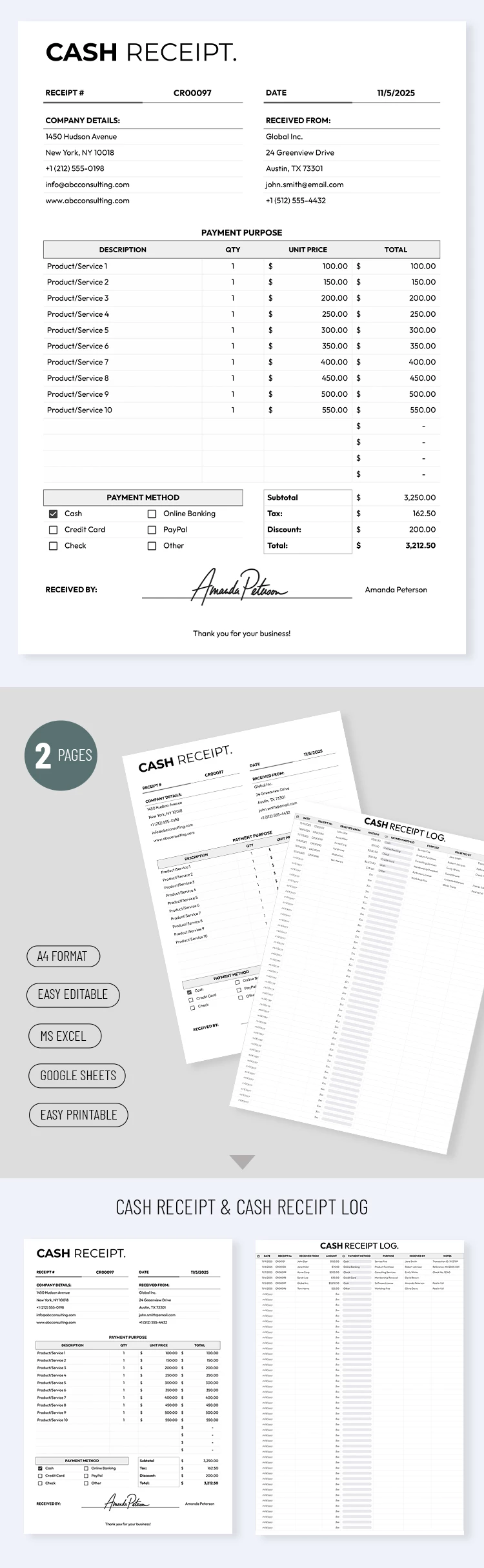
Still receiving most of your payments in cash? Keep track of your transactions and manage them using our Printable Cash Receipt Template for Businesses. This template is perfect for wholesalers, B2B companies, and more. The spreadsheet comes with all the sections you could possibly need.
Issue Professional Business Cash Receipts
Our cash receipt template is divided into three main sections. In the header, you can enter the receipt number, the issue date, and the seller and buyer details, including company names, addresses, websites, and contact information.
The table is the main section of your receipt:
- Add a complete list of products or services.
- Enter the quantity of each item and the unit price.
- The spreadsheet will automatically calculate the line totals, the subtotal, apply the specified tax rate, and display the grand total for the transaction.
Despite its name, the template features a separate section where you can select a payment method using checkboxes, including cash, credit card, PayPal, online banking, and others. After filling it out, you can save the file as a PDF for printing, add your signature, or send it directly via email. Browse our dedicated Google Sheet templates at the link.
How to Use and Edit This Template

Get Your Document

Customize Everything

Add Your Content

Print, Export, or Share
Related Templates
Recently Viewed