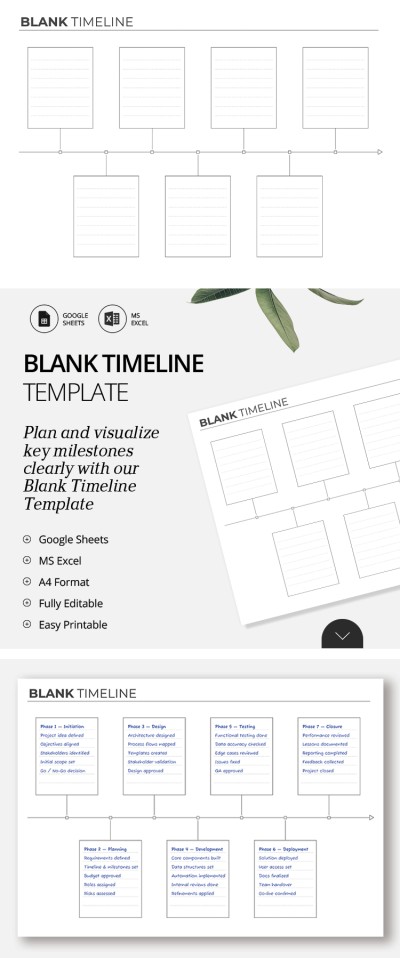
Blank Timeline Template
Use this free template with Google Sheets and Microsoft Excel
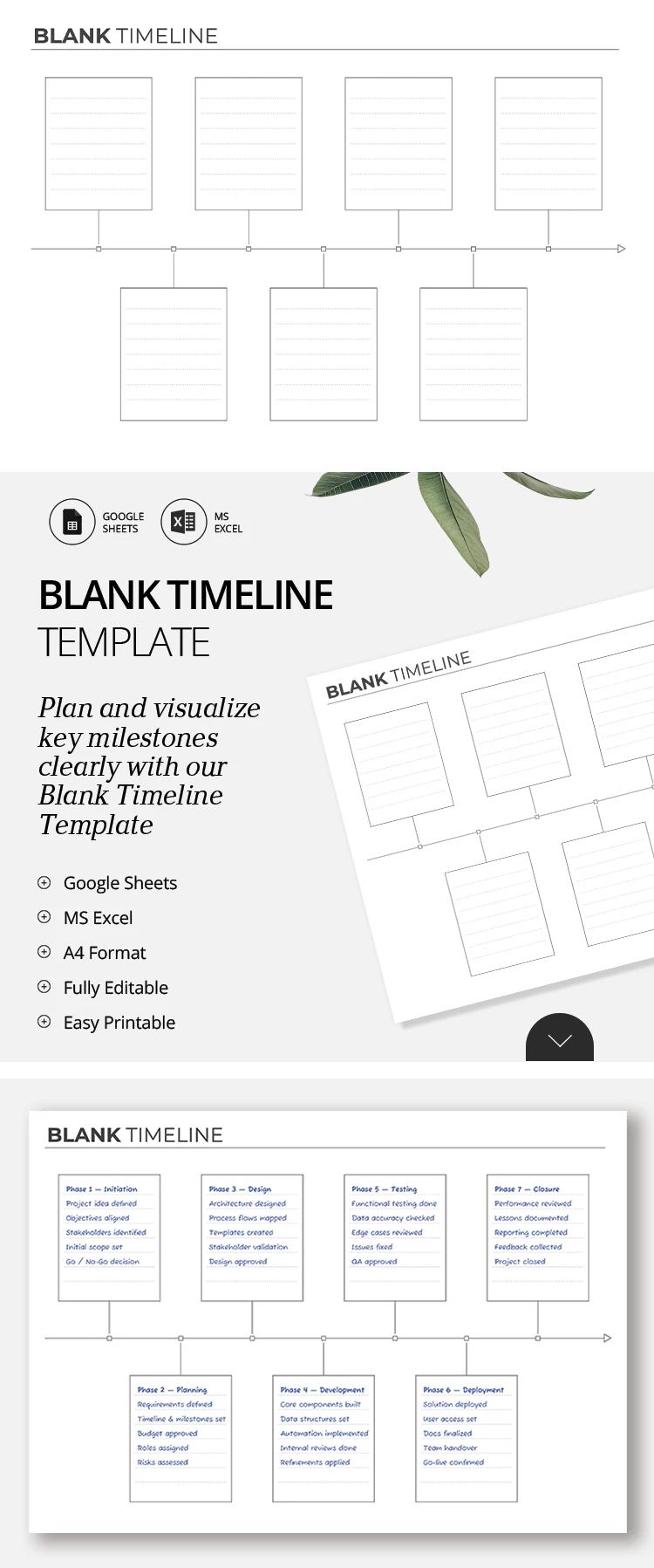
Template Specification
About this template
Our universal Blank Timeline Template will help you organize complex projects, analyze cause and effect, or summarize data for a presentation. You don't need to create a layout from scratch. Simply use a ready-made spreadsheet with pre-built blocks and a clear timeline axis.
Get Our Fillable Blank Timeline Sheet
The layout of our blank timeline template is as simple as it is effective. You can enter the project name or timeline title in the header section. Below is the main section with a white background, containing seven individual blocks (four above the central timeline line and three below).
To use the template:
- Choose a font and text color that suits your needs.
- Fill in each block with a separate milestone, task, or goal.
- Share the finished version with your team, or save it as a PDF for printing, emailing, or publishing.
The template is fully editable in Google Sheets and Excel, so you can customize the size and number of sections, and even the placement of lines within the blocks. Take advantage of our templates for Google Sheets today.
How to Use and Edit This Template

Get Your Document

Customize Everything

Add Your Content

Print, Export, or Share
Related Templates
Recently Viewed