Simple Nurse Resume Template
Use this free template with Google Docs and Microsoft Word
Template Specification
Key Features of This Template
About this template
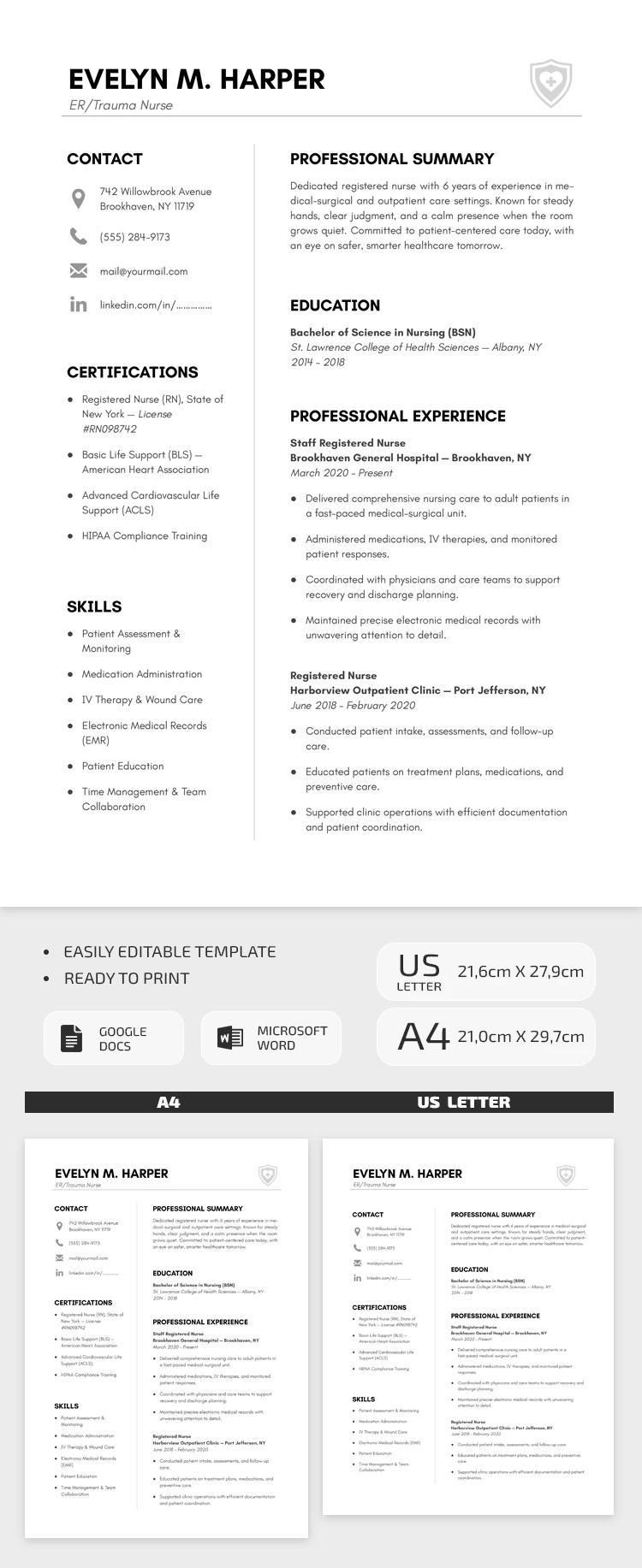
Our Simple Nurse Resume Template is the go-to choice for candidates in the medical field. Its minimalist design is exactly what healthcare recruiters expect from nursing professionals. Plus, our resume free template is fully editable in Google Docs and Word and can be printed in A4 or US Letter size with no extra setup needed.
Structured Nursing Resume With Certifications
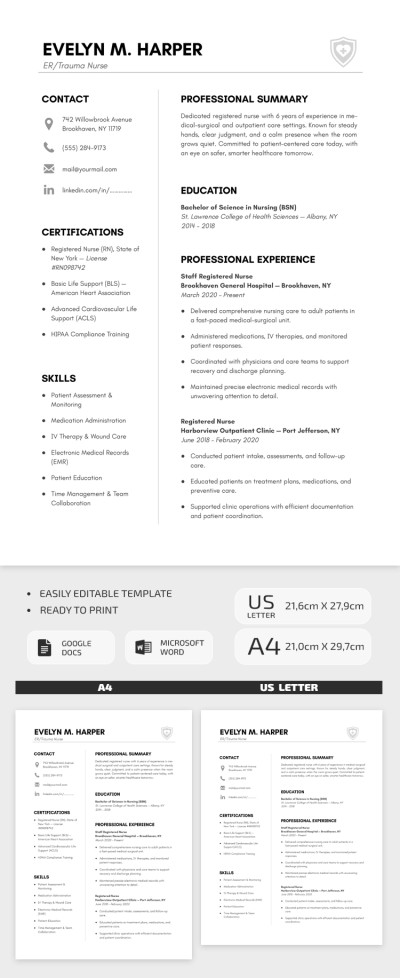
This layout features every section you could possibly need when applying for a nursing role. In the header, you can add your name and desired specialty (ER, Trauma Nurse, etc.). Below, the template is vertically divided into two columns. On the left side, you can add your contact information, certifications, and skills, and on the right, your professional summary, education, and work experience.
More convenient features of our nurse resume template:
- There's plenty of space in the work experience section to list your two most recent positions, including details of your responsibilities, hospital or clinic names, and employment dates.
- The summary section comes with sample text you can use as a guide to write your own profile.
- Each section is neatly organized with clean spacing and bulleted lists.
You can fill out this 1-page resume template right now with zero restrictions. Upload it to a hospital portal, send it via email, or print the final version with no extra formatting required.
Download Free Template
Google Docs
Opens in browserMicrosoft Word
.docsWHAT’S INCLUDED
Resume Tips
FAQ
How to Use and Edit This Template

Get Your Document

Customize Everything

Add Your Content

Print, Export, or Share
Related Templates
Recently Viewed