High School Student Resume Template
Use this free template with Google Docs and Microsoft Word
Template Specification
Key Features of This Template
About this template
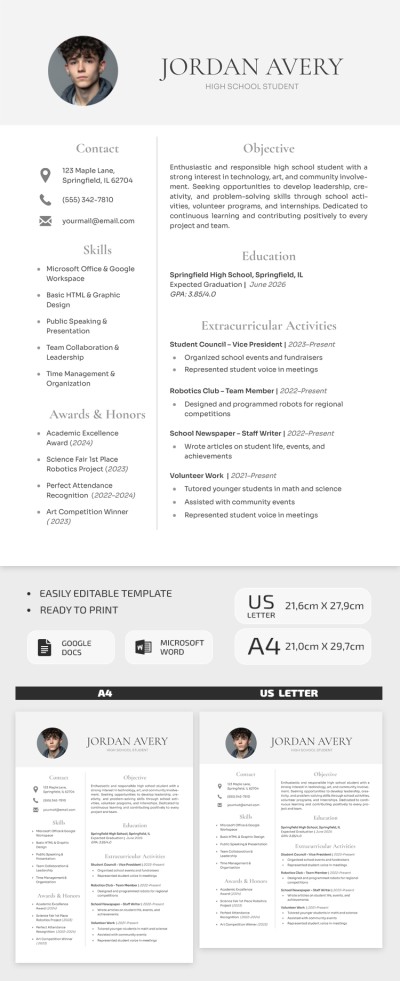
Our High School Student Resume Template is designed to help you showcase your best qualities when applying for your first job. Don’t worry if you don’t have any previous work experience, as the structure of this high school resume template is tailored specifically to your needs. Highlight your strengths without wasting time formatting a resume from scratch.
Get This Professional Template for Your First Job
This resume template for Google Docs and Word is divided into three clear sections. In the header, you can add your photo, insert your name, and indicate whether you are a current high school student or a recent graduate.
Below are two vertical sections:
- Add contact information, skills, awards, and honors on the left side of the template.
- Include your objective (you can use the placeholder text as a guide), education details, extracurricular activities, and volunteer work on the right side.
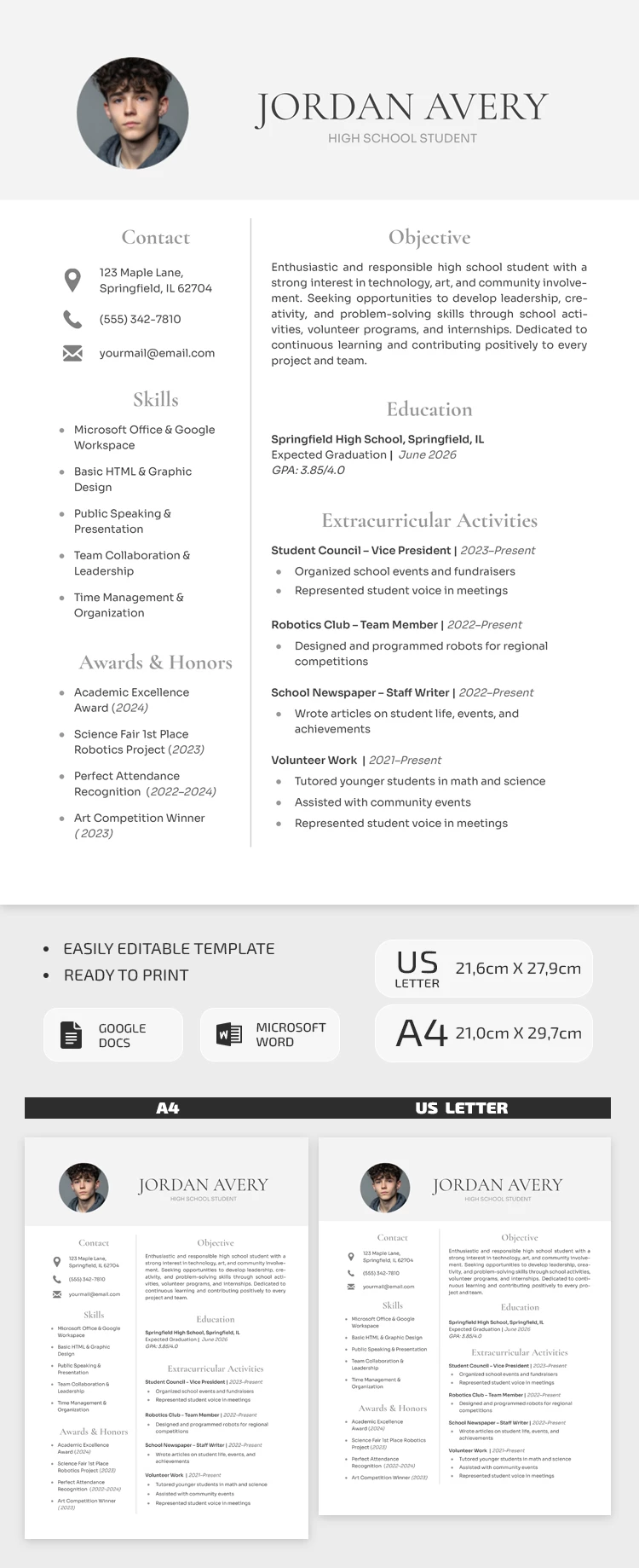
Using the editor, you can easily replace the text, choose new fonts, or keep the default design. The template is already set up for A4 and US Letter printing, and you can also save it as a PDF. Take advantage of this free option today, or browse our website for a Harvard resume template.
Download Free Template
Google Docs
Opens in browserMicrosoft Word
.docsWHAT’S INCLUDED
Resume Tips
FAQ
How to Use and Edit This Template

Get Your Document

Customize Everything

Add Your Content

Print, Export, or Share
Related Templates
Recently Viewed