Get unlimited access to 5000+ Templates for Google Docs, Slides and Sheets
Unlimited Access
All Templates
ADVERTISEMENT
ADVERTISEMENT

Simple Geometric Resume Template

Use this free template with Google Docs and Microsoft Word
4.42 (2 reviews)
Last updated Updated September 17, 2026
Created by Elijah Johnson
Type Simple, 1 Page, Combination
ADVERTISEMENT

Template Specification

Format Google Docs
Created July 16, 2023
Last Updated September 17, 2026
Community Added to collections by 30 Users
Usage Stats 0 downloads this month

Key Features of This Template

About this template

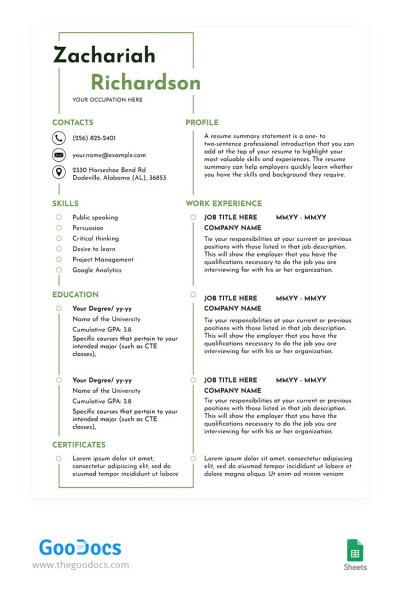
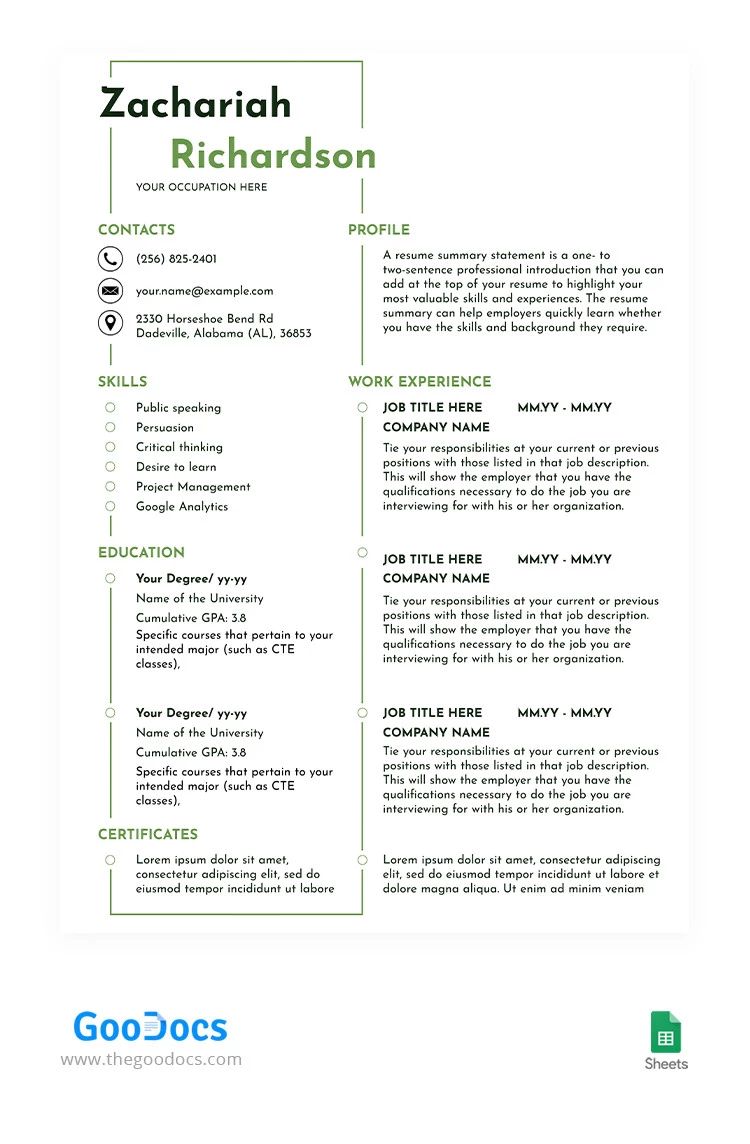
Our Simple Geometric Resume Template is an example of how candidates should present themselves! More than seven sections for information about your professional experience, skills, education, and other details make this form an indispensable option.

Use a Modern and Untroubled Solution

You don't have to create a design or rearrange sections. Just use a ready-made blank to enter any details there.

Our simple chronological resume template does not include placeholders for photos, social networks, or portfolio links. Therefore, this option is ideal for any traditional industry and online and offline applications (it is also printable).

Multiple Sections for Any Info

Our layout consists of the influential and relevant sections for any specialist:

  • Contacts (list of three elements).
  • Profile (placeholder for a couple of sentences).
  • Skills (up to six options from public speaking to project management).
  • Education (you can fill in periods of education, courses, and names of establishments).
  • Work experience (with up to three last positions).
  • Certificates (with checkboxes).

Find even more modern and easy-to-use resume templates on our website.

ADVERTISEMENT
Free Template

Download Free Template

Choose your platform and start editing right away
PLATFORM

Google Docs

Opens in browser
PAPER SIZE
A4
Google Docs – A4
No account required • Attribution required

WHAT’S INCLUDED

Editable Google Docs and Word format
Easy-to-customize skill sections
Professional profile statement area
Pre-designed work experience layout

Resume Tips

1
Use distinct fonts for headings and sections.
2
Highlight key skills with bullet points.
3
Include quantifiable achievements in work experience.
4
Update contact information regularly.

FAQ

Is this resume template free? Yes, it's available for free download.
Can I edit this in Word? Yes, you can edit it in Google Docs and Microsoft Word.
How easy is it to customize? It's designed for quick and easy customization.
Is registration required to download? No, you can download without registration.
What sizes are supported? It supports standard A4 and US Letter sizes.
ADVERTISEMENT

How to Use and Edit This Template

Get Your Document

1

Get Your Document

Click the "Edit Template" button to create your own editable copy in Google Docs or download for Microsoft Word
Customize Everything
2

Customize Everything

Easily change colors, fonts, and layouts to match your unique style or brand identity
Add Your Content
3

Add Your Content

Fill in your data, upload images, and replace the placeholder text with your own information
Print, Export, or Share
4

Print, Export, or Share

Print, export as PDF, or share instantly

Related Templates

Recently Viewed