Simple 3D Artist Resume Template
Use this free template with Google Docs and Microsoft Word
Template Specification
Key Features of This Template
About this template
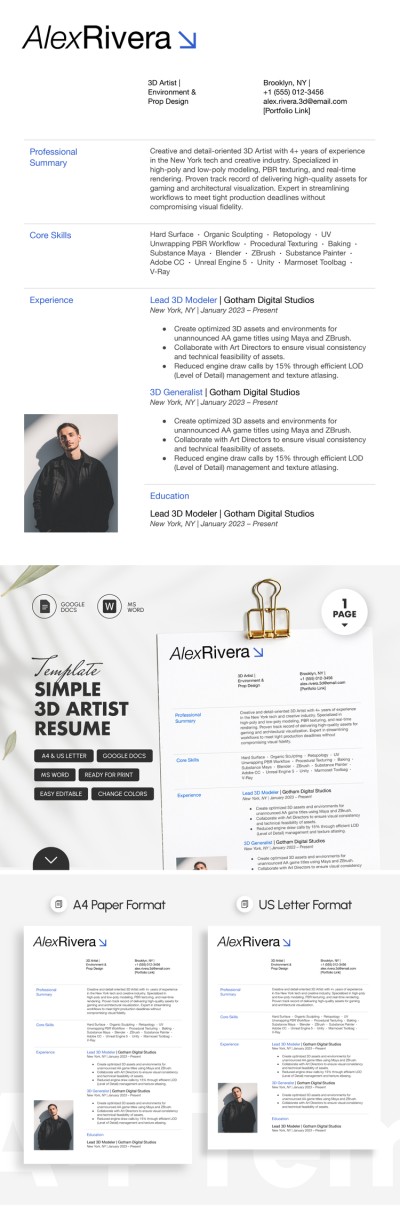
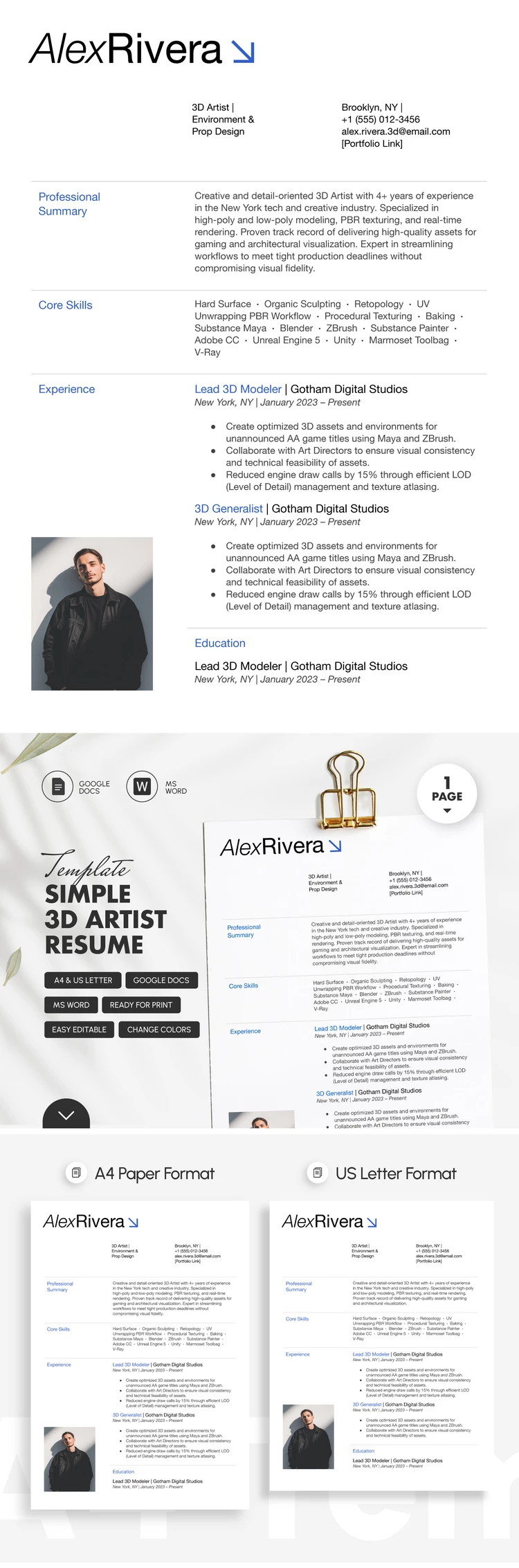
This Simple 3D Artist Resume Template will help you stand out in a crowded job market. Its minimalist design features a clean white background, blue headings, a photo placeholder, and easy-to-read text. You can use the default layout and simply fill in the template with your own content, or fully customize this resume template in Google Docs and Word.
Get This Minimalist 3D Artist Resume Layout
Our template comes with sample text you can use as a guide to write a resume covering your professional background. The layout features clearly visible sections to highlight the most important information for hiring managers.
Start filling out our 3D artist resume template now:
- Enter your name, desired position, industry, and contact information in the header section.
- Fill in the professional summary, core skills, experience, and education sections.
- Add your photo to the placeholder or remove it if it's not needed.
After completing the template, you can save the file as a PDF to print in A4 or US Letter size, upload it to your portfolio website, or send it via email. Choose your next simple resume template on our website.
Download Free Template
Google Docs
Opens in browserMicrosoft Word
.docsWHAT’S INCLUDED
Resume Tips
FAQ
How to Use and Edit This Template

Get Your Document

Customize Everything

Add Your Content

Print, Export, or Share
Related Templates
Recently Viewed