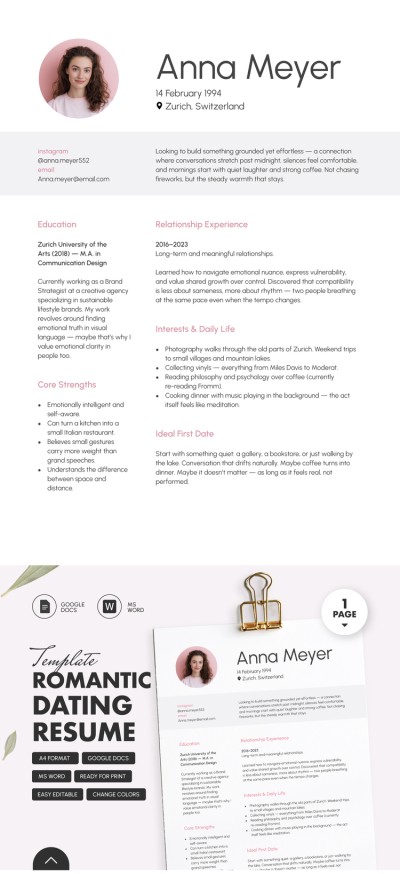
Romantic Dating Resume Template
Use this free template with Google Docs and Microsoft Word
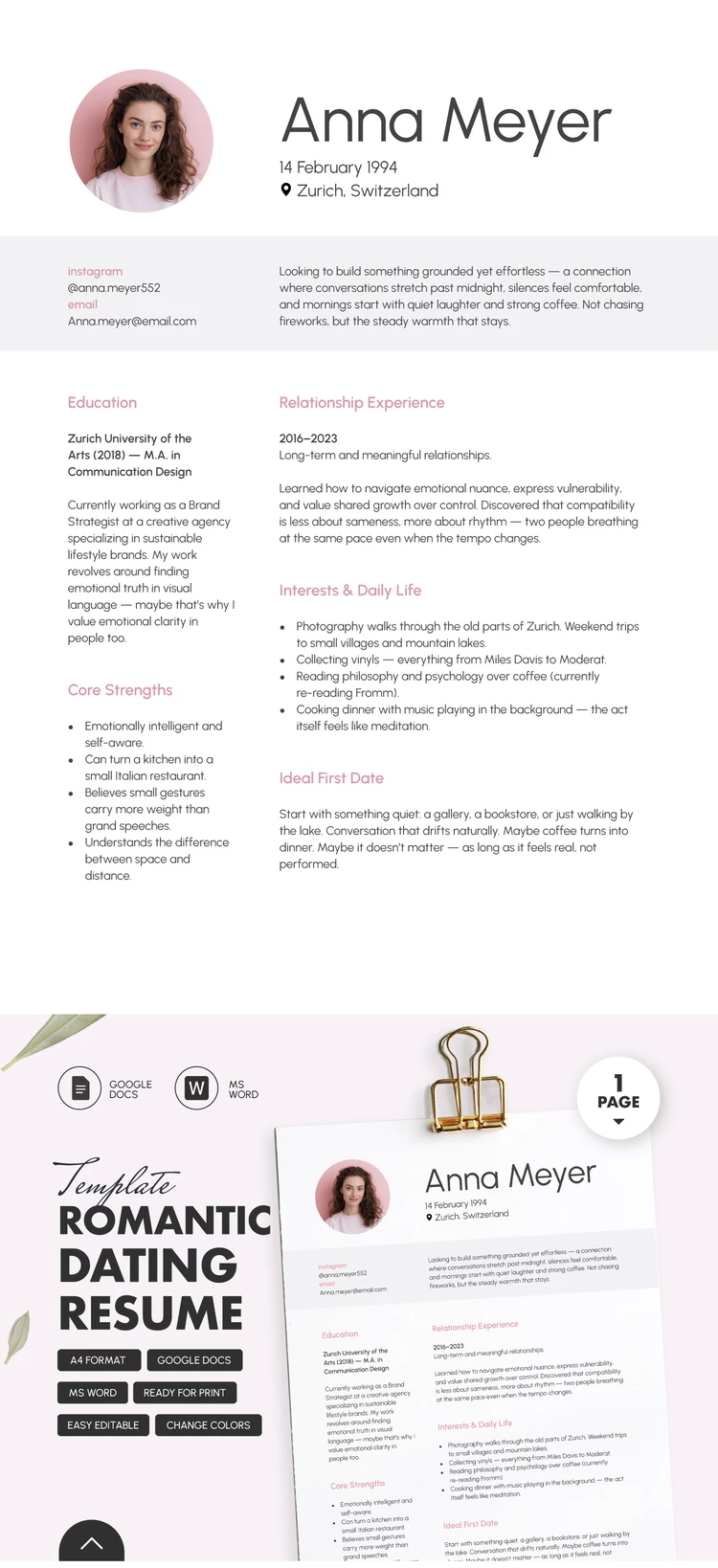
Template Specification
Key Features of This Template
About this template
Our Romantic Dating Resume Template is a great alternative to standard dating apps. Use this structured format to introduce yourself and increase your chances of finding your perfect match online. The organized sections of this single-page resume template pair perfectly with the romantic and cute pink fonts.
Create Your Romantic Profile in Minutes
This template combines a serious approach to finding a partner with a romantic flair. Using the pre-made structure and sample text, you can share details about your personality, your hobbies, and exactly what you're looking for in a partner.
Completing our dating resume template is quite simple:
- Add your photo, name, age, and location to the header section, along with your Instagram, contact info, and a brief description of your relationship goals.
- Use the pre-made sections to describe your education, dating history, interests, ideal first date, and best qualities.
You can customize section titles to add more relevant info or remove unnecessary details in just a couple of clicks. Our Word and Google Docs resume templates are fully editable, so you can publish the final version online or even print it in A4 format.
Download Free Template
Google Docs
Opens in browserMicrosoft Word
.docsWHAT’S INCLUDED
Resume Tips
FAQ
How to Use and Edit This Template

Get Your Document

Customize Everything

Add Your Content

Print, Export, or Share
Related Templates
Recently Viewed