Engineering Resume Template
Use this free template with Google Docs and Microsoft Word
Template Specification
Key Features of This Template
About this template
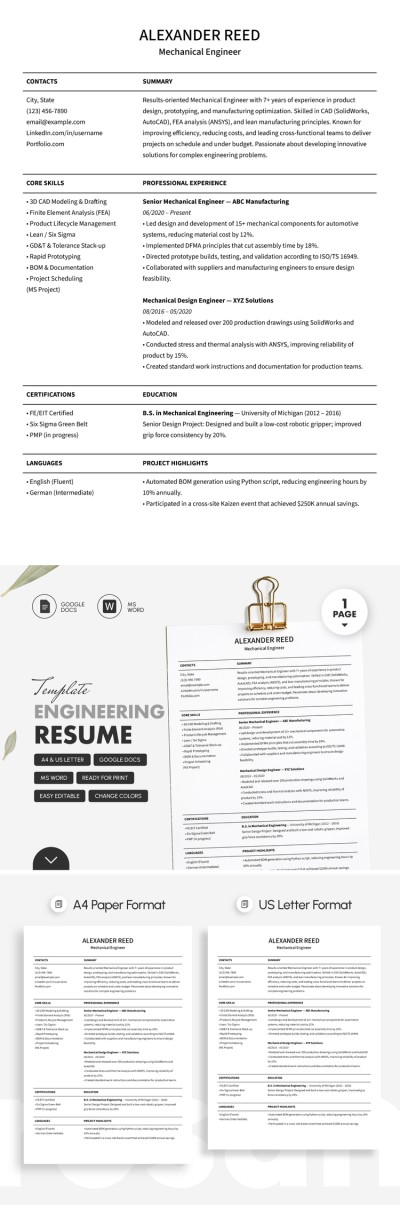
Our Engineering Resume Template comes in a versatile combination format. It allows you to include not only your work experience but also your hard and soft skills, and much more. The clean design is ideal for applying to engineering roles in highly specialized industries. Plus, our single-page resume template for Word and Google Docs is fully editable and print-ready.
Structured Resume for Technical Experts
To land a new role as an engineer, it's important to highlight not only your work experience but also your core skills, from modeling and drafting to knowledge of different tech stacks depending on your field. This structured template allows you to fit all the necessary information on a single page. Each section is marked by a large, bold heading and horizontal lines, making it easy to scan.
Complete our mechanical engineering resume template now:
- Include your contact information, core skills, certifications, and languages (which can be replaced with another section) in the left column.
- Add your desired position, professional summary, detailed work experience, education, and project highlights in the right column.
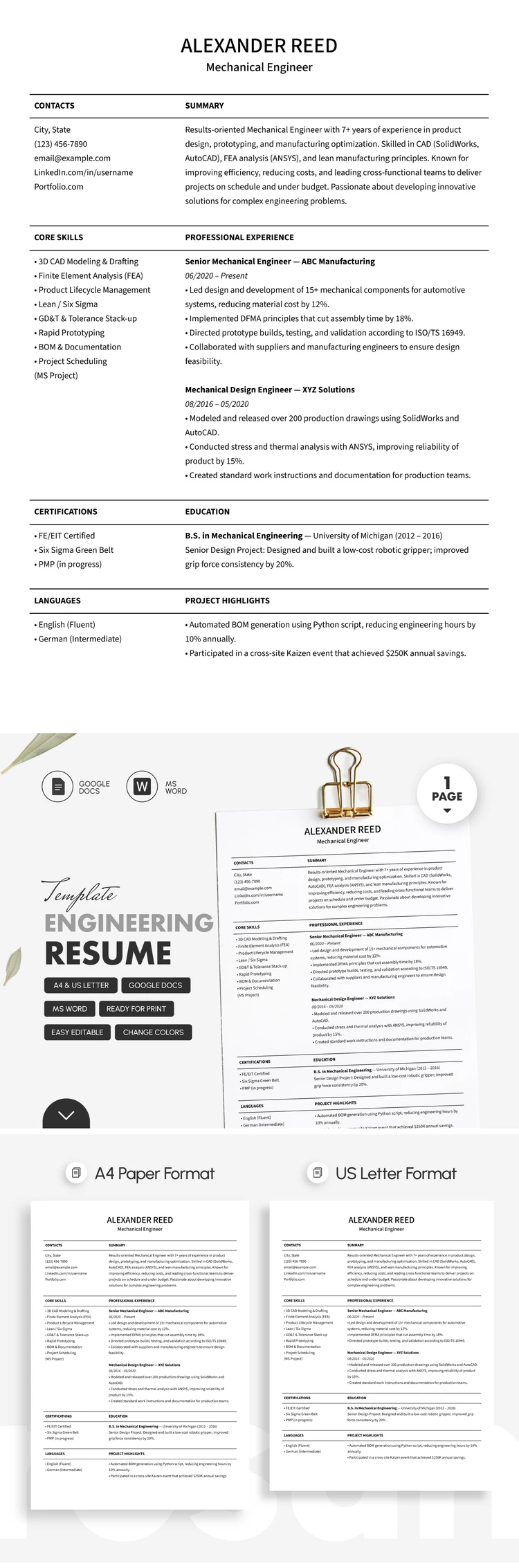
You can adjust the sections based on your preferences or use our proven default layout. Start customizing your resume template and save the final version as a PDF for digital sharing or printing in A4 and US Letter sizes.
Download Free Template
Google Docs
Opens in browserWHAT’S INCLUDED
Resume Tips
FAQ
How to Use and Edit This Template

Get Your Document

Customize Everything

Add Your Content

Print, Export, or Share
Related Templates
Recently Viewed