Fun Boyfriend Resume Template
Use this free template with Google Docs and Microsoft Word
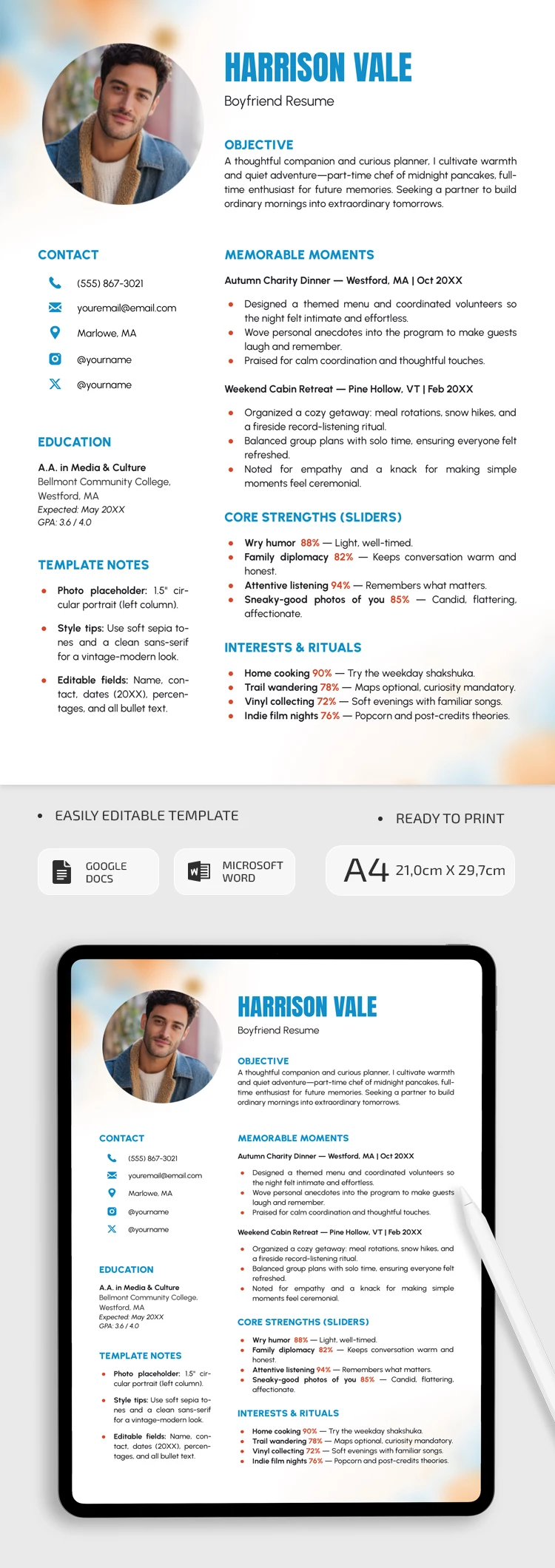
Template Specification
Key Features of This Template
About this template
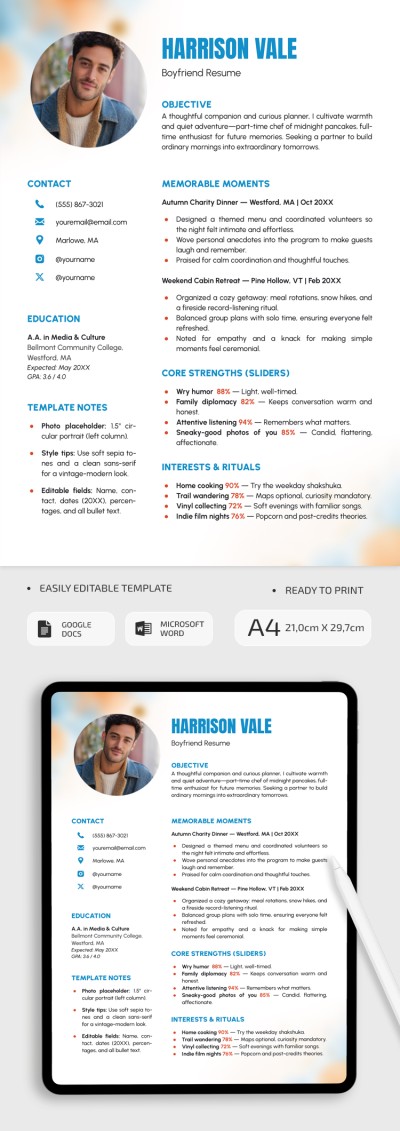
Our Fun Boyfriend Resume Template features a modern design layout to help you find your perfect match. You can share details about yourself, your dating history, and your best qualities using our ready-made design. Simply replace the placeholder text in this resume Google Docs template to get started.
Apply For The Boyfriend Role With This Template
Our template features a charming design with a clean white background, a circular photo placeholder, and soft pastel colors in the corners. Instead of just swiping for a random match, you can immediately share your goals, background, interests, and more.
Use the ready-made structure of our boyfriend resume:
- Add your photo, contact info, education, and any additional sections on the left side of the template.
- Write your relationship goals, memorable moments, best qualities, and interests on the right.
You can easily replace the placeholder text without losing the original formatting. Most sections use bullet points to highlight key details. You can post the finalized version online or print it in A4 format with no extra setup needed. Find a modern resume template for Word on our website.
Download Free Template
Google Docs
Opens in browserMicrosoft Word
.docsWHAT’S INCLUDED
Resume Tips
FAQ
How to Use and Edit This Template

Get Your Document

Customize Everything

Add Your Content

Print, Export, or Share
Related Templates
Recently Viewed