Customizable Engineering Resume Template
Use this free template with Google Docs and Microsoft Word
Template Specification
Key Features of This Template
About this template
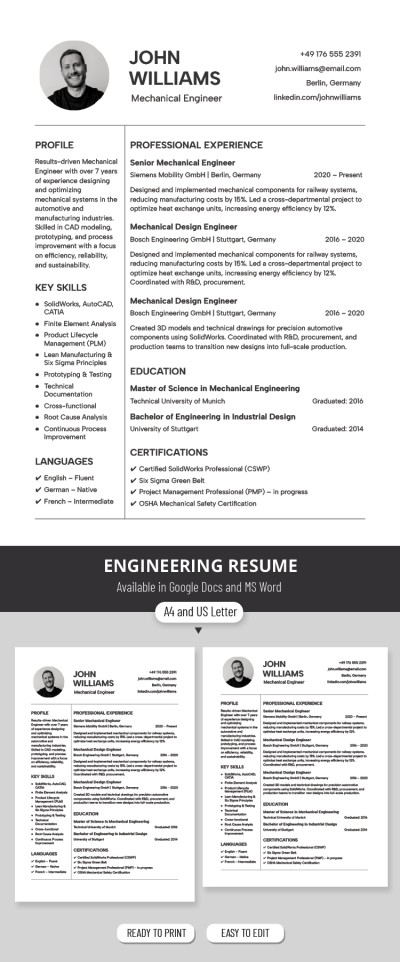
Ready to land a new engineering role? You don't have to waste time formatting your document from scratch with our Engineering Resume Template. This free resume template features a formal, well-structured layout that’s perfect for the engineering field.
Engineering Template For All Technical Roles
The design is clean and minimalist, making it easy for hiring managers to scan your profile and find exactly what they need. A classic white background paired with bold section headers is always a professional choice for an engineering manager resume.
Start filling out the document right away:
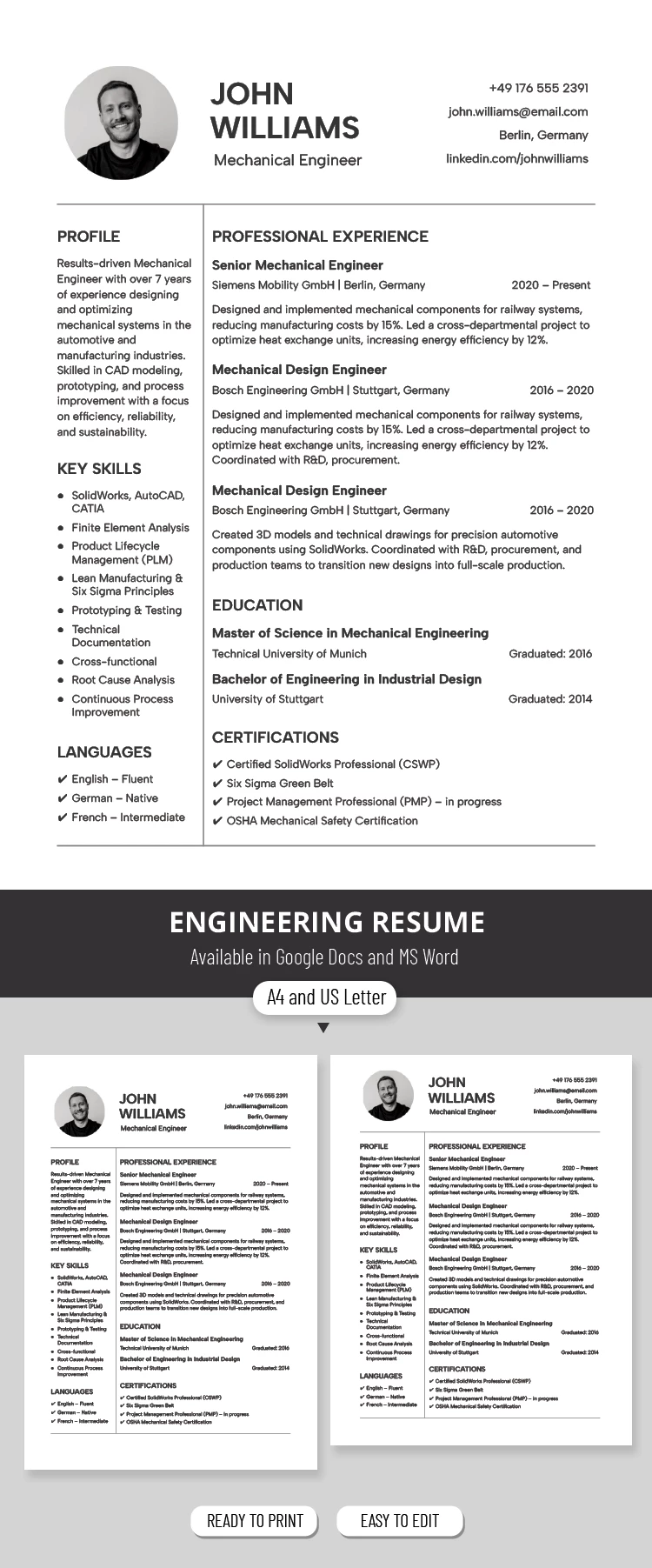
- Add your photo, job title, and contact information to the header section.
- Highlight your key skills using bulleted lists and include your languages on the left side of the template.
- List up to three recent roles, including company names, achievements, and dates of employment, as well as education and certifications on the right side.
This Google Docs and Word template allows you to easily replace the placeholder text while keeping the original formatting. When you're finished, save your file as a PDF to send or print it in just a few clicks. You’ll find more up-to-date simple resume templates on our website.
Download Free Template
Google Docs
Opens in browserMicrosoft Word
.docsWHAT’S INCLUDED
Resume Tips
FAQ
How to Use and Edit This Template

Get Your Document

Customize Everything

Add Your Content

Print, Export, or Share
Related Templates
Recently Viewed