Professional Corporate Trainer Resume Template
Use this free template with Google Docs and Microsoft Word
Template Specification
Key Features of This Template
About this template
This Сorporate Resume template is suitable for anyone applying for a project manager role, for consulting and law specialists, IT industry workers, etc. We offer a design that will set you apart from your competitors!
Strict But Personalized Design
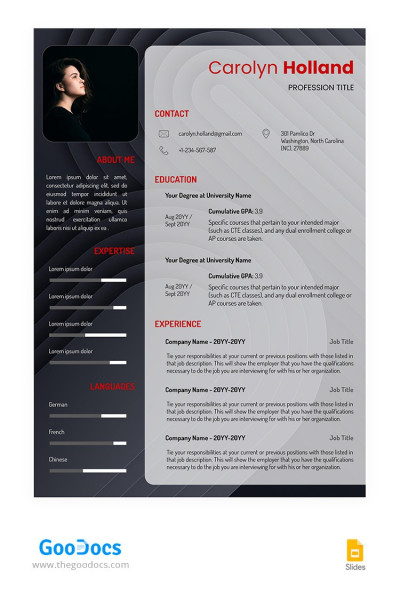
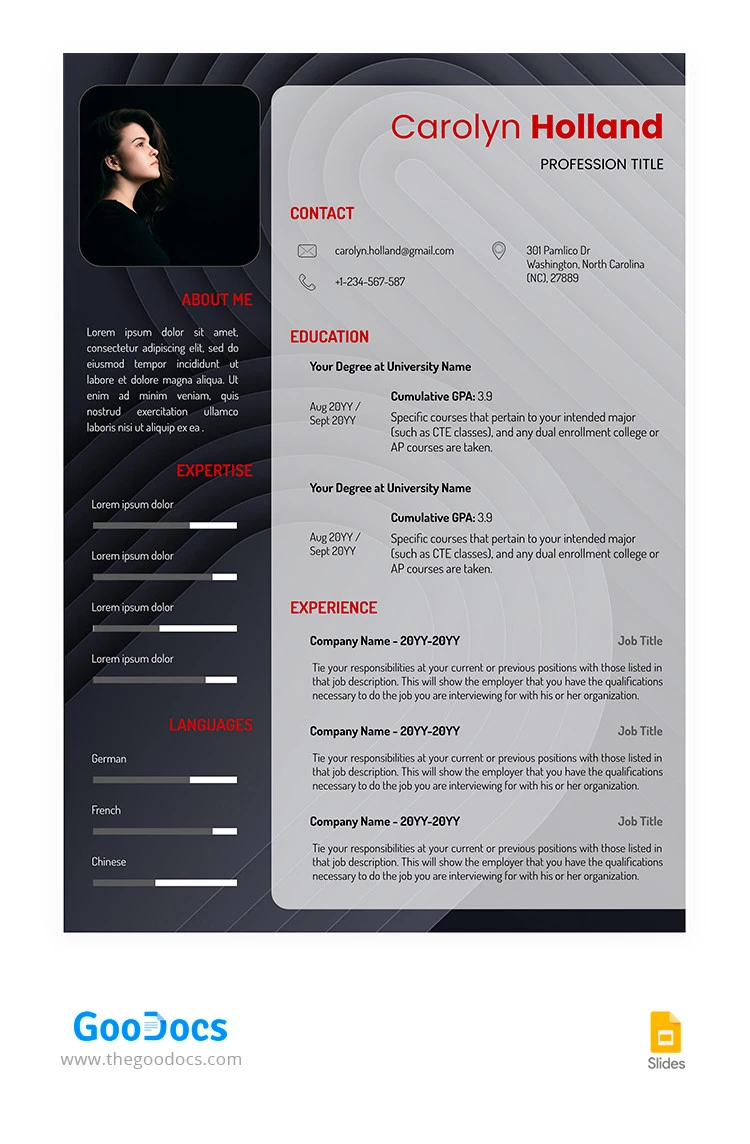
The project manager resume template features dark and gray shades for the background and red fonts to highlight the main sections for your information. The header includes a name and job title, and you can fill it out (as well as other details regarding years of experience, project manager skills, etc.).
Professional Resume Template and Layout
This layout is optimized so that even senior project managers find it suitable.
Among the main sections are:
- Contacts: this is the top section where you can enter your email, phone number, address (optional), and links to social media.
- Education and Work Experience: most of the template's space is provided for crucial information. You can fill out details about degrees and universities, specific courses, company names, job titles, managed projects, etc.
- About Me, Expertise, and Languages: the left side of this job application document is designed for you to provide some info about your soft and tech skills and expertise in software and foreign languages.
Use the Best Ready-Made Design
With our resume templates, you increase your chances of success in finding a new job. Use only professional editable designs and read this how to make a resume from our template guide before editing.
Download Free Template
Google Docs
Opens in browserWHAT’S INCLUDED
Resume Tips
FAQ
How to Use and Edit This Template

Get Your Document

Customize Everything

Add Your Content

Print, Export, or Share
Related Templates
Recently Viewed