
Log in
Sign up
ADVERTISEMENT
ADVERTISEMENT
Gentle Illustrated Restaurant Menu Template
Use this free template with Google Slides and Microsoft PowerPoint
4.38 (2 reviews)
•
Last updated
Updated
June 18, 2026
•
Created by
Emily Adams
ADVERTISEMENT
Save
Template Specification
Format
Google Slides
Created
January 24, 2022
Last Updated
June 18, 2026
Community
Added to collections by 4 Users
Usage Stats
0 downloads this month
Key Features of This Template
Suitable For
Restaurant
Style
Illustrated
About this template
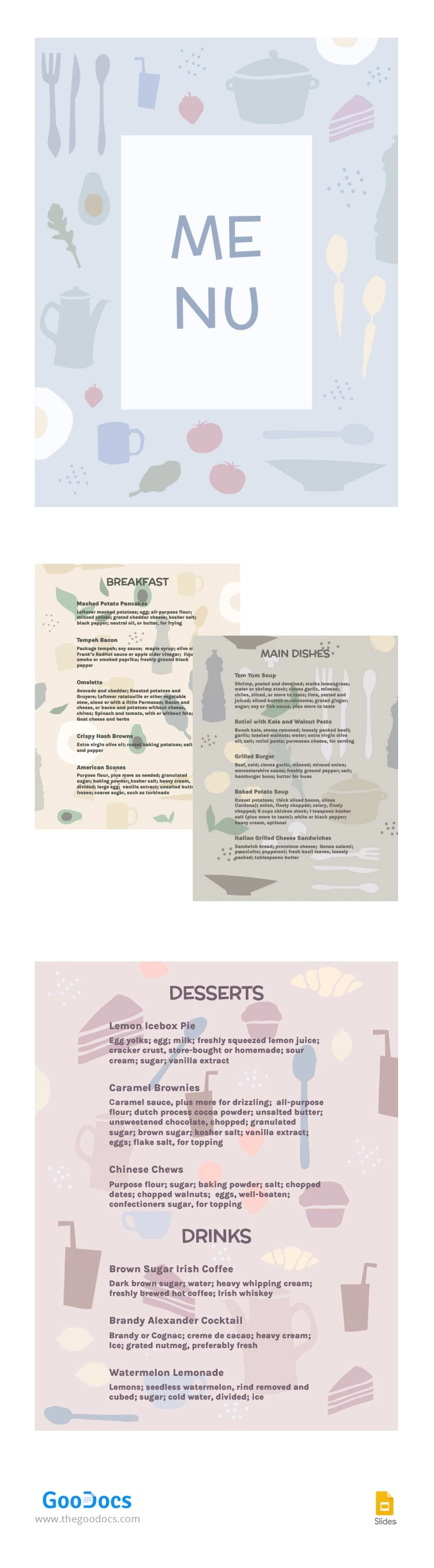
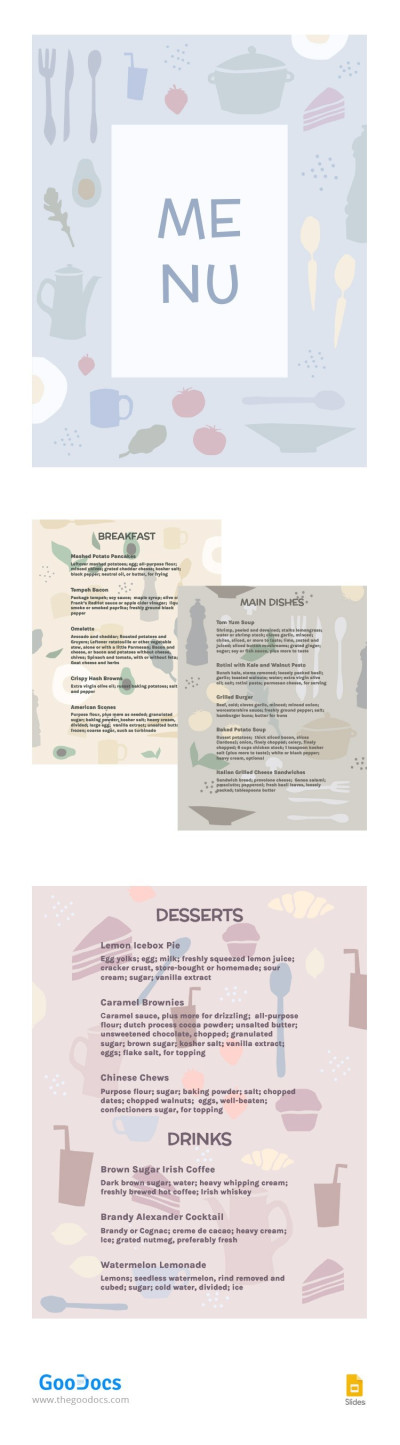
This restaurant menu does not contain any vivid colours and photos of delicious dishes. Nevertheless, there is something absolutely special about this template. If you want to show your clients that your place is different from all others where they've been before, our template will help you. List your dishes on these pages and print it.
ADVERTISEMENT
Free Template
Download Free Template
Choose your platform and start editing right away
PLATFORM
Google Slides
Opens in browser
PAPER SIZE
US Letter
Google Slides – US Letter
No account required • Attribution required
Add to Collection
Facebook
Pinterest
Twitter
Copy link
WHAT’S INCLUDED
Stylish, minimalist design layout
Sections for breakfast, main dishes, desserts, drinks
Editable text for easy customization
Printable in high-quality resolution
Menu Tips
1
Customize the text to match your restaurant's theme.
2
Use high-quality images for the best print result.
3
Keep the menu updated with seasonal dishes.
4
Consider adding a specials section for flexibility.
FAQ
Is this compatible with Google Slides and PowerPoint?
Yes, you can use it with both platforms.
Is this template easy to use?
Absolutely, it's designed for intuitive editing and customization.
Can I customize the colors?
Yes, the template allows for full color customization.
Is this template free to download?
Yes, it is completely free to download and use.
Can I add my logo to the menu?
Yes, you can easily insert your logo in the design.
ADVERTISEMENT
How to Use and Edit This Template

1
Get Your Document
Click the "Edit Template" button to create your own editable copy in Google Slides or download for Microsoft PowerPoint

2
Customize Everything
Easily change colors, fonts, and layouts to match your unique style or brand identity

3
Add Your Content
Fill in your data, upload images, and replace the placeholder text with your own information

4
Print, Export, or Share
Print, export as PDF, or share instantly
Related Templates
Recently Viewed
Gentle Illustrated Restaurant Menu
Open in Google Slides and Microsoft PowerPoint
Gentle Illustrated Restaurant Menu
Open in Microsoft PowerPoint
Your session has ended!
This may be due to prolonged inactivity or your account being used on another device.
OK
Link copied to clipboard