Weekly Company Report Template
Use this free template with Google Slides and Microsoft PowerPoint
Template Specification
Key Features of This Template
About this template
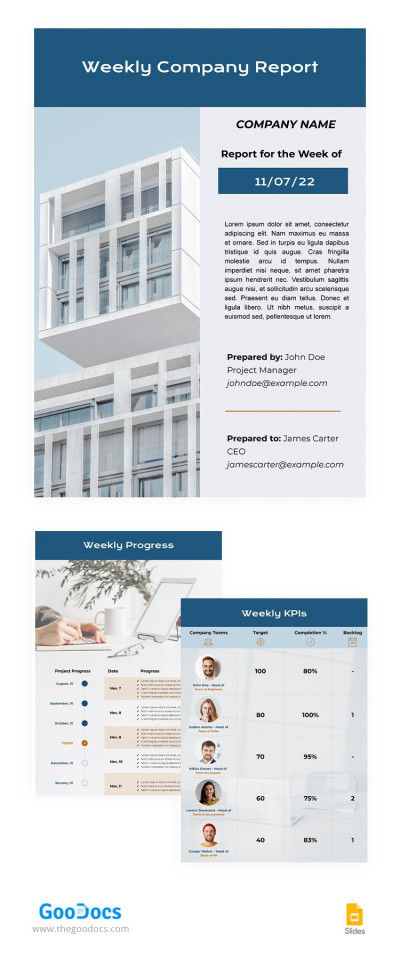
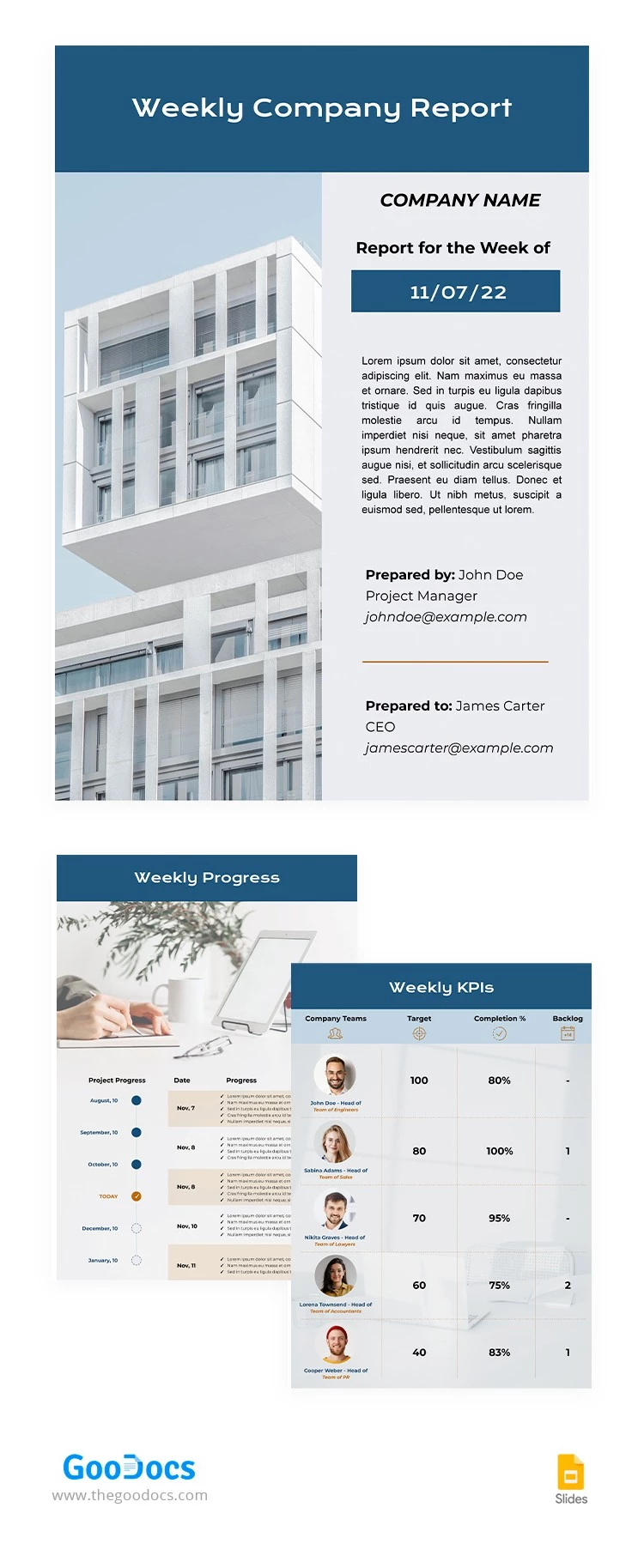
Our Weekly Company Report Template will help you design a clear summary of your employees' progress and KPIs. Simply replace the placeholder text and photos, then print the template or share it digitally. The three-page layout includes all the essential sections, which you can easily customize to suit your company's needs.
Manage Business Progress & Team KPIs
All pages of this template share a consistent color palette and can be combined into a professional document for your weekly reports. On the first page, you can add the company name, report date, a summary, and details for both the author and the reviewer.
You can record weekly progress on the second page. This slide features a replaceable image and a table divided into six days. Add specific tasks, dates, and track the progress made during the period. The third page includes a weekly KPI table where you can list up to five team members with their names and photos, along with their target KPIs and completion rates.
This Google Slides template offers even more features:
- Customize the layout of each page individually with ease.
- To replace text, simply click on a text block and type your own content.
- You can print the template in A4 or US Letter size (just select the appropriate format before making a copy).
On our website, you can also find a business report template for Google Docs that is perfect for more text-heavy and detailed summaries.
Download Free Template
Google Slides
Opens in browserWHAT’S INCLUDED
Report Tips
FAQ
How to Use and Edit This Template

Get Your Document

Customize Everything

Add Your Content

Print, Export, or Share
Related Templates
Recently Viewed