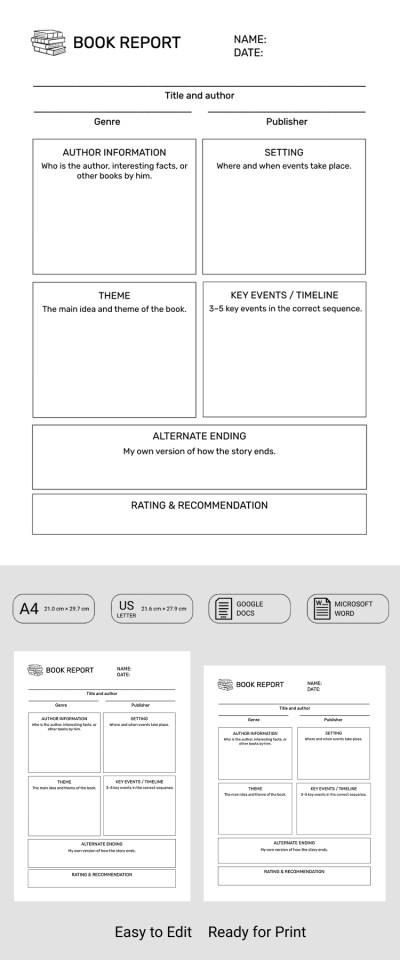
Student-Friendly Book Report Template
Use this free template with Google Docs and Microsoft Word
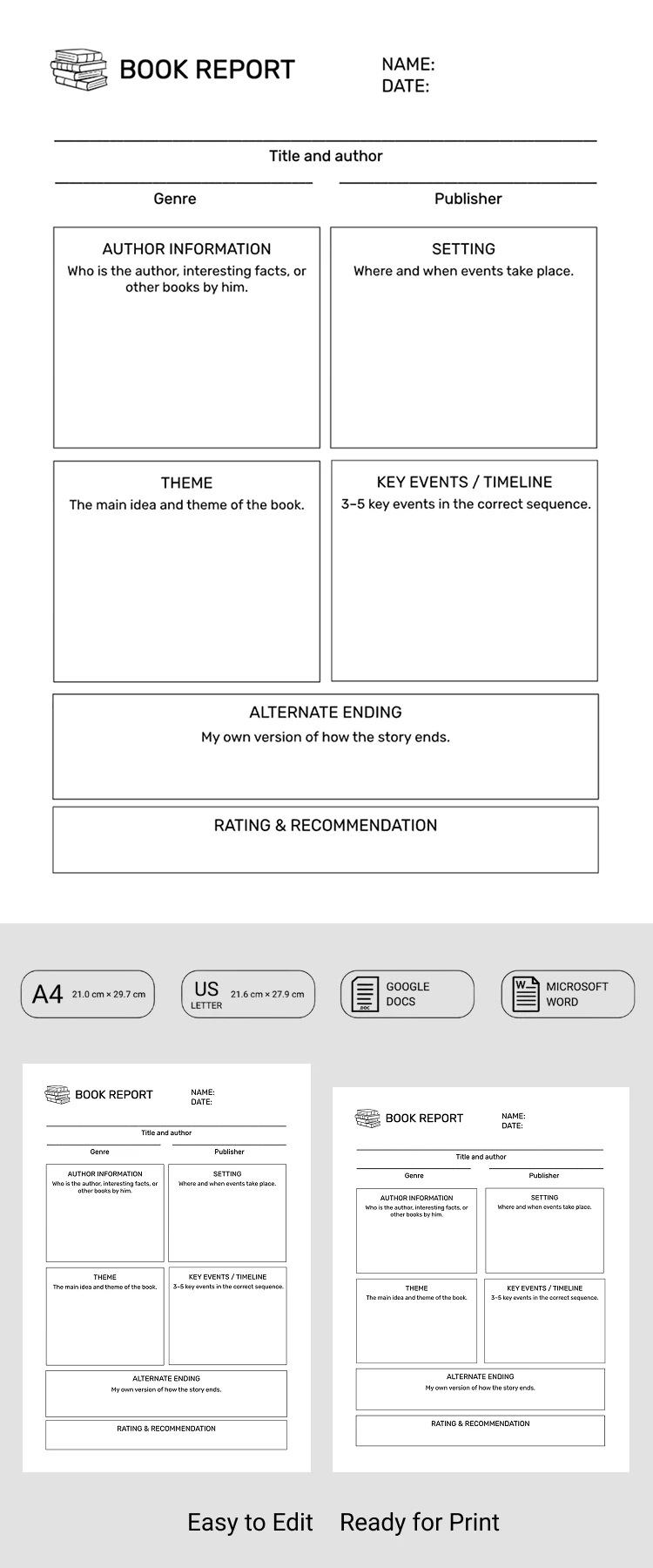
Template Specification
About this template
Use our Student-Friendly Book Report Template to put your project together quickly and accurately. This fully editable design is perfect for reporting on any fiction or non-fiction book. Its straightforward structure, black-and-white layout, and familiar formatting make this template incredibly versatile.
Structured Six-Section Book Report
Students can include their name, the date, book title, author, genre, and publisher in the header of this free book report template. Below is the main editable table where you can build your report.
You can provide detailed info on the author and the setting, explore the theme, describe 3–5 key events, and even share your personal take on the ending in this table. Each section offers enough space for your notes, ratings, and recommendations.
Our template is also available in Google Docs and Word, so you can:
- Customize section titles and table sizes, and delete any blocks you don't need.
- Choose new fonts and a fresh color palette.
- Save the completed or blank version as a PDF and print in A4 or US Letter size.
This sample is ready to use right away. You can also find the perfect report template for your needs on our website.
Download Free Template
Google Docs
Opens in browserMicrosoft Word
.docsWHAT’S INCLUDED
Report Tips
FAQ
How to Use and Edit This Template

Get Your Document

Customize Everything

Add Your Content

Print, Export, or Share
Related Templates
Recently Viewed