Quarterly Financial Report Template
Use this free template with Google Sheets and Microsoft Excel
Template Specification
About this template
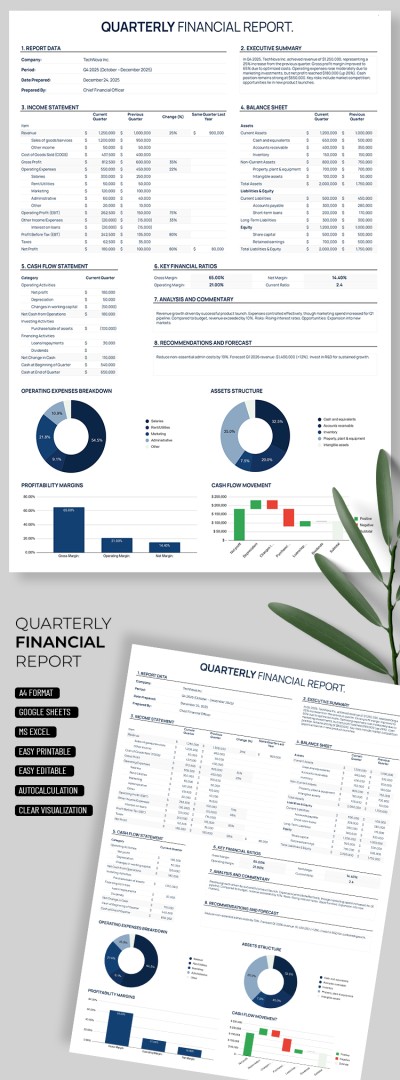
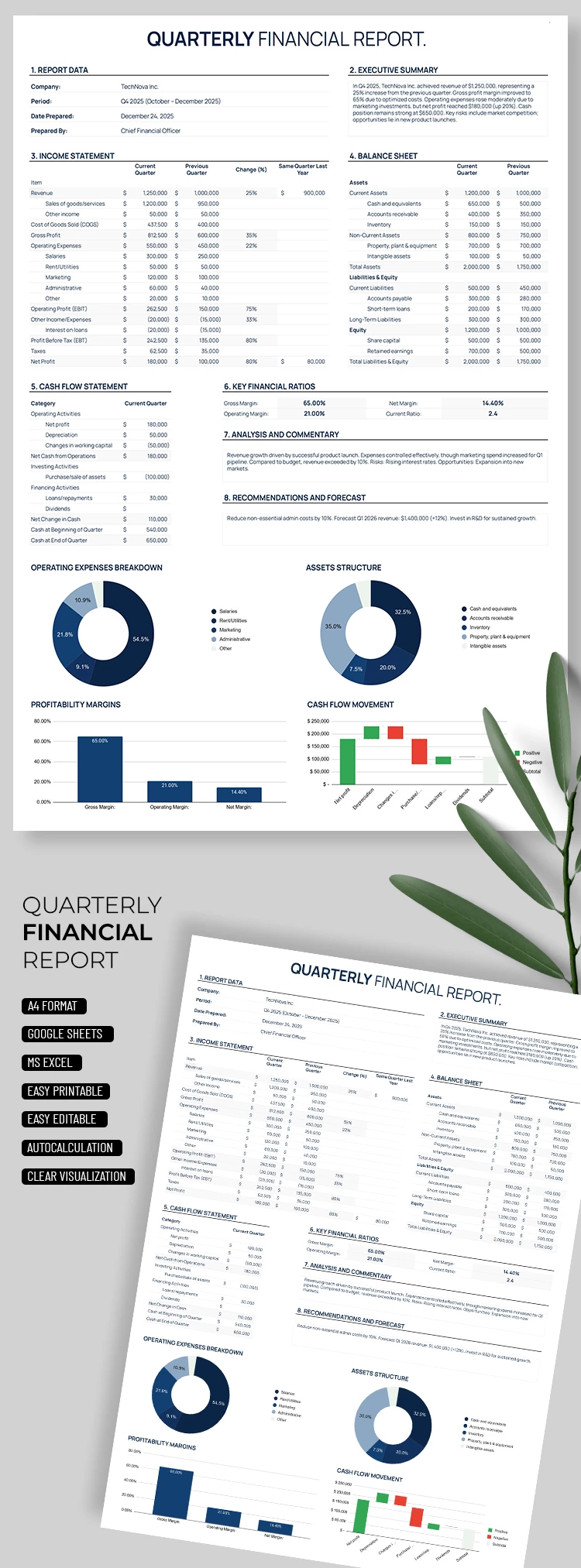
Need to create a professional quarterly financial review? Our Quarterly Financial Report Template will help you get the job done much faster. Use built-in formulas to calculate key metrics effortlessly. This financial report template also includes various charts for clear data visualization.
All-in-One Quarterly Finance Snapshot
On a single sheet of this spreadsheet, you can create a detailed financial report, with most of the work handled automatically.
Our Google Sheets and Excel report template consists of several sections:
- Fill out the reporting details and the executive summary in the header section.
- The income statement features pre-configured fields for your entries and automatic calculations for revenue, operating profit, net profit, and more.
- The balance sheet gives you a clear overview of your assets based on the data provided.
- The cash flow statement and key financial ratios are also mostly calculated automatically.
Additionally, the charts provide a complete breakdown of operating expenses, asset structure, profitability margins, and cash flow. The spreadsheet generates charts and most calculations automatically, so you only need to enter your raw data into the tables.
This option is ideal for creating comprehensive digital reports, but you can also find printable versions among our Google Docs report templates on the website.
Download Free Template
Google Sheets
Opens in browserMicrosoft Excel
.xlsxWHAT’S INCLUDED
Report Tips
FAQ
How to Use and Edit This Template

Get Your Document

Customize Everything

Add Your Content

Print, Export, or Share
Related Templates
Recently Viewed