Printable School Incident Report Template
Use this free template with Google Slides and Microsoft PowerPoint
Template Specification
About this template
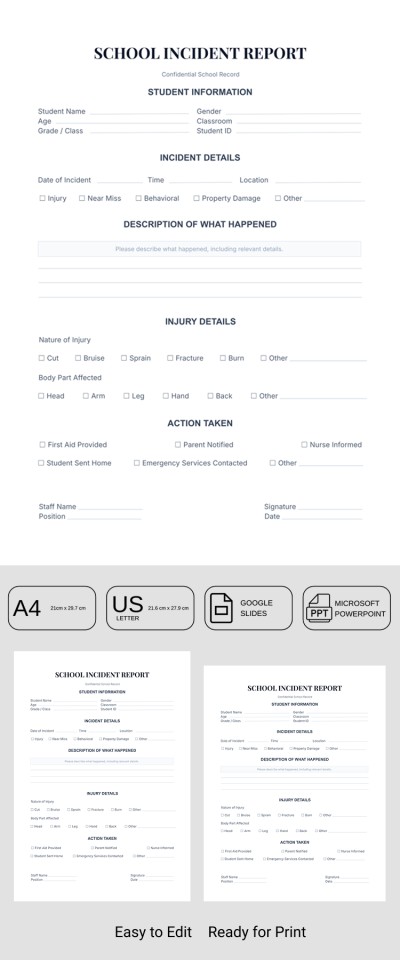
We hope that incidents at your school are extremely rare! However, you can use our Printable School Incident Report Template to be prepared for any unforeseen situations. This form comes with a pre-set structure for recording detailed incident information in a digital format or on printed copies.
Get Your Ready-to-Print Incident Form
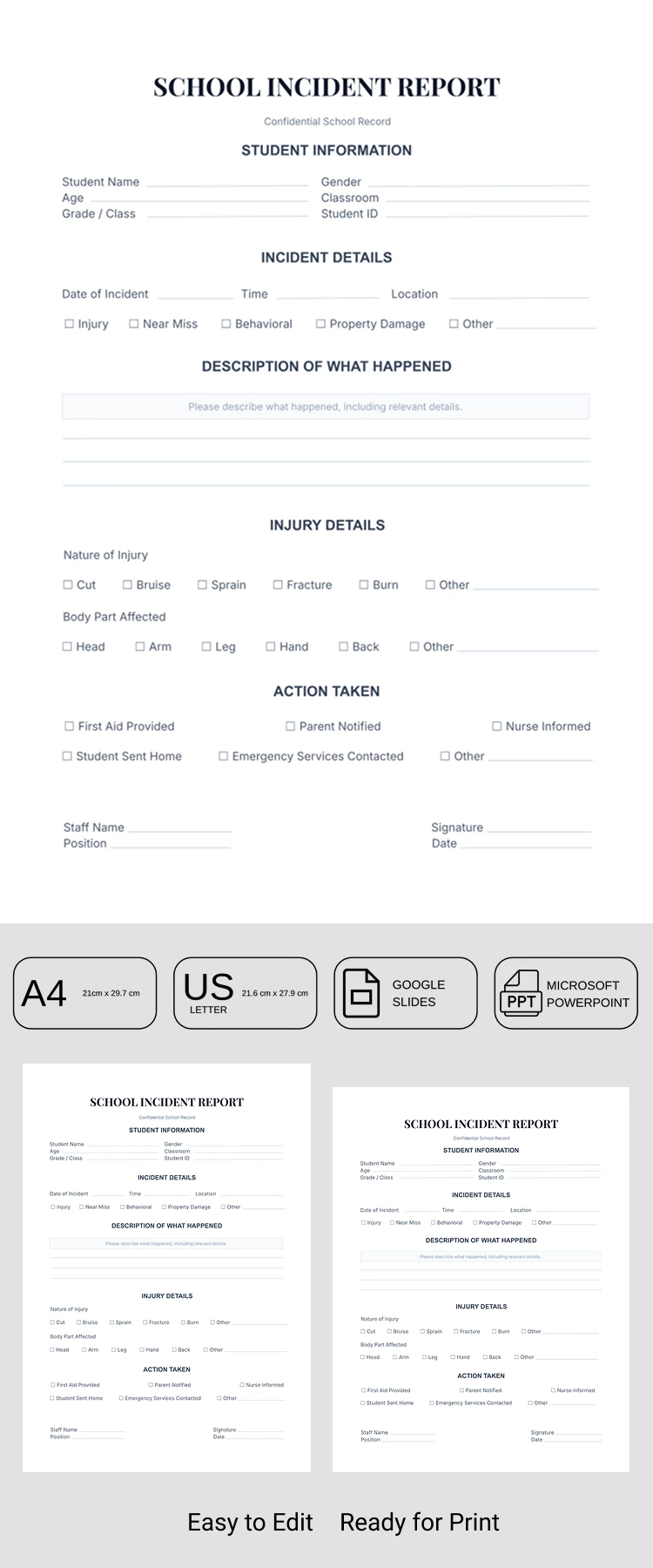
Our incident report template is print-ready in A4 and US Letter sizes. Depending on the standards in your country, you can select the required size before downloading or saving a copy.
The layout features separate sections:
- Enter information about the person involved in the incident, including their name, age, grade, gender, ID, and other details.
- Add incident information, such as the date, time, and location, and select the incident type using the checkboxes (injury, behavioral, property damage, etc.).
- Enter a detailed description of the events that occurred in the lined section.
- Add injury details and actions taken using more checkboxes.
The template also includes placeholders for information about the responsible person, including their position at the school, name, report date, and signature. This form is fully editable, so you can customize the placeholder text to suit your school's current requirements in Google Slides or PowerPoint. Choose a report template for Word for any occasion on our website.
Download Free Template
Google Slides
Opens in browserMicrosoft PowerPoint
.pptxWHAT’S INCLUDED
Report Tips
FAQ
How to Use and Edit This Template

Get Your Document

Customize Everything

Add Your Content

Print, Export, or Share
Related Templates
Recently Viewed