Printable 4th Grade Book Report Template
Use this free template with Google Docs and Microsoft Word
Template Specification
About this template
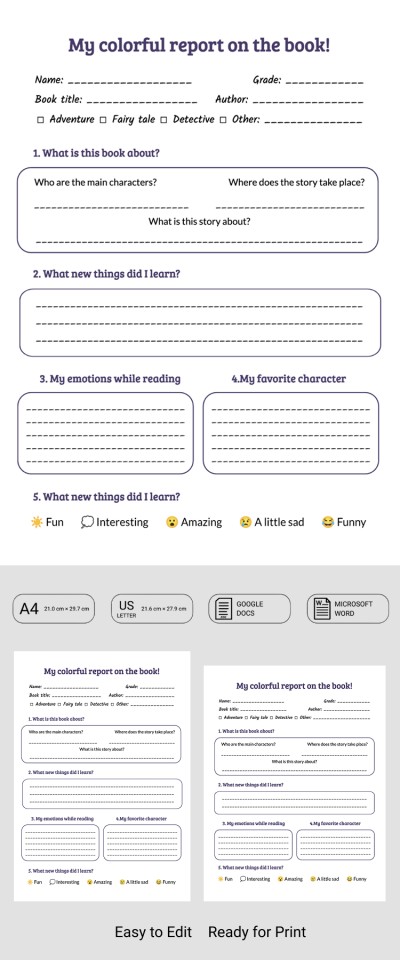
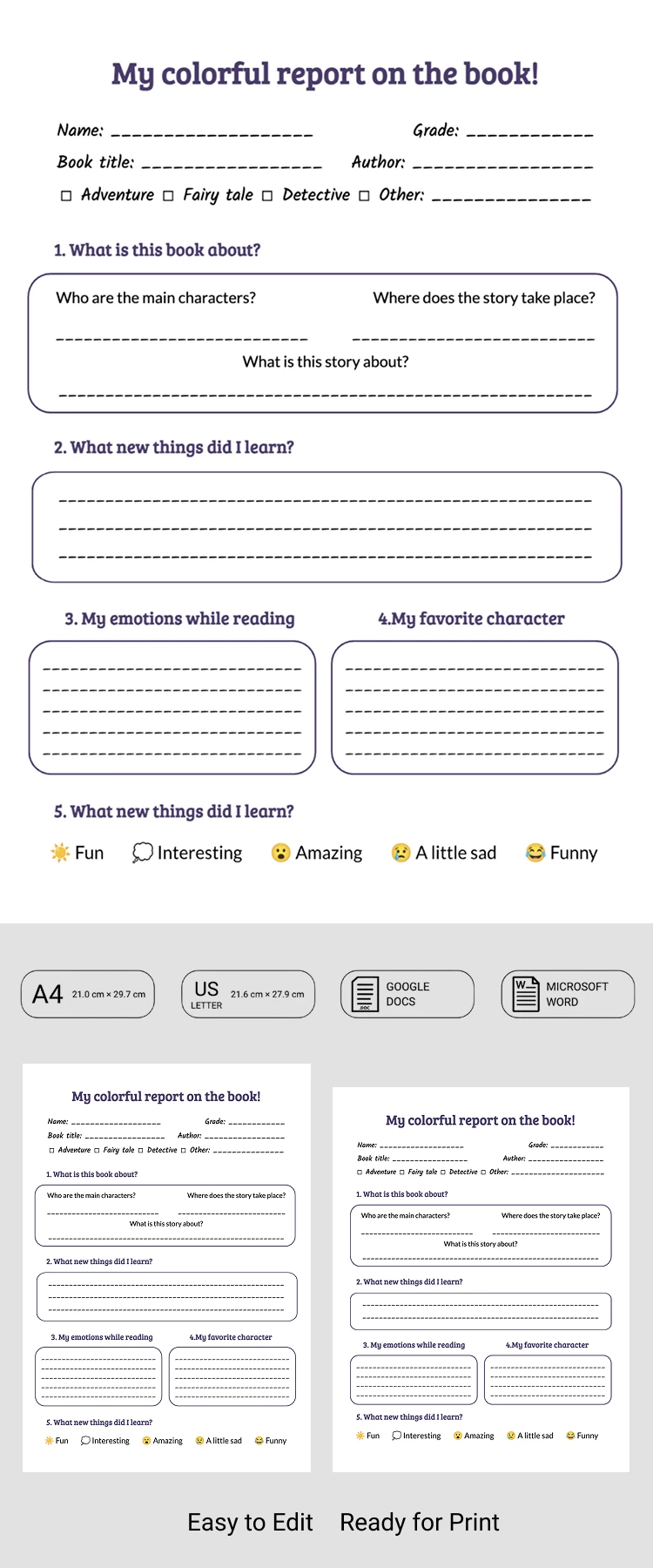
This Printable 4th Grade Book Report Template helps students overcome the fear of a blank page by offering a structured form that can be filled out digitally or printed. Teachers can use it to create classroom handouts, while students can easily complete their book reports using the provided layout. Plus, every section of this report template in Word and Google Docs is fully customizable.
Get a Printable Reading Report for Free
The template structure is designed specifically for elementary school students. Using this layout, they can build a clear book report based on their class assignments. Name, book title, grade, author, and the book's genre can be typed in the header.
The main area features separate blocks for the report itself. Students can describe the main characters, the setting, and the theme of the story. There are also dedicated spaces for sharing what they learned, the emotions the book inspired, and their favorite character.
This sample is equally convenient for teachers and students:
- Teachers can add new questions and section titles before printing the template.
- The pre-designed structure makes the blank page less intimidating and boosts students' confidence.
- The template is downloadable in either the A4 or US Letter version.
Start using this book report template 4th grade today.
Download Free Template
Google Docs
Opens in browserMicrosoft Word
.docsWHAT’S INCLUDED
Report Tips
FAQ
How to Use and Edit This Template

Get Your Document

Customize Everything

Add Your Content

Print, Export, or Share
Related Templates
Recently Viewed