Pink One Page Monthly Report Template
Use this free template with Google Slides and Microsoft PowerPoint
Template Specification
Key Features of This Template
About this template
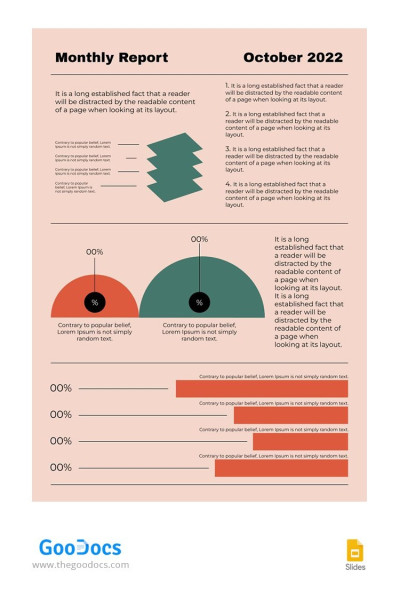
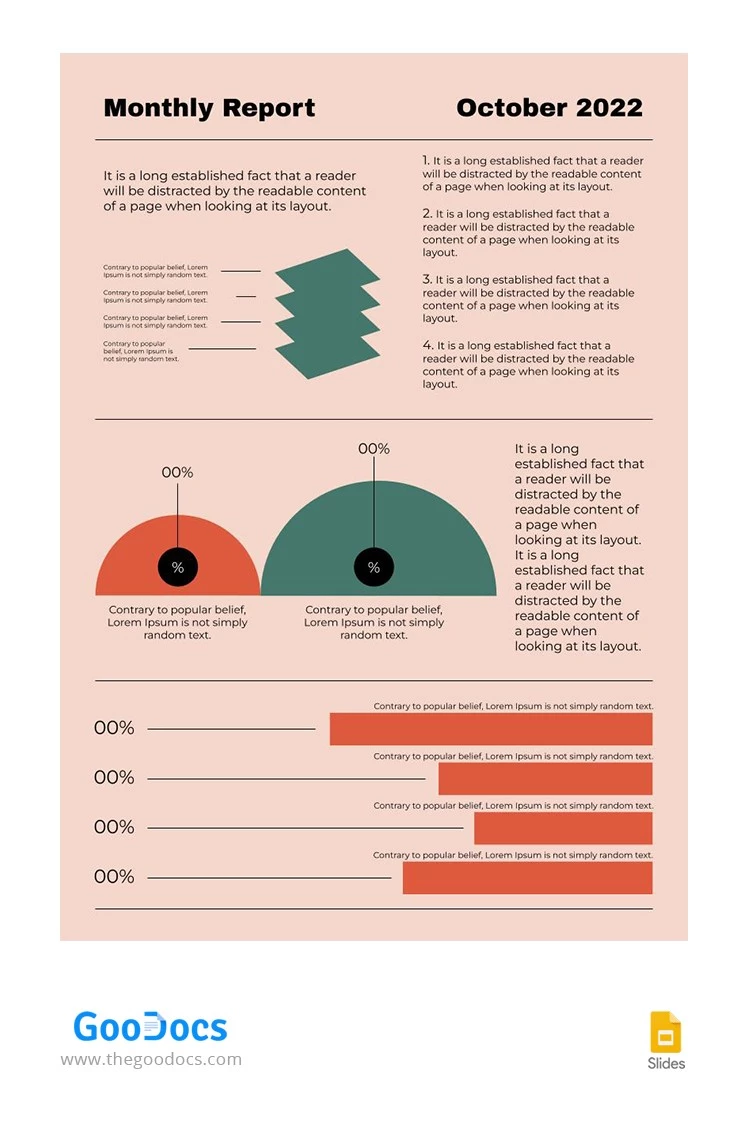
This Pink One-Page Monthly Report Template is perfect for those who want their data to be visually engaging. Instead of dense text, you can use editable shapes, charts, and graphs to highlight key metrics and provide a brief description for each section of your report.
Visualize Your Monthly Progress
Our business report template is free and ready to use in Google Slides. Customizing the design is easy, so you can choose a background that matches your brand colors, update the month and year, and personalize the illustrations to suit your style.
Editing shapes and text is just as simple:
- Drag the lines to show the percentage of completed tasks, budget vs. planned values, and more.
- Move the bars to reflect percentage changes for the four indicators tracked in the report.
- Replace the placeholder text with your own summary of the metrics and the month's progress.
The finished report can be shared digitally or saved as a PDF for high-quality printing in A4 or US Letter sizes. Browse our website to find a suitable monthly report template for your needs!
Download Free Template
Google Slides
Opens in browserWHAT’S INCLUDED
Report Tips
FAQ
How to Use and Edit This Template

Get Your Document

Customize Everything

Add Your Content

Print, Export, or Share
Related Templates
Recently Viewed