Get unlimited access to 5000+ Templates for Google Docs, Slides and Sheets
Unlimited Access
All Templates

One-Page Monthly Report Template

Use this free template with Google Slides and Microsoft PowerPoint
4.17 (2 reviews)
Last updated Updated June 18, 2026
Created by Logan Scott
Type Monthly
ADVERTISEMENT

Template Specification

Format Google Slides
Created August 20, 2022
Last Updated June 18, 2026
Community Added to collections by 6 Users
Usage Stats 0 downloads this month

Key Features of This Template

About this template

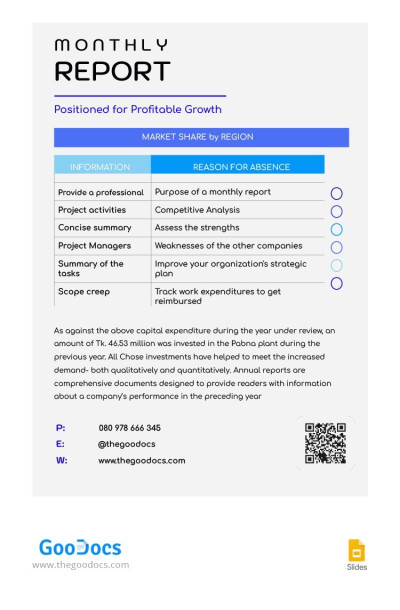
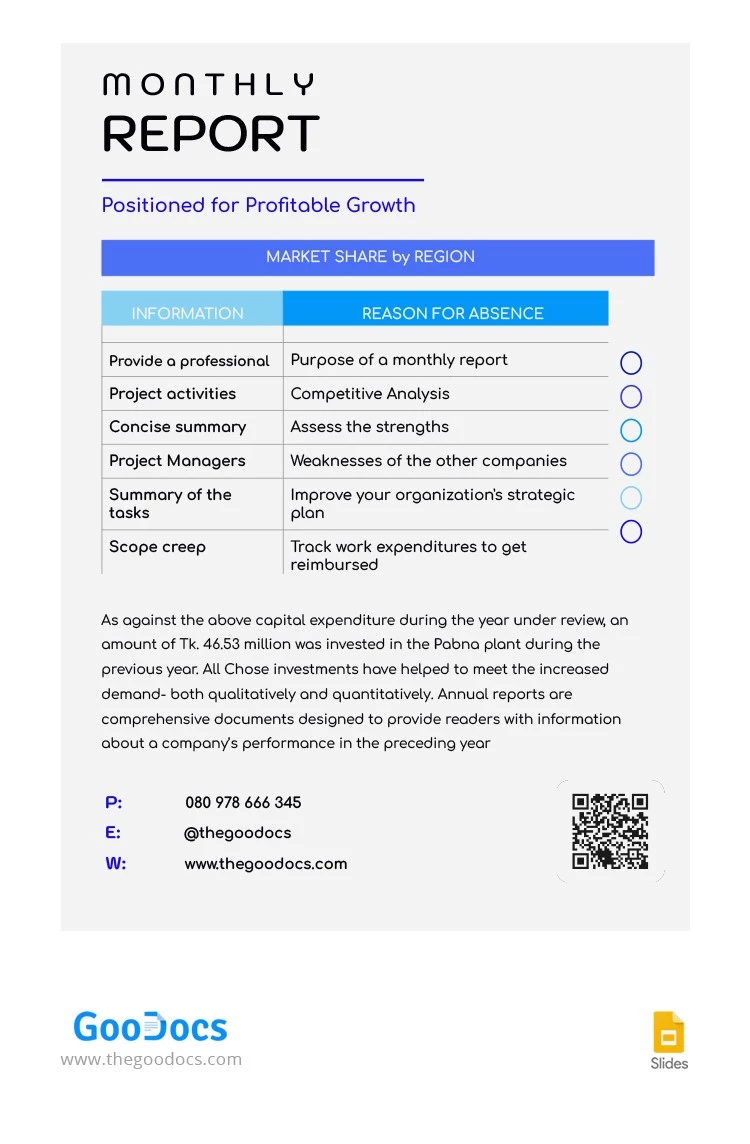
Use our free One-Page Monthly Report Template to create reports for any purpose. The template includes four main sections, featuring an editable header and table, and placeholders for text and contact information. You can easily rename columns, add new items, and take advantage of our modern design.

Create a One-Page Monthly Report Easily

In Google Slides, you can easily customize the layout, change titles, add your own text, or remove any design elements you don't need. You can also stick with the default design, which features a clear header for your company name and the report's topic. If you’re looking for a different format, you can also find a business report template for Google Docs on our website.

This example also includes an editable two-column table where you can compare metrics from previous and current months or list completed tasks. There is space to describe your metrics, add contact details, or even insert a QR code underneath the table.

More about our template:

  • You can choose between A4 and US Letter sizes before downloading the blank.
  • The design looks great on any monitor and after printing.
  • The final report can be saved as a PDF for high-quality printing or sharing.

Use this free version today, or browse our website to find a suitable monthly report template for Word.

ADVERTISEMENT
Free Template

Download Free Template

Choose your platform and start editing right away
PLATFORM

Google Slides

Opens in browser
PAPER SIZE
A4
US Letter
Google Slides – A4
No account required • Attribution required

WHAT’S INCLUDED

Editable header and table section
Pre-designed contact information area
Space for comprehensive project descriptions
Tables for comparing monthly metrics

Report Tips

1
Customize the header with your company branding details.
2
Use the table to track project progress efficiently.
3
Add company-specific performance metrics in the available space.
4
Incorporate a QR code for easy document access.

FAQ

Is the template compatible with Google Slides? Yes, it works seamlessly with Google Slides.
Can I customize the report elements? Absolutely, you can customize all text and design elements.
Is this template free to use? Yes, it's completely free to download and use.
How easy is it to use? It's designed to be intuitive and user-friendly.
Can I save it as a PDF? Yes, you can export it for high-quality printing or sharing.
ADVERTISEMENT

How to Use and Edit This Template

Get Your Document

1

Get Your Document

Click the "Edit Template" button to create your own editable copy in Google Slides or download for Microsoft PowerPoint
Customize Everything
2

Customize Everything

Easily change colors, fonts, and layouts to match your unique style or brand identity
Add Your Content
3

Add Your Content

Fill in your data, upload images, and replace the placeholder text with your own information
Print, Export, or Share
4

Print, Export, or Share

Print, export as PDF, or share instantly

Related Templates

Recently Viewed