Get unlimited access to 5000+ Templates for Google Docs, Slides and Sheets
Unlimited Access
All Templates

Monthly Management Report Template

Use this free template with Google Docs and Microsoft Word
4.38 (3 reviews)
Last updated Updated June 18, 2026
Created by Sofia Allen
Type Monthly
ADVERTISEMENT

Template Specification

Format Google Docs
Created November 8, 2022
Last Updated June 18, 2026
Community Added to collections by 7 Users
Usage Stats 20 downloads this month

Key Features of This Template

About this template

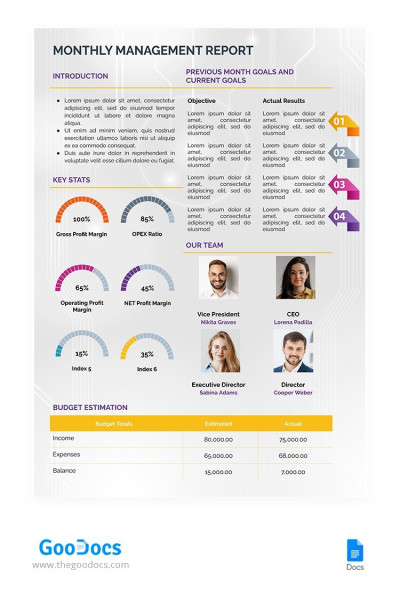
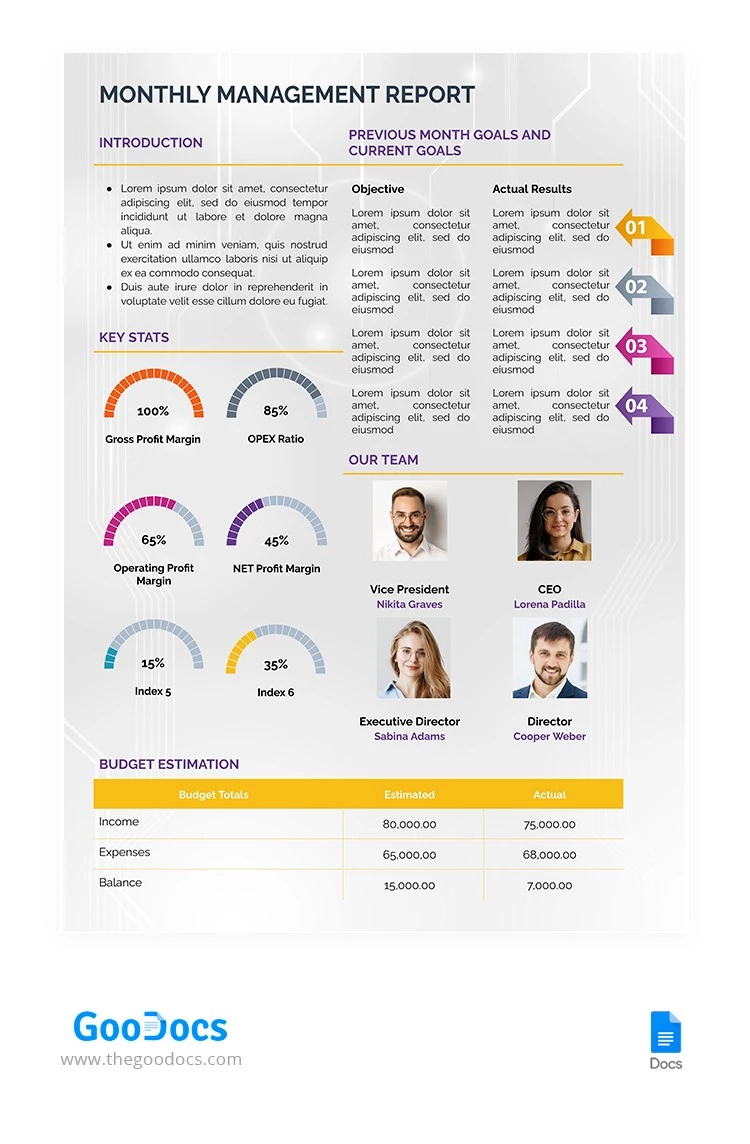
Our Monthly Management Report Template allows you to provide a detailed breakdown of your team, department, or entire company's monthly performance. The layout is divided into distinct sections, making it easy to find the information you need. A modern gray pattern, easy-to-read fonts, and a clear heading hierarchy make this format incredibly versatile.

Create a Management Report Easily

This template features five distinct sections. In the introduction, you can provide an overview of your report metrics and key objectives. Next, you can compare the previous month's goals with current ones using a convenient two-column layout. The key stats section offers six editable placeholders with visual scales to display gross profit margin, OPEX ratio, and other important metrics.

In addition to tracking key metrics, you can:

  • Add the names and photos of the team members.
  • Provide a budget overview (cost estimates and actual income and expense figures) for all categories.
  • Fully customize the design using your brand colors, custom fonts, and illustrations.

This monthly report template is print-ready in A4 and US Letter sizes, so there’s no need for extra formatting. Simply complete the template in Google Docs, save it as a PDF, and you're ready to submit your report!

ADVERTISEMENT
Free Template

Download Free Template

Choose your platform and start editing right away
PLATFORM

Google Docs

Opens in browser
PAPER SIZE
A4
US Letter
Google Docs – A4
No account required • Attribution required

WHAT’S INCLUDED

Customizable sections for management reports
Editable team member profiles with photos
Visual scales for key metrics
Comprehensive budget estimation table

Report Tips

1
Update key stats monthly for accuracy.
2
Customize the layout with your brand colors.
3
Include detailed objectives in each report.
4
Review previous month goals regularly.

FAQ

Is this template compatible with Excel? No, it is specifically designed for Google Docs and Word.
Is it easy to use for beginners? Yes, the simple structure is user-friendly and easy to navigate.
Can I customize the template? Yes, you can customize font, color, and section arrangement.
Is the template free to download? Yes, it is free for personal and professional use.
Does it include financial calculations? No, it provides placeholders for manually inputting data.
ADVERTISEMENT

How to Use and Edit This Template

Get Your Document

1

Get Your Document

Click the "Edit Template" button to create your own editable copy in Google Docs or download for Microsoft Word
Customize Everything
2

Customize Everything

Easily change colors, fonts, and layouts to match your unique style or brand identity
Add Your Content
3

Add Your Content

Fill in your data, upload images, and replace the placeholder text with your own information
Print, Export, or Share
4

Print, Export, or Share

Print, export as PDF, or share instantly

Related Templates

Recently Viewed