Get unlimited access to 5000+ Templates for Google Docs, Slides and Sheets
Unlimited Access
All Templates

Light Purple Daily Activity Report Template

Use this free template with Google Docs and Microsoft Word
4.28 (2 reviews)
Last updated Updated June 20, 2026
Created by Grace Green
Type Daily
ADVERTISEMENT

Template Specification

Format Google Docs
Created September 13, 2021
Last Updated June 20, 2026
Community Added to collections by 20 Users
Usage Stats 10 downloads this month

Key Features of This Template

About this template

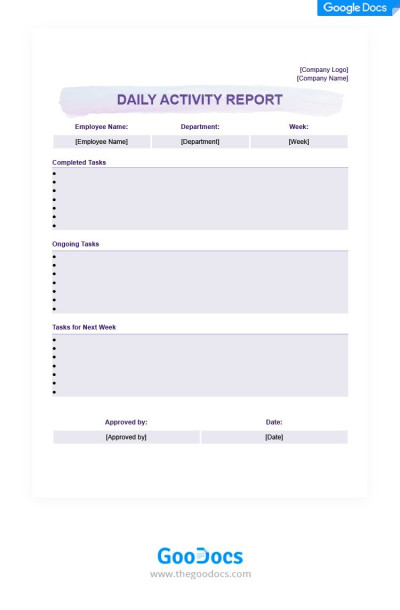
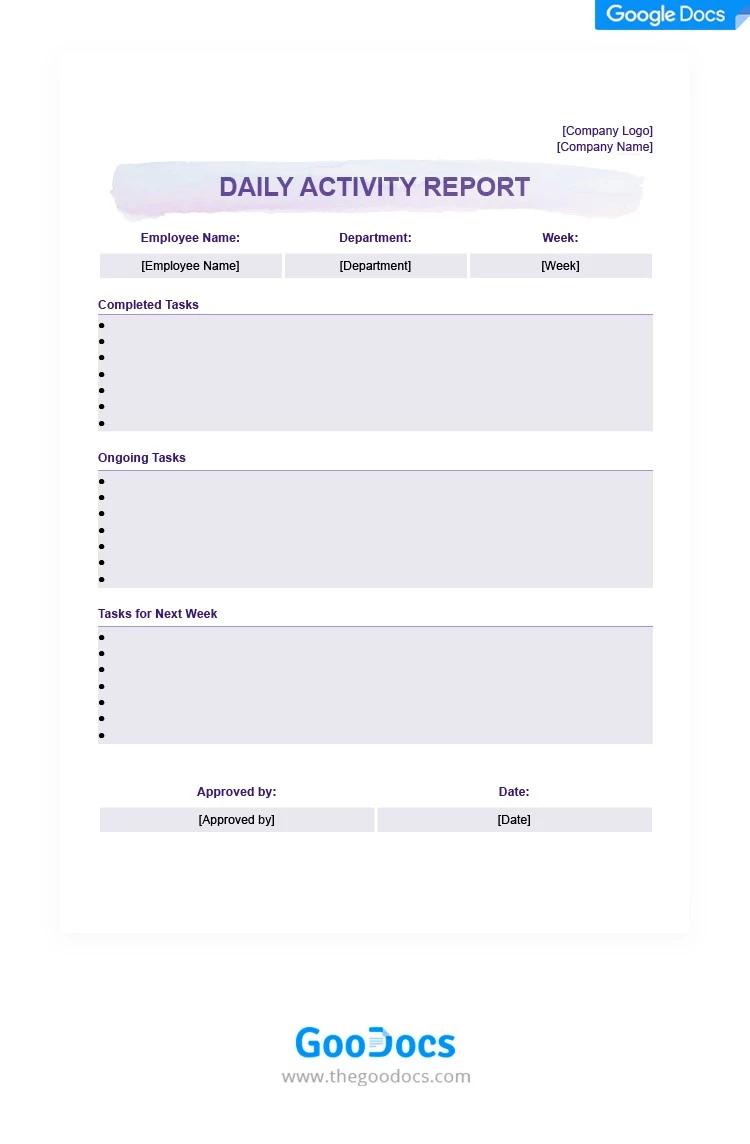
Tired of dull designs and routine reports? Use our Light Purple Daily Activity Report Template to add a touch of color and organization to your work and personal tasks. This layout features a unique design with light purple accents and a convenient structure. You can customize any element directly in Google Docs or use the default version for free.

Track Your Day With This Purple Template

This is one of our most versatile daily reports, perfect for both personal and professional use. The layout is divided into several horizontal sections, so you can keep your notes well-structured.

You can easily:

  • Add your company logo and name, and enter the employee's name, department, and the week.
  • Fill in all ongoing tasks, completed work, and your plans for the upcoming week.
  • Use the "Approved By" and "Date" fields in the bottom section to give the report an official feel.

Customizing the section names or using the template for personal tasks is also simple. Find the perfect professional report templates on our website.

ADVERTISEMENT
Free Template

Download Free Template

Choose your platform and start editing right away
PLATFORM

Google Docs

Opens in browser
PAPER SIZE
US Letter
Google Docs – US Letter
No account required • Attribution required

WHAT’S INCLUDED

Sections for completed and ongoing tasks
Customizable fields for employee information
Space for future task planning
Approval and date fields for formality

Report Tips

1
Update tasks daily to maintain accuracy.
2
Customize fields to suit your department needs.
3
Include specific dates for ongoing tasks.
4
Review and approve weekly to ensure consistency.

FAQ

Is this template compatible with Google Docs? Yes, it is fully compatible with Google Docs.
Can I customize the sections? Absolutely, all sections are fully customizable.
Is this template free to download? Yes, it's available for free.
Is it easy to use for beginners? Yes, the template is designed to be user-friendly.
Can I track tasks for multiple employees? Yes, create a separate sheet for each employee.
ADVERTISEMENT

How to Use and Edit This Template

Get Your Document

1

Get Your Document

Click the "Edit Template" button to create your own editable copy in Google Docs or download for Microsoft Word
Customize Everything
2

Customize Everything

Easily change colors, fonts, and layouts to match your unique style or brand identity
Add Your Content
3

Add Your Content

Fill in your data, upload images, and replace the placeholder text with your own information
Print, Export, or Share
4

Print, Export, or Share

Print, export as PDF, or share instantly

Related Templates

Recently Viewed