Easy 5th Grade Book Report Template
Use this free template with Google Slides and Microsoft PowerPoint
Template Specification
About this template
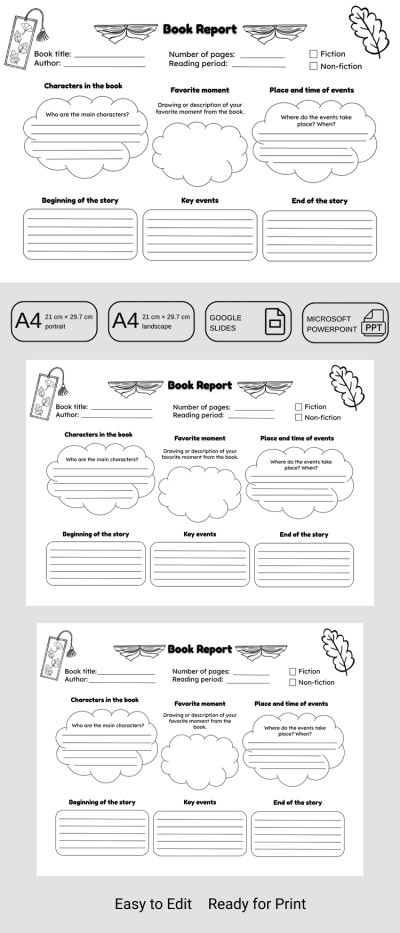
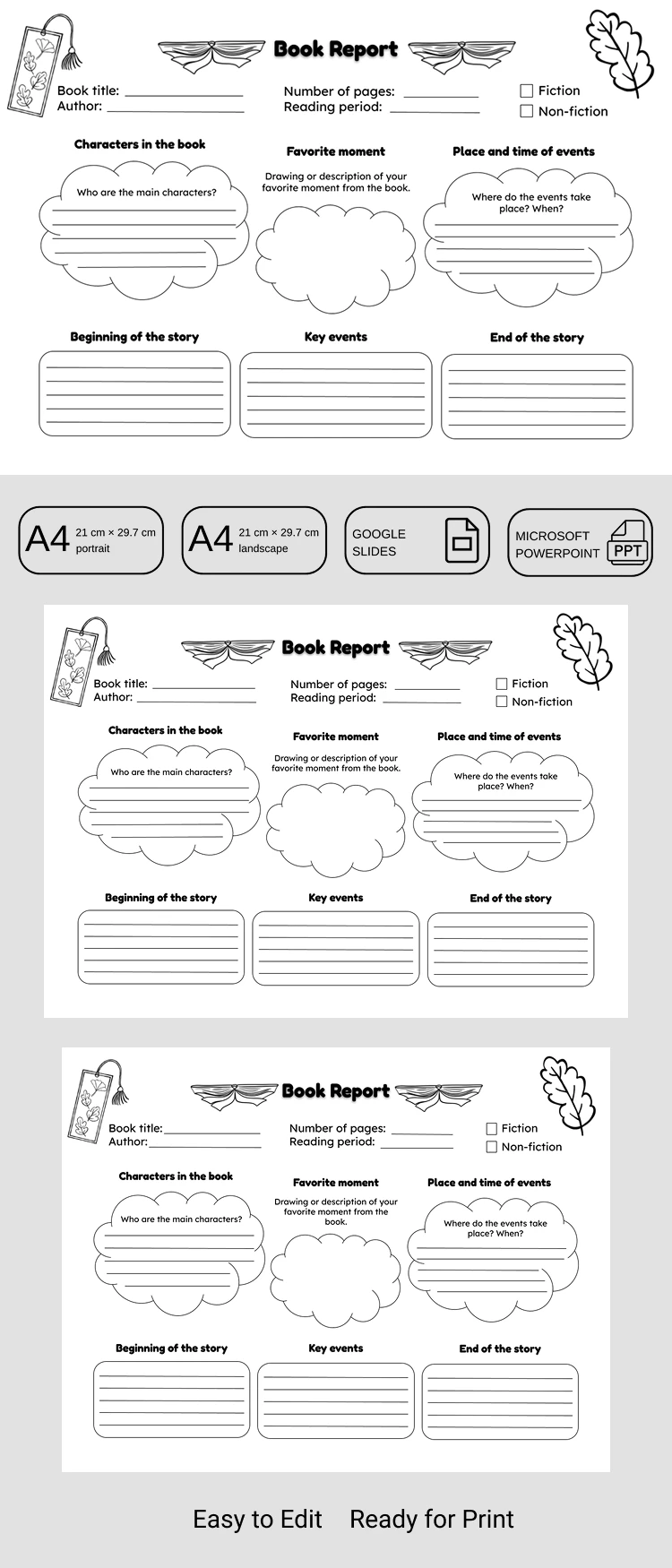
Our 5th Grade Book Report Template is sure to become an essential resource for your students. This editable template makes the writing process stress-free for children and keeps things organized for teachers. You can customize the tasks for all seven sections or keep the default layout and start printing right away.
Make Reading Reports Easy and Fun
This PowerPoint and Google Slides report template features a clear structure suitable for any book report. Students can enter the title, author, page count, and reading time, and then mark whether the book is fiction or non-fiction.
Below the header are the main sections, where 5th graders can:
- Introduce the book's main characters, describe or draw a favorite scene, and detail the setting.
- Highlight key details from the start of the story, summarize major plot points, and describe the conclusion.
The section titles are easy to change. Just click the text and type in your own instructions. This allows you to create a unique report for every book, tailoring the template to the specific needs of each assignment. This sample is also ready to print in A4 and US Letter landscape formats, with no extra setup required.
Find the perfect 5th-grade book report template on our website today.
Download Free Template
Google Slides
Opens in browserMicrosoft PowerPoint
.pptxWHAT’S INCLUDED
Report Tips
FAQ
How to Use and Edit This Template

Get Your Document

Customize Everything

Add Your Content

Print, Export, or Share
Related Templates
Recently Viewed