Get unlimited access to 5000+ Templates for Google Docs, Slides and Sheets
Unlimited Access
All Templates

College Book Report Template

Use this free template with Google Docs and Microsoft Word
4.25 (1 reviews)
Last updated Updated June 20, 2026
Created by Nadia Sokolova
ADVERTISEMENT

Template Specification

Format Google Docs, Microsoft Word
Created November 8, 2025
Last Updated June 20, 2026
Community Added to collections by 1 Users
Usage Stats 6 downloads this month

About this template

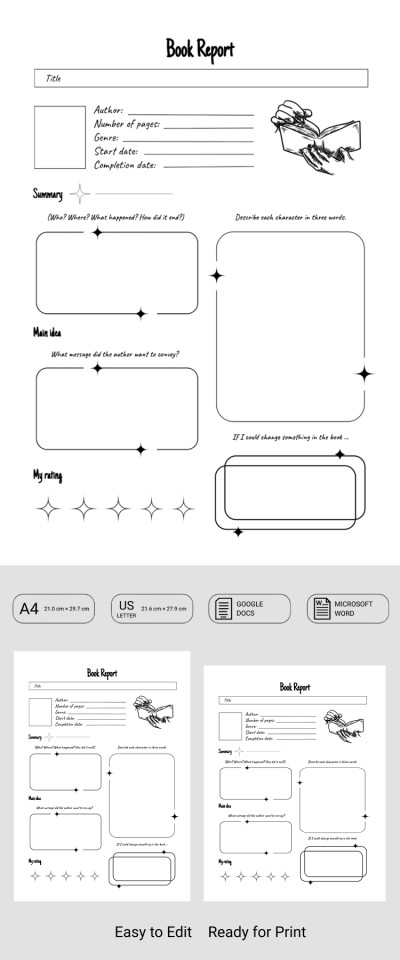
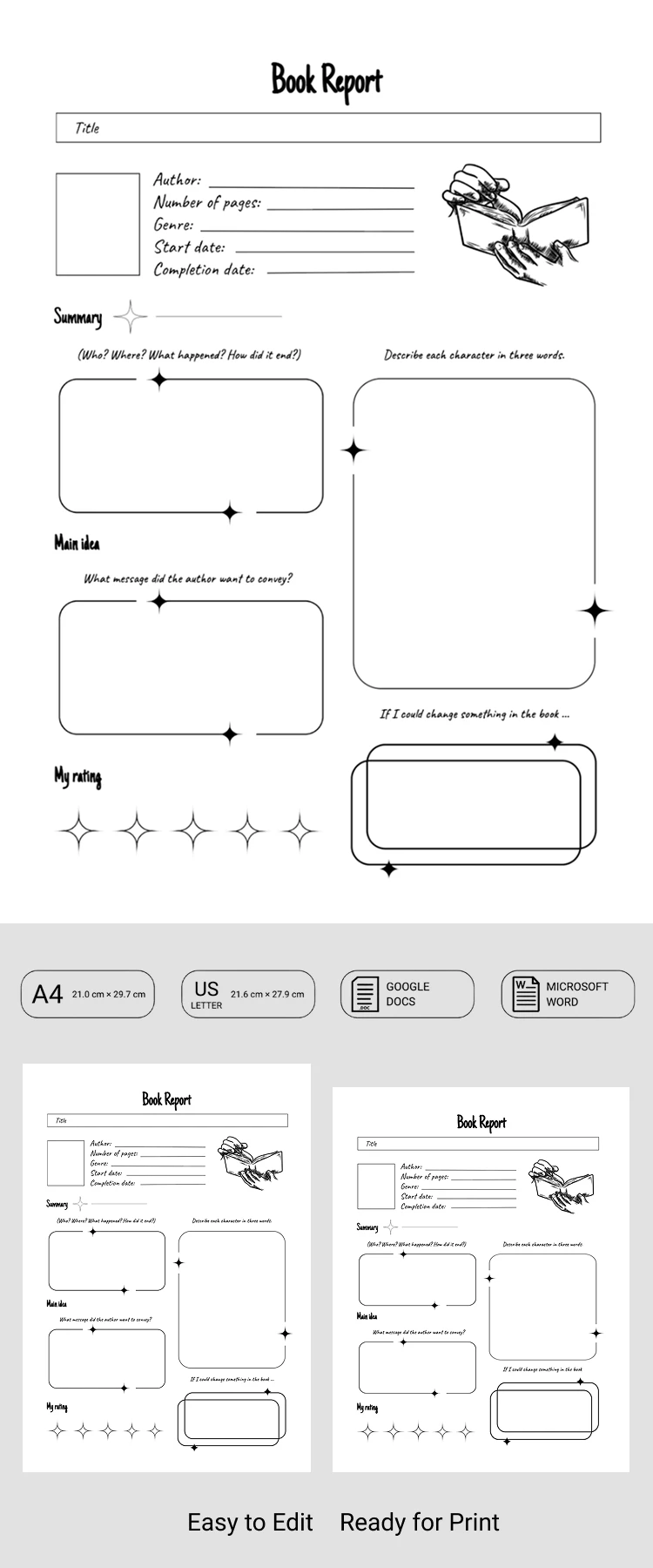
Use this College Book Report Template to design your project quickly and efficiently. The template offers several sections where you can record your thoughts about the book you've read. You can fill out the form online via Google Docs or Word, or print it out to complete by hand.

Create a Standout Book Report Using Our B&W Design

Our book report template includes everything you need to get the best grade for your project. The stylish black-and-white design is perfect for literature classes. The layout is clean and free of unnecessary elements, making the form easy to read and navigate.

Simply fill out each of the five sections and add your personal rating for the book:

  • Add the author's name, page count, and start and completion dates in the header section.
  • Write a brief summary of the book, including details about the main characters, key events, and the conclusion.
  • Describe the actions and motivations of the main and secondary characters.
  • Enter the main idea and what you would change if you were the character or the author.

These are just examples of sections you can use, as you can easily edit the titles, remove blocks, or customize the layout. Find your next report template on our website.

ADVERTISEMENT
Free Template

Download Free Template

Choose your platform and start editing right away
PLATFORM

Google Docs

Opens in browser

Microsoft Word

.docs
PAPER SIZE
A4
US Letter
Google Docs – A4
No account required • Attribution required

WHAT’S INCLUDED

Multiple sections for detailed analysis
Customizable character description boxes
Rating scale for book evaluation
Editable fields for personalization

Report Tips

1
Summarize the plot in bullet points for clarity.
2
Use vivid adjectives for character descriptions.
3
Note key themes in the main idea section.
4
Rate honestly to reflect true impressions.

FAQ

Is it compatible with Google Docs? Yes, fully compatible with Google Docs and Word.
Is the template user-friendly? Absolutely, it's designed for ease of use.
Can I customize the sections? Yes, you can edit and rearrange the sections.
Is the template free to download? Yes, it's available for free download.
What if I only need specific sections? You can easily remove unwanted sections.
ADVERTISEMENT

How to Use and Edit This Template

Get Your Document

1

Get Your Document

Click the "Edit Template" button to create your own editable copy in Google Docs or download for Microsoft Word
Customize Everything
2

Customize Everything

Easily change colors, fonts, and layouts to match your unique style or brand identity
Add Your Content
3

Add Your Content

Fill in your data, upload images, and replace the placeholder text with your own information
Print, Export, or Share
4

Print, Export, or Share

Print, export as PDF, or share instantly

Related Templates

Recently Viewed