Elegant Business Annual Report Template
Use this free template with Google Docs and Microsoft Word
Template Specification
Key Features of This Template
About this template
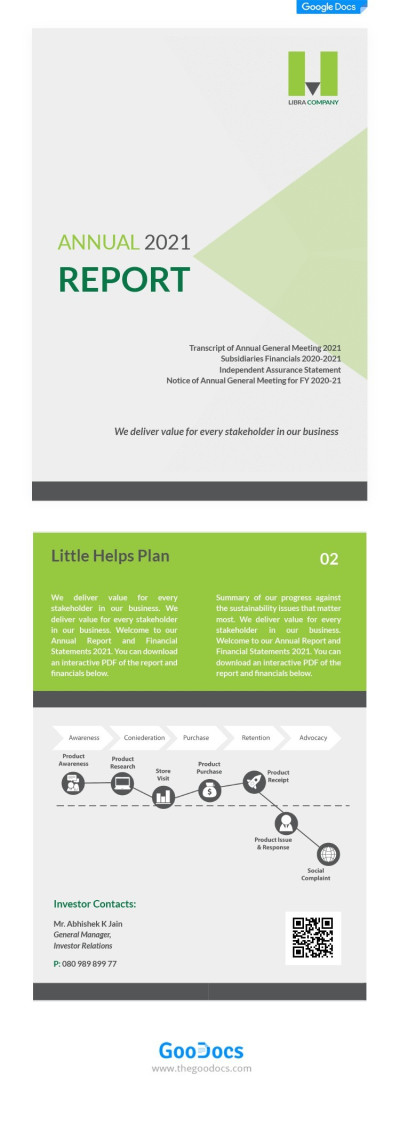
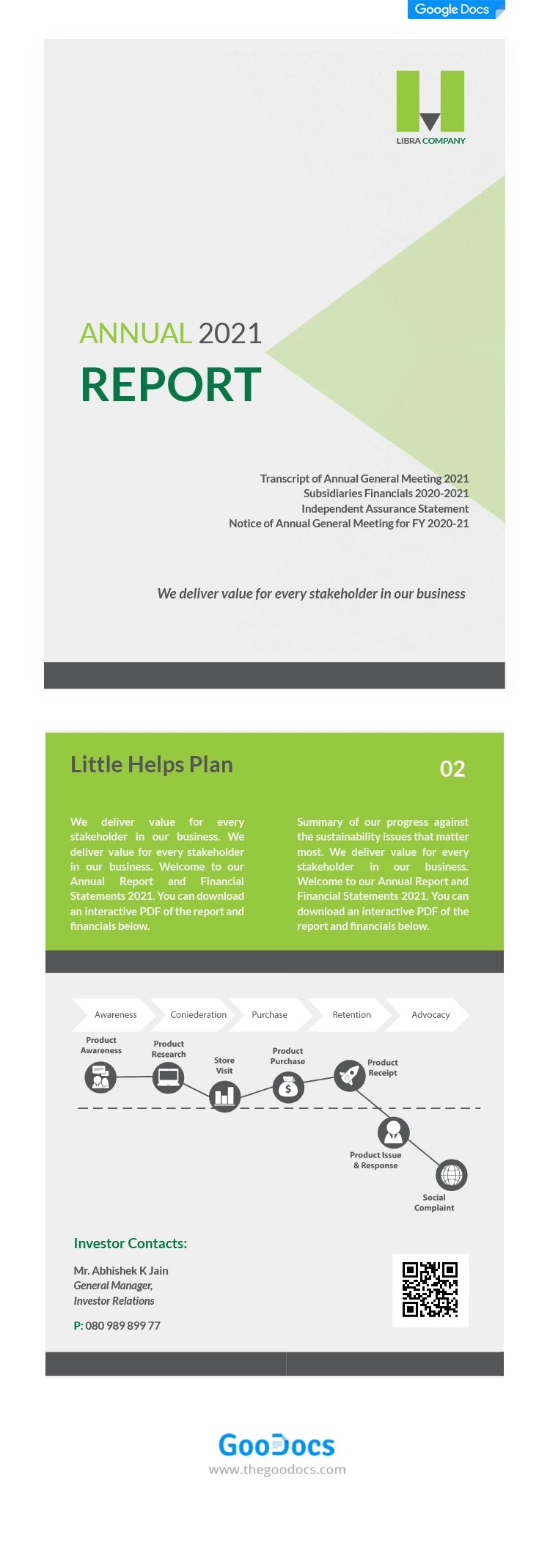
Our Elegant Business Annual Report is a free resource that can become an essential part of your presentation. The template features neutral gray and green colors, easy-to-read fonts, and well-placed placeholders for text and charts. The bundle consists of two fully editable pages, allowing you to quickly put together your current report today.
Show Your Company's Progress With This Annual Report
The first page of our business report template is a cover page that introduces stakeholders to the report's topic. It includes space for your company logo, report title, year, and a brief summary.
The second page features two blocks separated by contrasting background colors and a gray divider. The top section allows you to provide a description, while the bottom section is for the progress chart itself (or a report on each company process compared to the previous year). Please note that this specific graphic is for illustrative purposes and is not automatically linked to data.
More features of our template:
- You can replace placeholder text, add contacts, and include a QR code directly in Google Docs or Word.
- The template is print-ready in A4 size and requires no additional setup.
Start customizing this template or find another annual report template for Word on our website.
Download Free Template
Google Docs
Opens in browserWHAT’S INCLUDED
Report Tips
FAQ
How to Use and Edit This Template

Get Your Document

Customize Everything

Add Your Content

Print, Export, or Share
Related Templates
Recently Viewed