
Thegoodocs.com
Report Templates
Book Report Templates
2nd Grade Book Report Template – Example and Blank
Log in
Sign up
ADVERTISEMENT
ADVERTISEMENT
2nd Grade Book Report Template – Example and Blank
Use this free template with Google Docs and Microsoft Word
4.25 (1 reviews)
•
Last updated
Updated
November 25, 2026
•
Created by
Oleksandr Bahlai
ADVERTISEMENT
Save
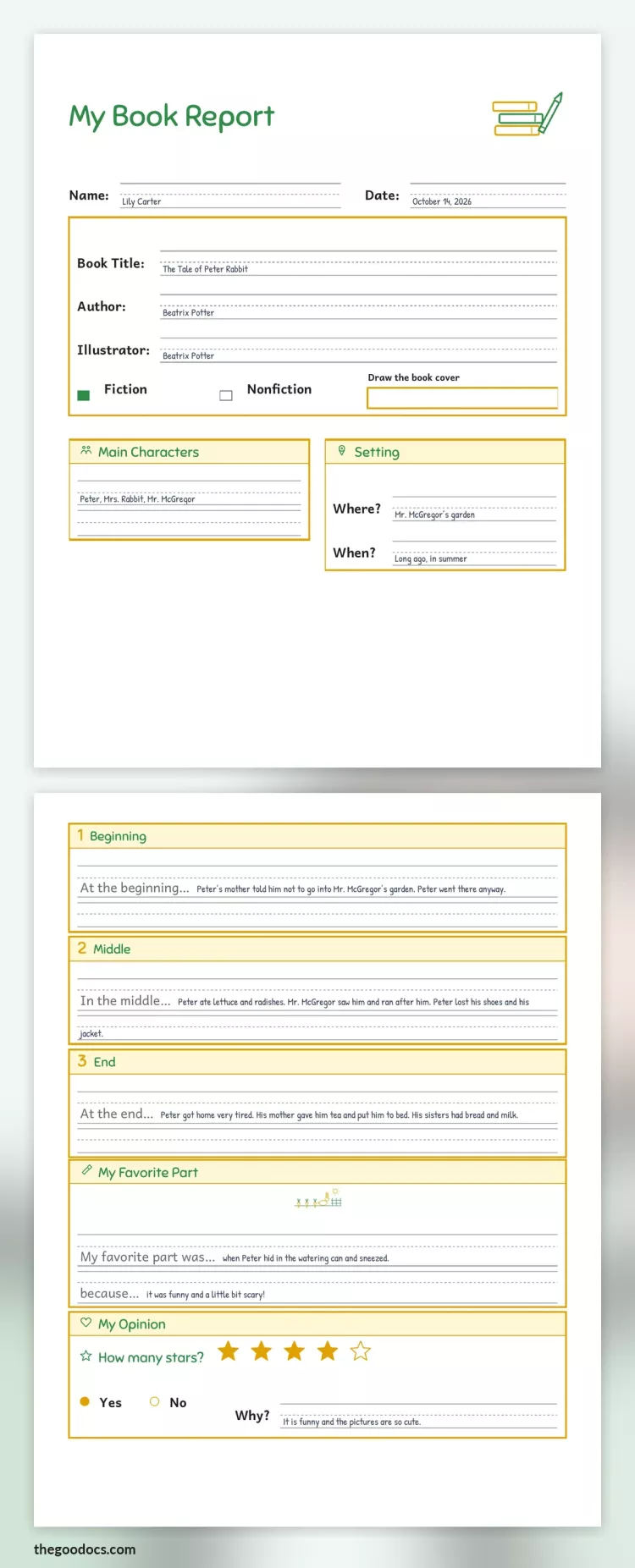
Template Specification
Format
Google Docs, Microsoft Word
Created
November 25, 2026
Last Updated
November 25, 2026
Community
Added to collections by 0 Users
Usage Stats
0 downloads this month
ADVERTISEMENT
Free Template
Download Free Template
Choose your platform and start editing right away
COLOR
CONTENT
Example
With sample text
Blank
Empty, ready to fill in
PLATFORM
Google Docs
Opens in browserMicrosoft Word
.docs
PAPER SIZE
US Letter
Google Docs – US Letter
No account required • Attribution required
Add to Collection
Facebook
Pinterest
Twitter
Copy link
WHAT’S INCLUDED
Book details and illustration section
Main Characters and Setting fields
Beginning, Middle, and End summaries
Five-star rating opinion feature
Report Tips
1
Include the book's main characters in the designated section.
2
Describe the setting with specific details about time and place.
3
Summarize the story in the Beginning, Middle, End sections.
4
Share your opinion and rate the book honestly.
FAQ
What information needs to be filled in?
You need to fill in book details, main characters, setting, story summary, and your opinion.
Can I use this template for nonfiction books?
Yes, you can use it for nonfiction by selecting the correct genre.
What is the purpose of the Favorite Part section?
It allows students to highlight and explain their favorite moment in the book.
Is this template suitable for 2nd graders?
Yes, it is specifically designed for a 2nd-grade reading level.
Is the template compatible with Microsoft Word?
Yes, it can be edited in both Google Docs and Microsoft Word.
ADVERTISEMENT
How to Use and Edit This Template
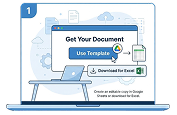
1
Get Your Document
Click the "Edit Template" button to create your own editable copy in Google Docs or download for Microsoft Word
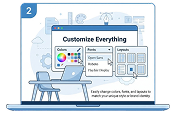
2
Customize Everything
Easily change colors, fonts, and layouts to match your unique style or brand identity
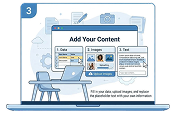
3
Add Your Content
Fill in your data, upload images, and replace the placeholder text with your own information
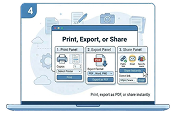
4
Print, Export, or Share
Print, export as PDF, or share instantly
Related Templates
Recently Viewed

2nd Grade Book Report Template – Example and Blank
Open in Google Docs and Microsoft Word
2nd Grade Book Report Template – Example and Blank
Open in Microsoft Word
Your session has ended!
This may be due to prolonged inactivity or your account being used on another device.
OK
Link copied to clipboard