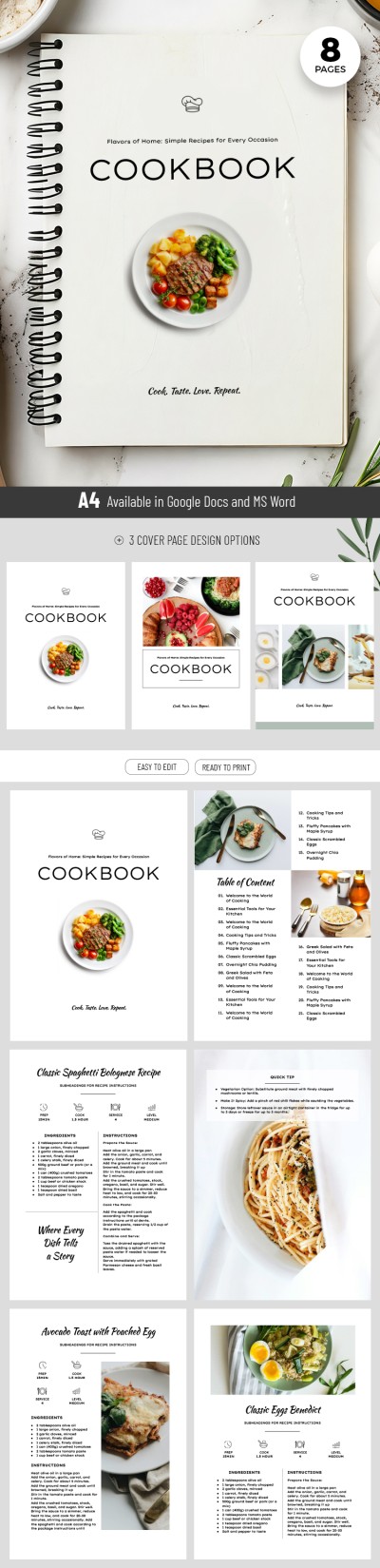
Cookbook Template
Use this free template with Google Docs and Microsoft Word
Template Specification
Key Features of This Template
About this template
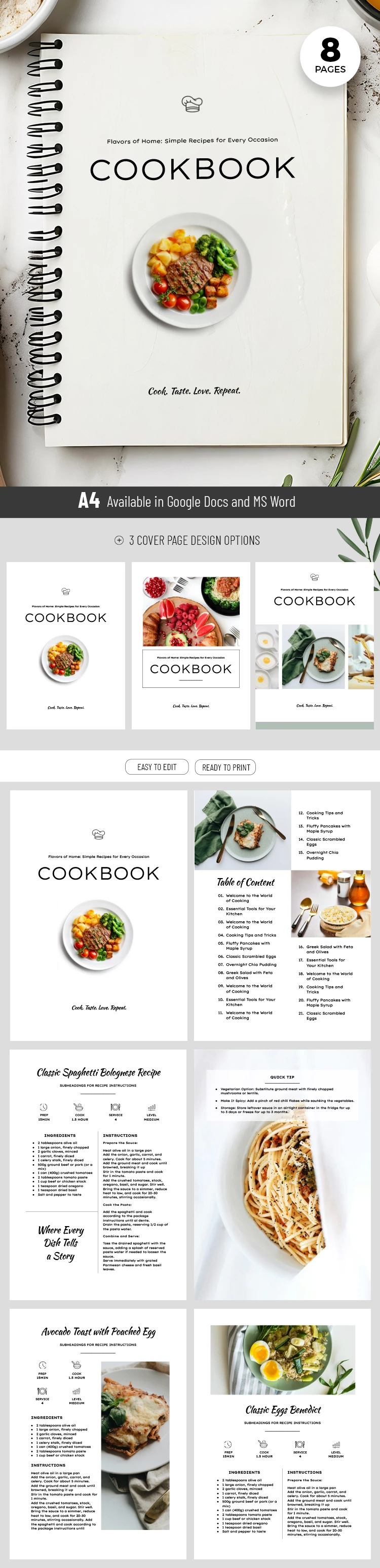
Want your recipe book to look like a professional publication? Use our editable Cookbook Template for free. Inside, you will find eight individual pages, including front covers, recipe layouts, and more. Plus, customizing this recipe template in Google Docs and Word is easy.
Cookbook Template for Chefs and Bloggers
This option is perfect for designing your own unique book. You will find three distinctive front cover options which can also be used as section dividers. The layout also includes an editable table of contents to help readers navigate your recipes.
In addition to the layout pages, we have prepared three recipe page options to give your work a professional look. Each one features a header for the title and icons showing prep time, cooking time, servings, and difficulty level. You can also include a full list of ingredients and cooking instructions in dedicated sections of the page.
More features of our template:
- Use additional pages to showcase your best culinary tips and advice.
- Add new text and illustrations, customize fonts, and adjust the color palette in just a few clicks.
- The template is print-ready in A4 size; simply fill it out and save it as a PDF.
Get a copy or download our cookbook template for free. Choose from dozens of unique options available only on our website.
How to Use and Edit This Template

Get Your Document

Customize Everything

Add Your Content

Print, Export, or Share
Related Templates
Recently Viewed