Sleek Recipe Card Template
Use this free template with Google Docs and Microsoft Word
Template Specification
Key Features of This Template
About this template
Our Sleek Recipe Card Template is a perfect tool to keep your recipes organized in one place. Use this free layout to design your recipe cards with a consistent structure and store them. This template is ready to print and fully editable, while customization takes only a few minutes.
Use Our Clean & Functional Recipe Card Design
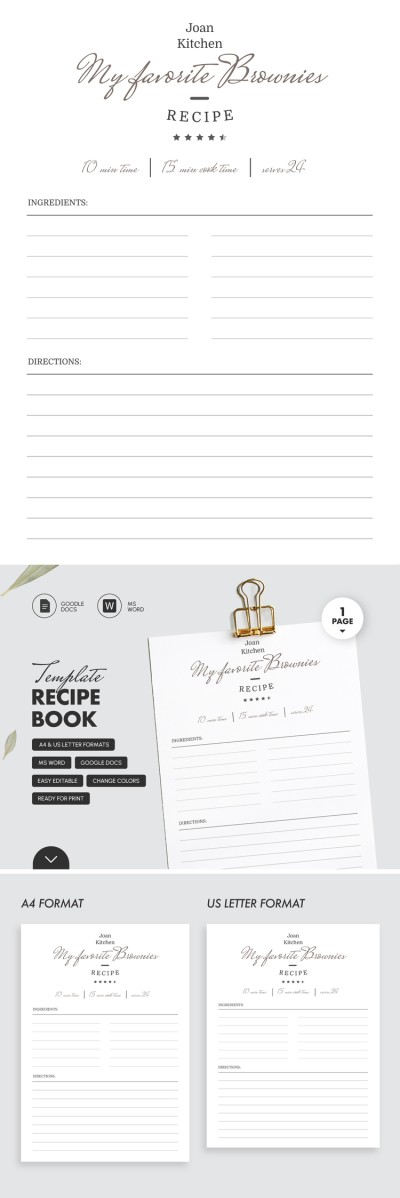
Keep the default design or customize this Google Docs and Word recipe template to your liking. In the header section, replace the placeholder text with the dish name, prep time, and number of servings. Alternatively, delete the text and fill it out by hand after printing.
The layout provides plenty of space for a full list of ingredients in two columns. Below that, a dedicated Directions section offers room for step-by-step cooking instructions.
More convenient features of this template:
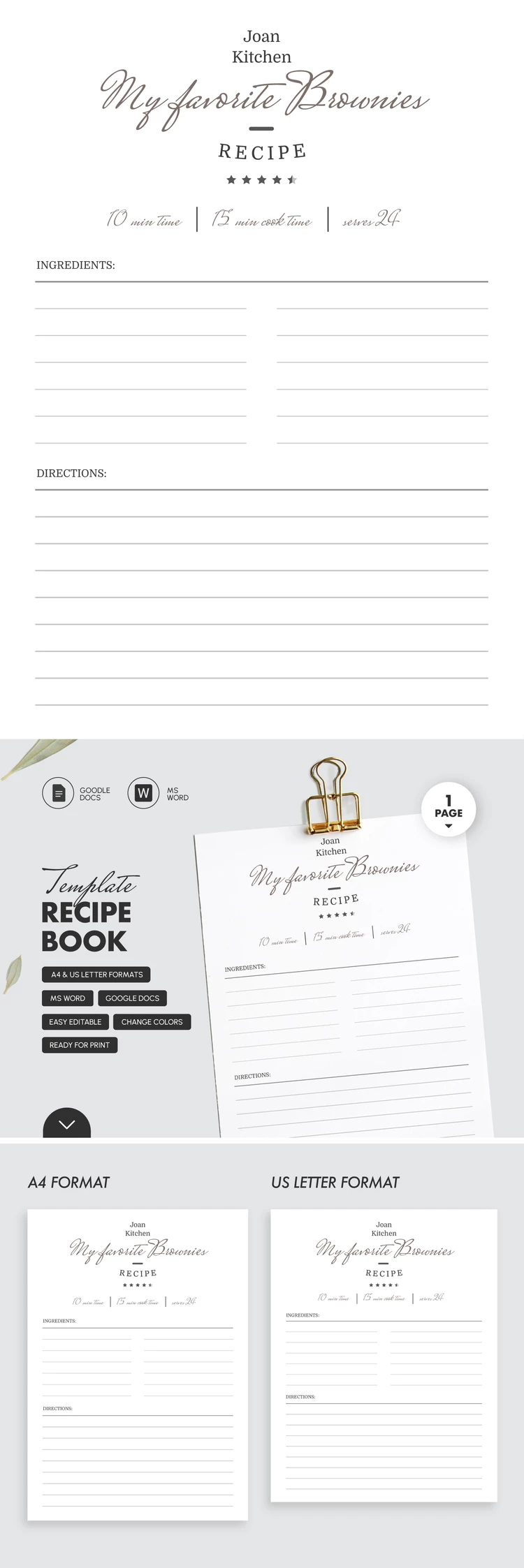
- Choose between A4 and US Letter sizes.
- All print settings, including margins, are already configured.
- Save the finished template as a PDF in just two clicks.
Our recipe card template for Word is the perfect tool to help you build a professional and organized collection in your kitchen.
How to Use and Edit This Template

Get Your Document

Customize Everything

Add Your Content

Print, Export, or Share
Related Templates
Recently Viewed