
Perfect Recipe Card Template
Use this free template with Google Docs and Microsoft Word
Template Specification
Key Features of This Template
About this template
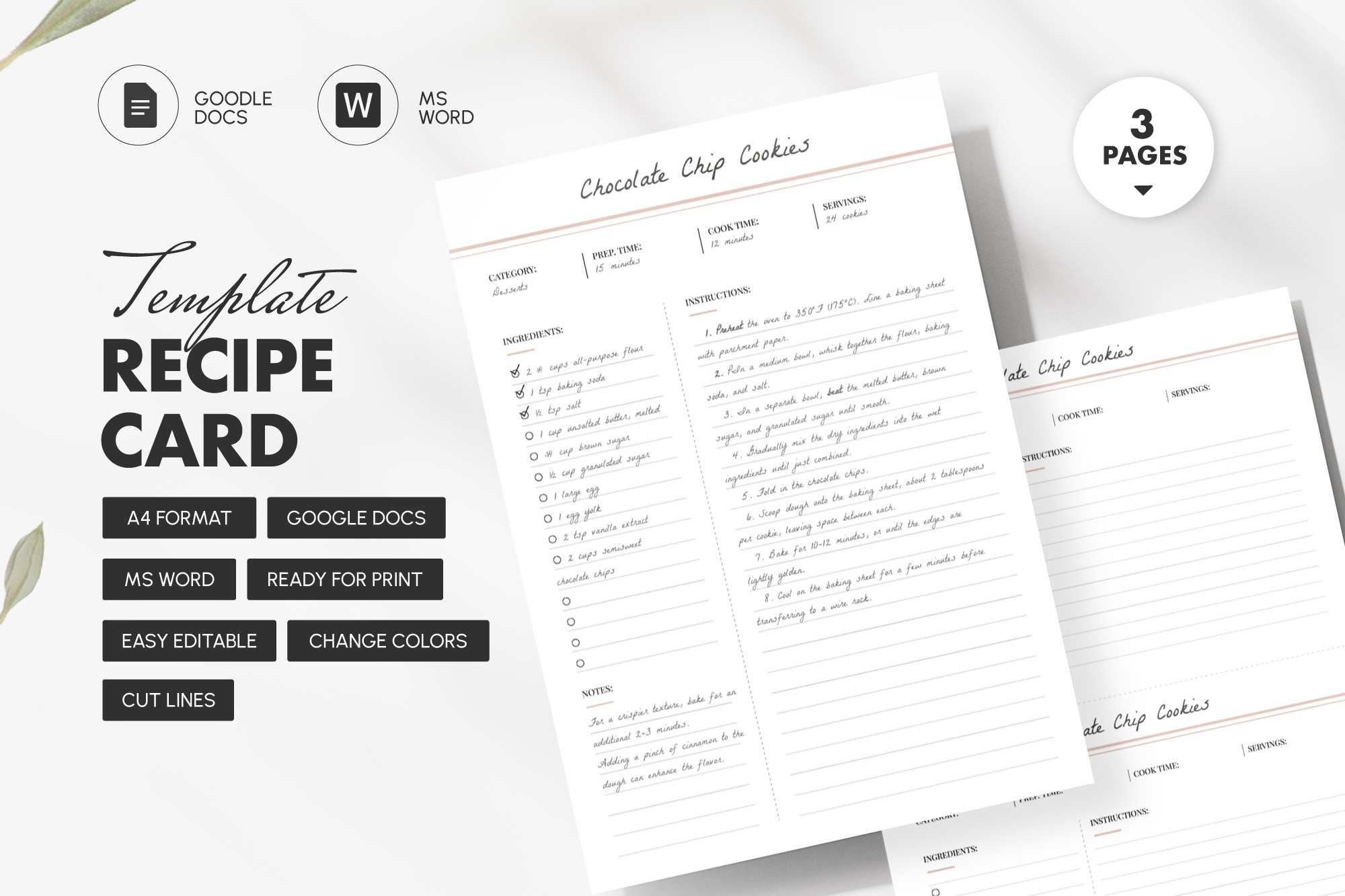
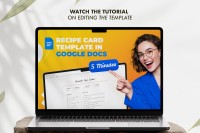
Do you want to frame your family recipes in an aesthetically pleasing way, like your favorite chef's book? Not a problem with the Perfect Recipe Card Template! Ideal for online editing and manual notes, it features light visuals and a logical layout. Use our flexible recipe card template for Word and Google Docs to fill out any recipes in minutes.
Visual Balance
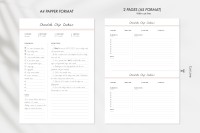
The recipe template feels like a page from a modern cookbook, including a white background, thin black and gold lines, handwritten accents, and a tight color spectrum. Located at the top of the page, the title instantly draws attention. The font mimics rapid handwriting. The design is versatile, so it's perfect for family archives, blogs, and publications.
Sophisticated Structure
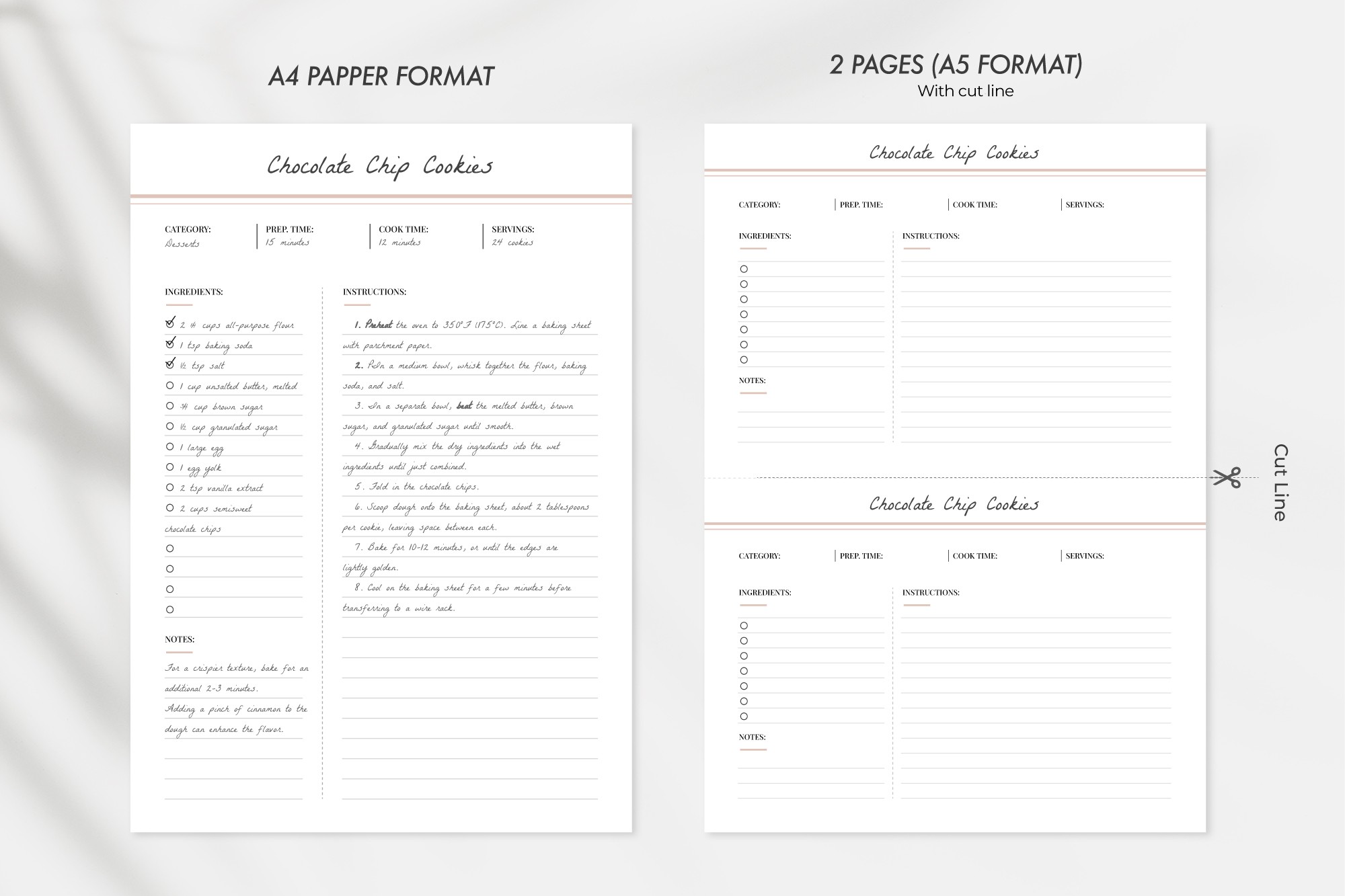
The main space is divided into three visually balanced blocks.
- At the top of the page, there are areas for the dish category, preparation and cooking times, and number of servings.
- On the left side, there is an Ingredients section with a list of products and additional notes.
- On the right, there is an Instructions area with a neat markup for a step-by-step process explanation.
Everything here is clear and convenient.
Free to Edit and Print
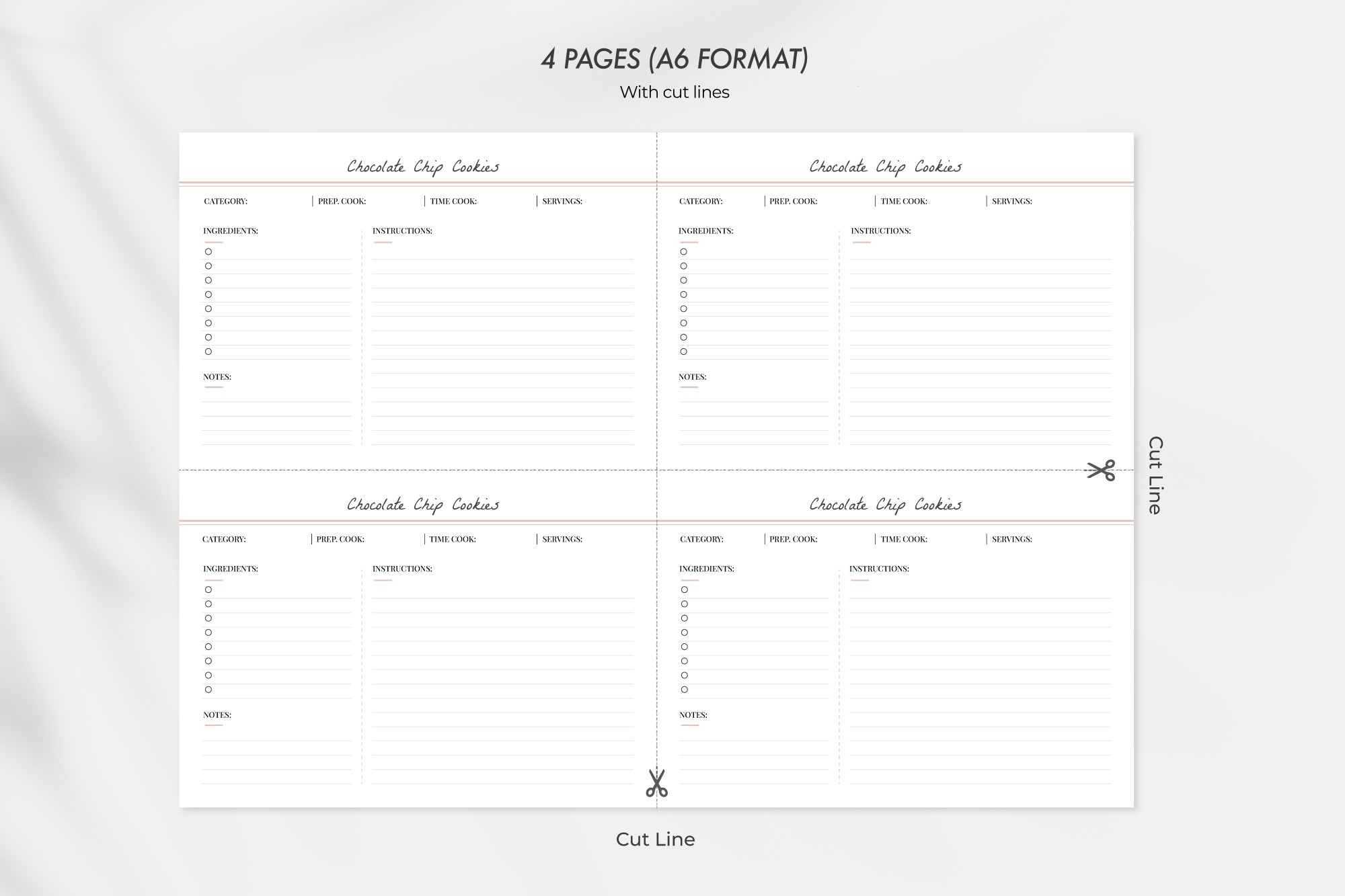
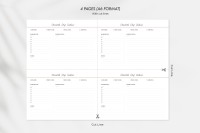
Our Google Sheets recipe template is available in A4, A5, and A6 formats with cut lines. Edit online with a manuscript or machine fonts, or inscribe it all by hand - it's up to you. Give it a try — it is perfect for your cookbook!
How to Use and Edit This Template

Get Your Document

Customize Everything

Add Your Content

Print, Export, or Share
Related Templates
Recently Viewed
