My Recipe Book Cover Template
Use this free template with Google Docs and Microsoft Word
Template Specification
Key Features of This Template
About this template
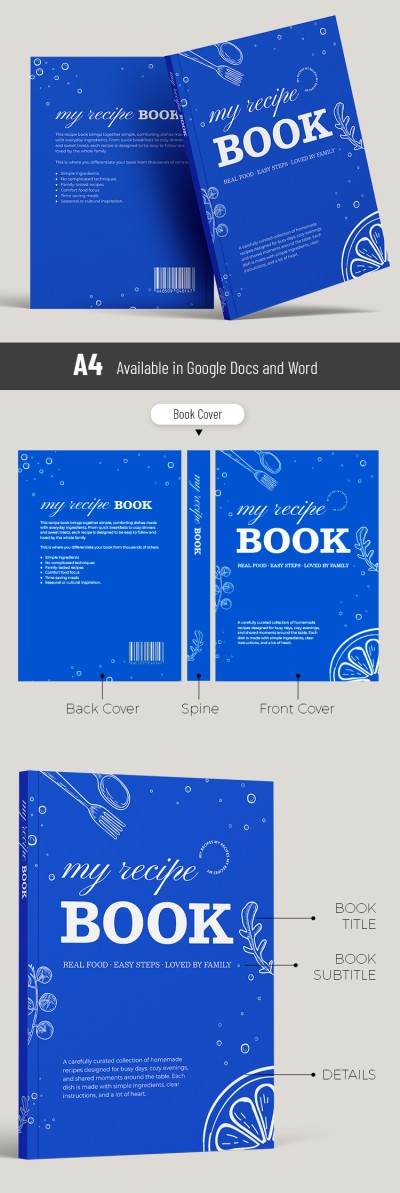
Our stylish Recipe Book Cover Template will definitely help your book stand out on a store shelf or in an online listing. The bright blue background paired with easy-to-read white text creates a striking contrast that immediately attracts attention. Furthermore, this recipe book cover is fully editable in user-friendly formats and is print-ready.
Get an Eye-Catching Cookbook Cover for Free
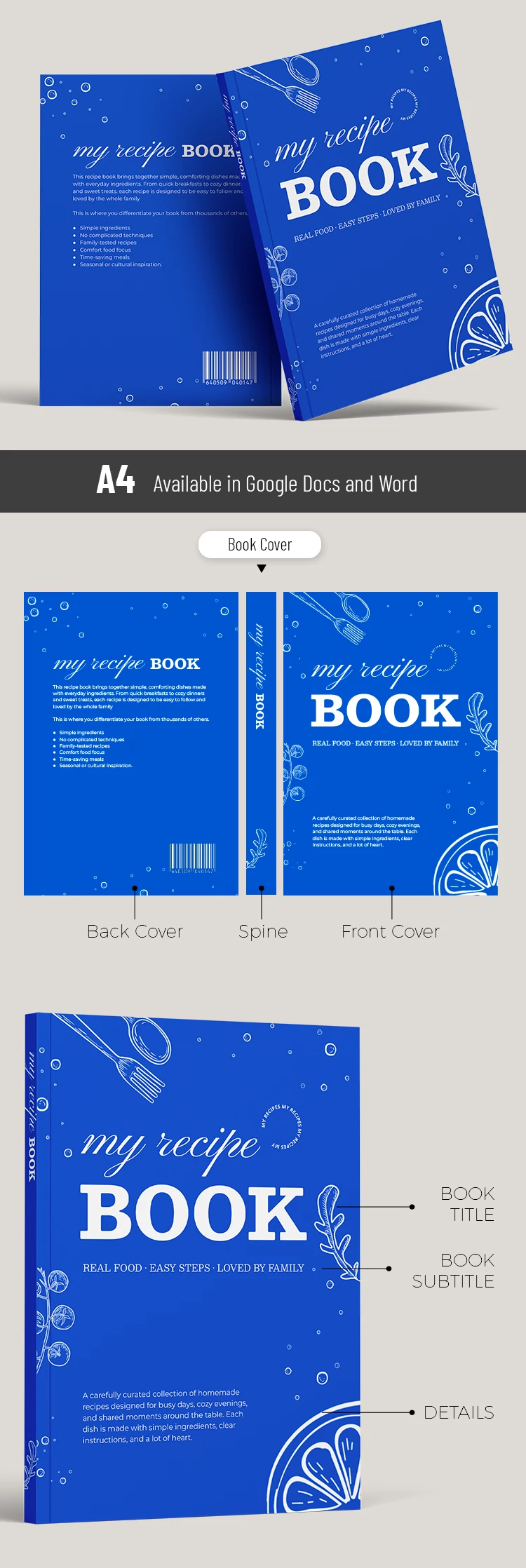
This template provides a bundle of three essential elements for your book. Included on separate pages, you will find the front, back, and spine designs. These pages are created in a consistent style with a bright blue background and elegant, easy-to-read white lettering.
In addition to the pre-made design, our template features:
- Placeholders for the book title, author name, and a brief description on the front cover.
- Space for annotation to your book and a barcode on the back cover.
- An editable spine with replaceable text for a professional look.
You can edit our Word and Google Docs recipe template directly within these familiar formats. Simply replace the placeholders with your own text, then customize the fonts or keep the default layout. Find even more options on our website.
How to Use and Edit This Template

Get Your Document

Customize Everything

Add Your Content

Print, Export, or Share
Related Templates
Recently Viewed