Modern Recipe Book Cover
Use this free template with Google Docs and Microsoft Word
Template Specification
Key Features of This Template
About this template
Ready to publish your cookbook but want to avoid the hassle of designing a cover from scratch? Download and customize our Modern Recipe Book Cover for free. This versatile set includes front, back, and spine layouts in a consistent style. Just add your title and author's name to the template, print, and start using it today!
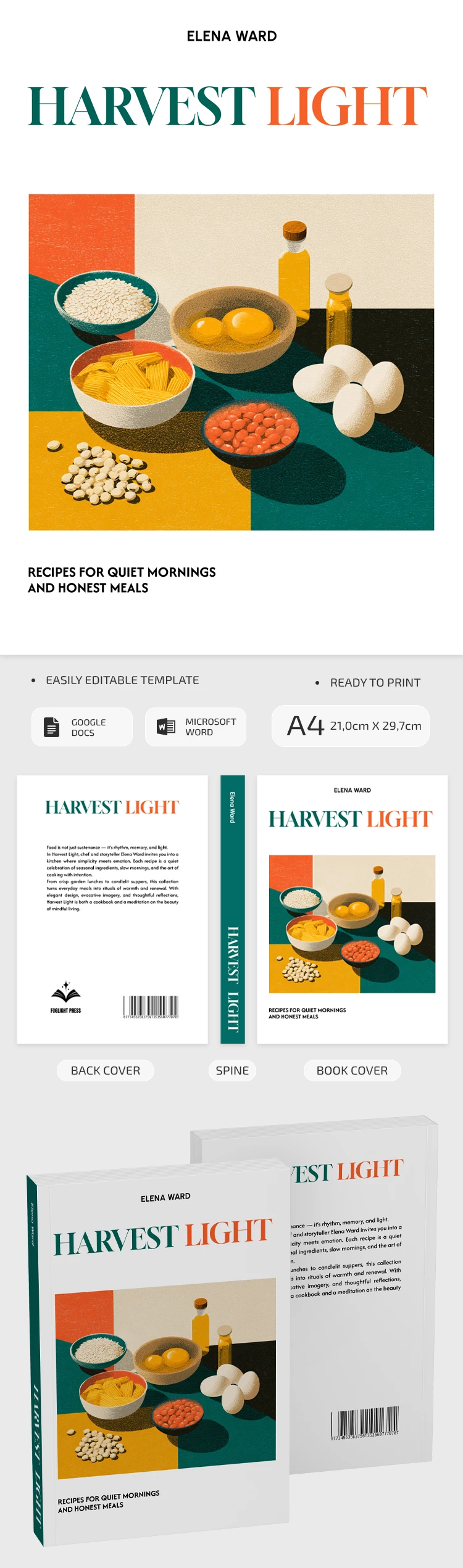
Complete 3-Piece Cookbook Cover Set
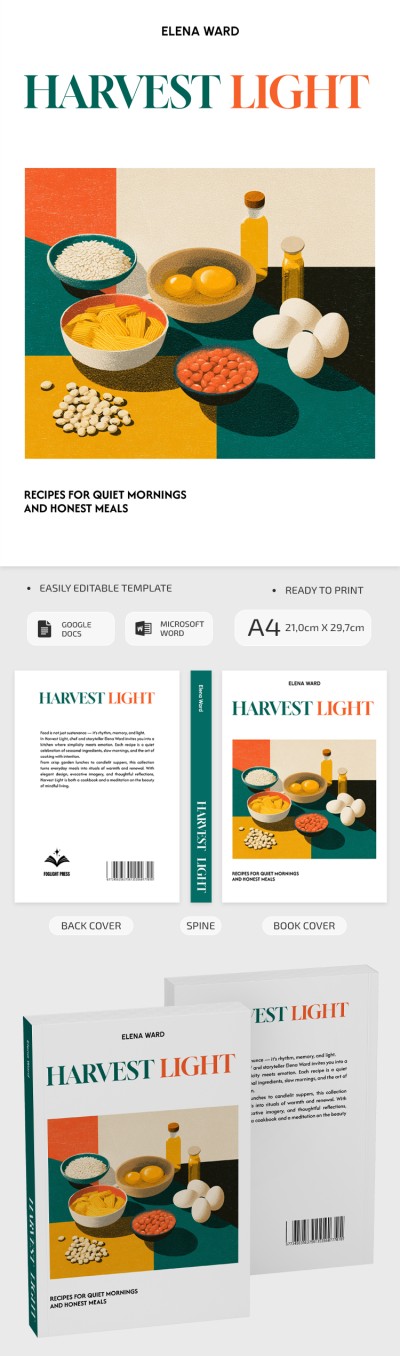
The front, back, and spine of our recipe book cover template for Word are designed in a unified style. On the front cover, readers are immediately greeted by an illustration of cooking essentials, created in a unique paint-and-ink style. There are also placeholders for the author's name and a brief description of the recipes inside.
The back cover and spine feature a more minimalist look. The spine shows the author's name and book title in white text against a green background. The back cover offers space for a book description, a publisher's logo, and a barcode.
Customize and print this template with ease:
- Change placeholder text directly within the Google Docs or Word editors.
- Add new illustrations, choose from hundreds of fonts, and adjust the color palette.
- Save the template as a PDF and print pages on A4 paper.
This template provides a versatile and user-friendly design. You can easily find the recipe template in Google Docs for your next project on our website.
How to Use and Edit This Template

Get Your Document

Customize Everything

Add Your Content

Print, Export, or Share
Related Templates
Recently Viewed