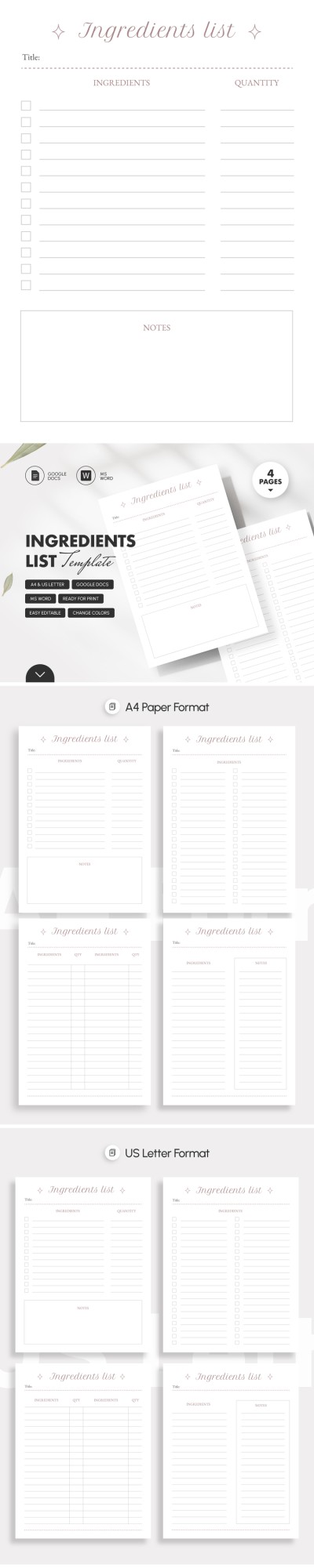
Ingredients List Template Printable
Use this free template with Google Docs and Microsoft Word
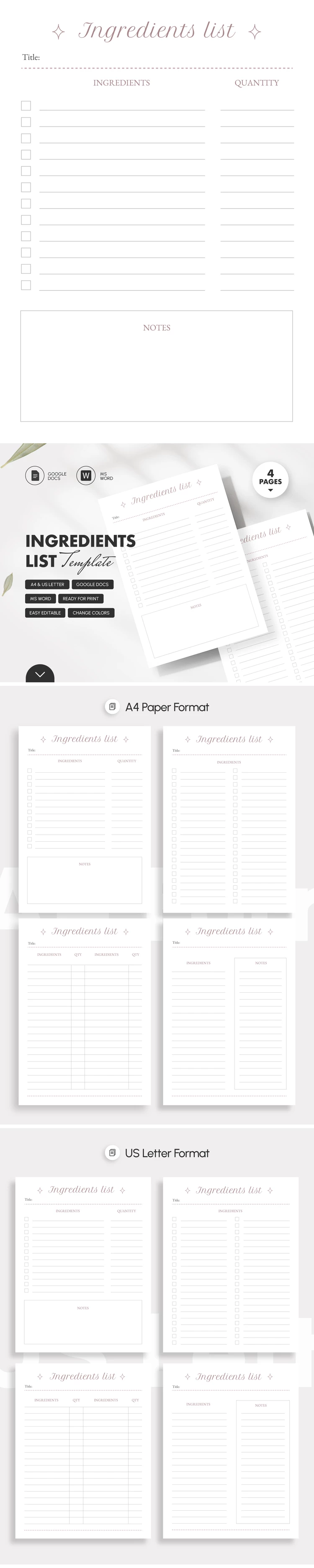
Template Specification
About this template
While fancy designs are excessive, the light and clean Ingredients List Template is your ideal solution. Its minimalist appearance is distinctive and adaptable, suitable for home cookbooks, revision notebooks, and chef recipes. What is its secret?
First Reason Is Timeless Design
Eye-catching and overloaded visuals get boring pretty fast. Meanwhile, clear and simple designs stand the test of time. This recipe template features a winning white background with pastel pink text inserts. Even though it feels understated, it's still stylish and keeps the focus on what matters most: the content.
Second Reason Is Convenient Layout
The set includes four pages with variable compositions. These are two- and four-column pages for listing ingredients and their quantities. There is a separate note block where each hostess can jot down remarks for future use.
Third Reason Is Quick Setup
Download the template quickly and without outside help in Google Docs or Word. Use basic toolkits to customize the product if necessary. Play around with colors, fonts, and the composition itself. It takes a few minutes and is available for both experienced users and beginners. Look for more recipe template in Google Sheets here.
How to Use and Edit This Template

Get Your Document

Customize Everything

Add Your Content

Print, Export, or Share
Related Templates
Recently Viewed