Elegant Recipe Book Template
Use this free template with Google Slides and Microsoft PowerPoint
Template Specification
Key Features of This Template
About this template
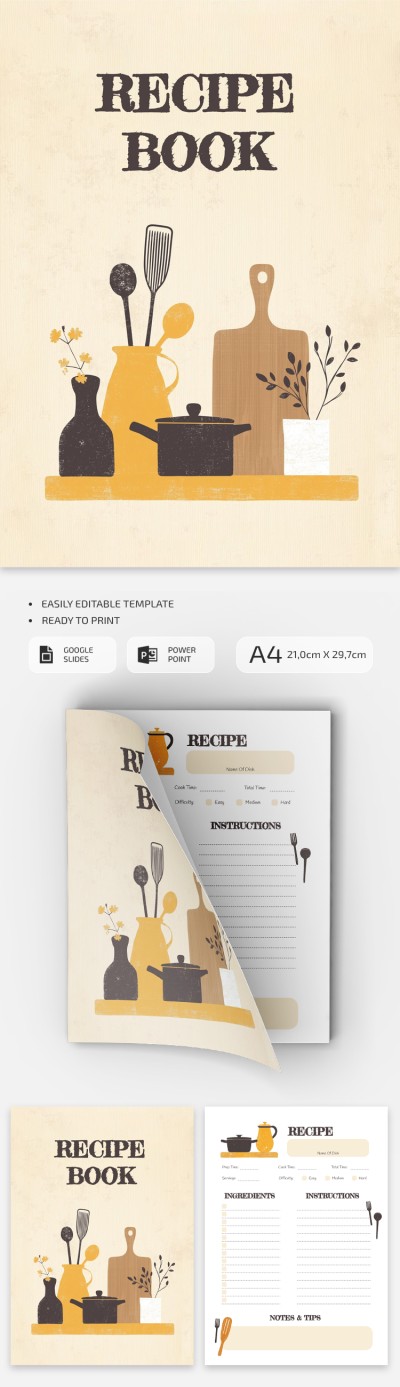
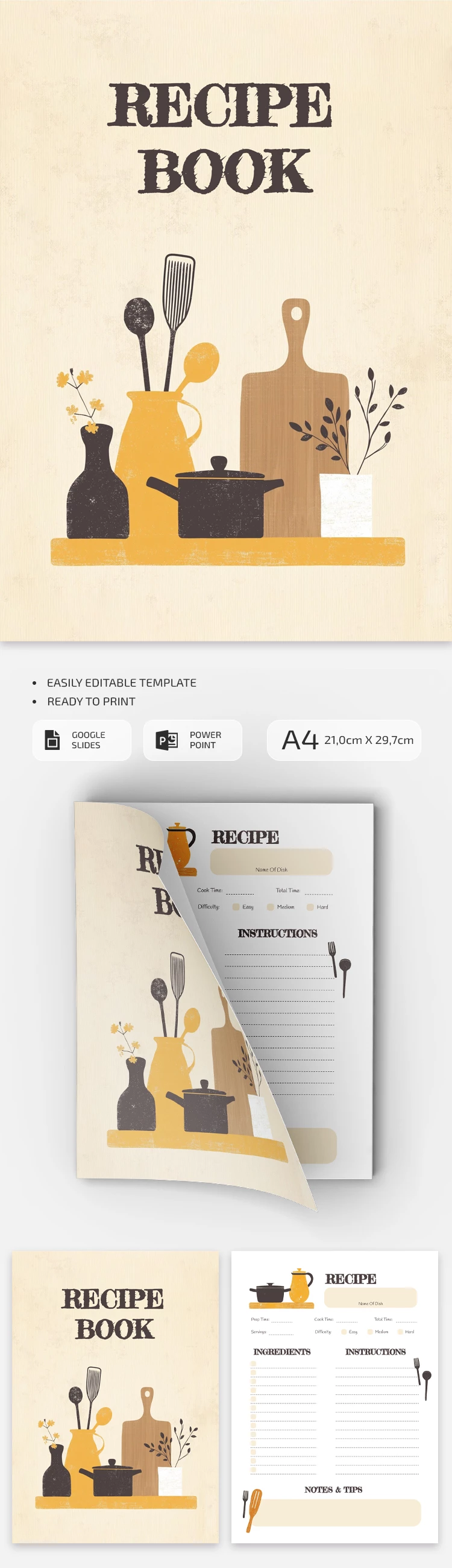
This Elegant Recipe Book Template is the perfect choice for home kitchens or for organizing all your restaurant recipes in one place. Our fully editable recipe Google Slides template comes with two pages, including a front cover and a separate recipe card sheet. Customizing the design and printing this layout is simple.
Design Your Cookbook Easily
The front cover of this cookbook template features an illustration of kitchen utensils on a pleasing beige background. It also includes a text block for adding your own cookbook title.
The recipe card sheet offers several useful features:
- An editable header for the dish name, prep and cook times, servings, and difficulty.
- Two main sections for ingredients and step-by-step cooking directions.
- An area where you can fill in additional notes and professional tips.
Both pages are fully customizable in Google Slides and PowerPoint. Simply save the final version as a PDF to print it. A4 printing options are included. You can also download a recipe template for Word on our website today.
How to Use and Edit This Template

Get Your Document

Customize Everything

Add Your Content

Print, Export, or Share
Related Templates
Recently Viewed