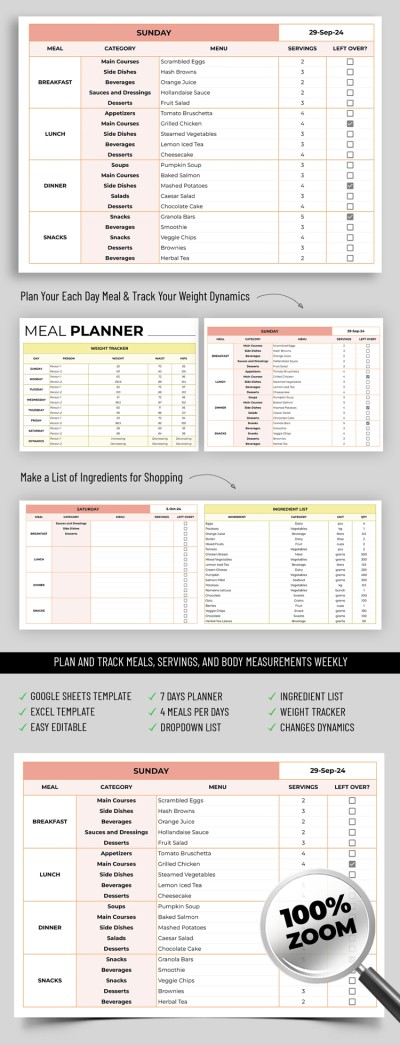
Weekly Meal Planner Template
Use this free template with Google Sheets and Microsoft Excel
Template Specification
Key Features of This Template
About this template
Use our Weekly Meal Planner Template to reach your fitness goals faster. In addition to a convenient planner, this spreadsheet comes with a pre-made weight tracking section. This allows you to monitor your progress every day of the week for up to two people. Our 7-day weekly planner template is fully editable in Google Sheets and Excel and features built-in formulas to do the hard work for you.
Create a Balanced Weekly Menu & Track Your Weight
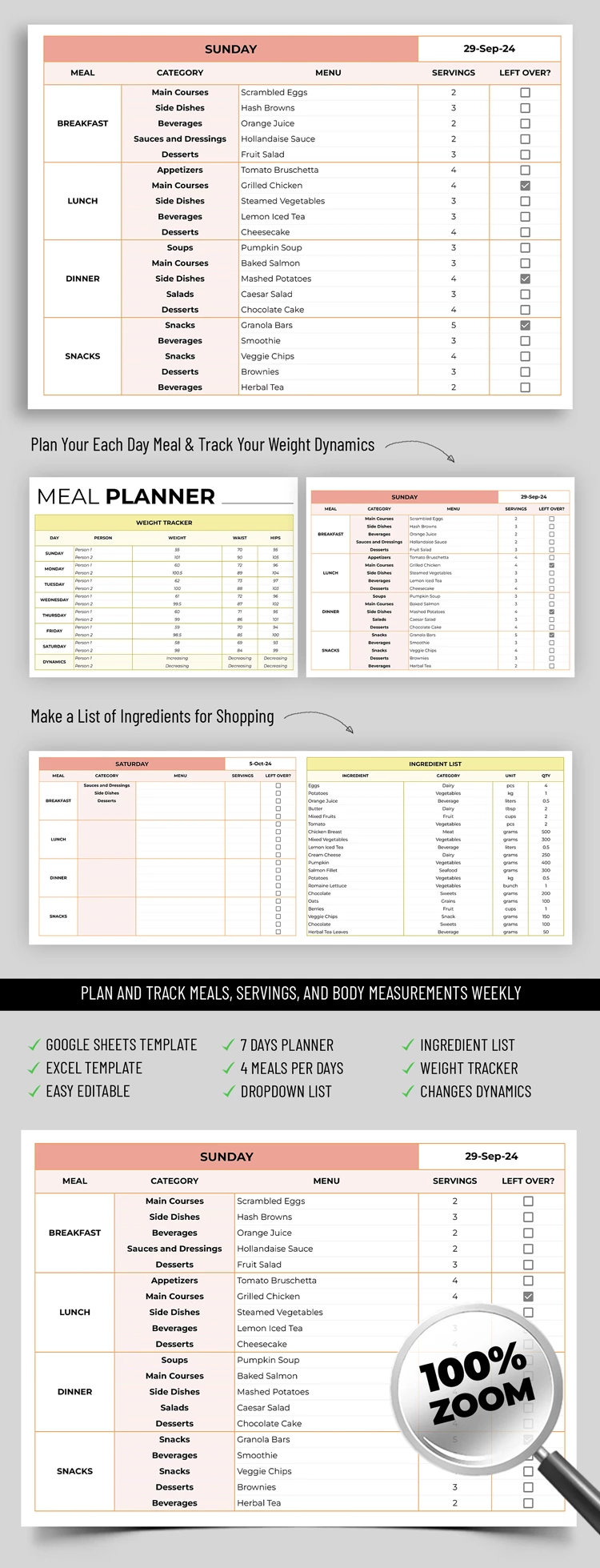
Grab our meal planning template for free and start using the pre-made structure to organize your menu and plan for weight loss or gain. The template consists of three separate tables. In the first table, you can enter your weight every day for a week, and the progress section will show your weight gain or loss trends.
The other two tables help you create a detailed meal plan for each day:
- Add menu categories for breakfast, lunch, dinner, and snacks.
- Enter your current menu along with calorie counts.
- Specify the number of servings and tick the checkbox if there are any leftovers.
Instead of using the placeholder names, you can mark each table with the specific day of the week and the date. You can find more free planner printables on our website today.
How to Use and Edit This Template

Get Your Document

Customize Everything

Add Your Content

Print, Export, or Share
Related Templates
Recently Viewed