Marketing Planner Template
Use this free template with Google Sheets and Microsoft Excel
Template Specification
Key Features of This Template
About this template
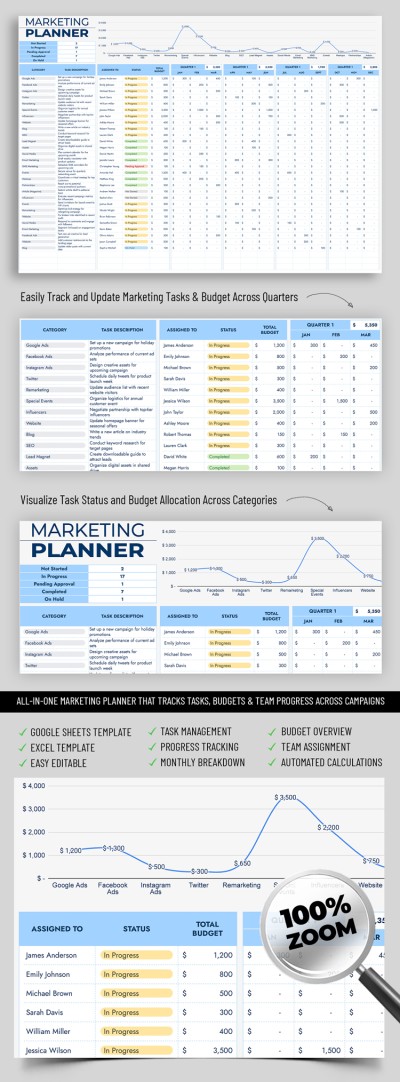
Our Marketing Planner Template helps you effectively manage your marketing team efforts. This free printable planner comes with everything you need to stay productive, prioritize tasks, assign team members, and manage all your marketing channels in one place.
Get Access to the Ready-to-Use Marketing Planner
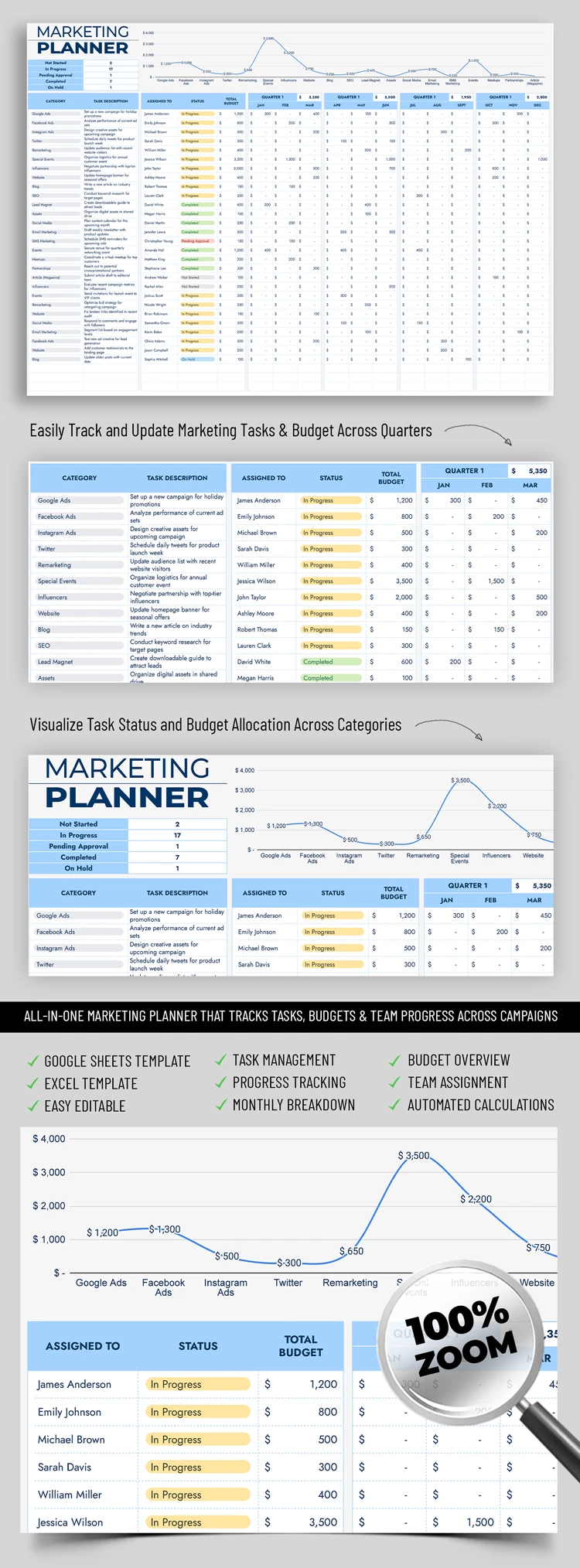
Our spreadsheet consists of two sheets. The first sheet is an outline for all your projects, and the second allows you to customize your drop-down lists. You can easily adjust these lists by clicking on them to fit your specific workflow.
The main workspace consists of three separate tables. In the first table, you can select the desired task category and enter task descriptions. In the second table, you assign tasks to specific team members, track their completion status, and manage the total budget. The far right side of the layout displays the amounts spent on marketing for each channel across all four quarters.
More features of this Excel and Google Sheets planner template:
- The budget for each quarter is calculated automatically based on the data you enter.
- In the header section, you get a full summary of the number of tasks for every status.
- The chart shows the exact costs for each marketing channel for the entire period.
Use this marketing planner for free today, or choose from dozens of other options available exclusively on our website.
How to Use and Edit This Template

Get Your Document

Customize Everything

Add Your Content

Print, Export, or Share
Related Templates
Recently Viewed