Homework Planner Template Tracker for Students
Use this free template with Google Slides and Microsoft PowerPoint
Template Specification
Key Features of This Template
About this template
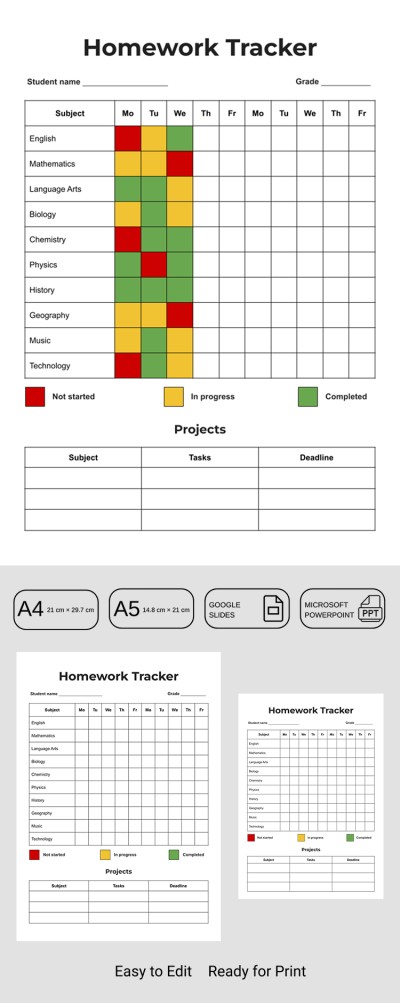
Our Homework Planner Template is the perfect choice for students who learn better visually. Instead of lengthy texts and notes, this template allows you to track your tasks using color-coded sections. Furthermore, this PowerPoint and Google Slides planner template is fully editable and easy to use digitally.
Modern Homework Tracker
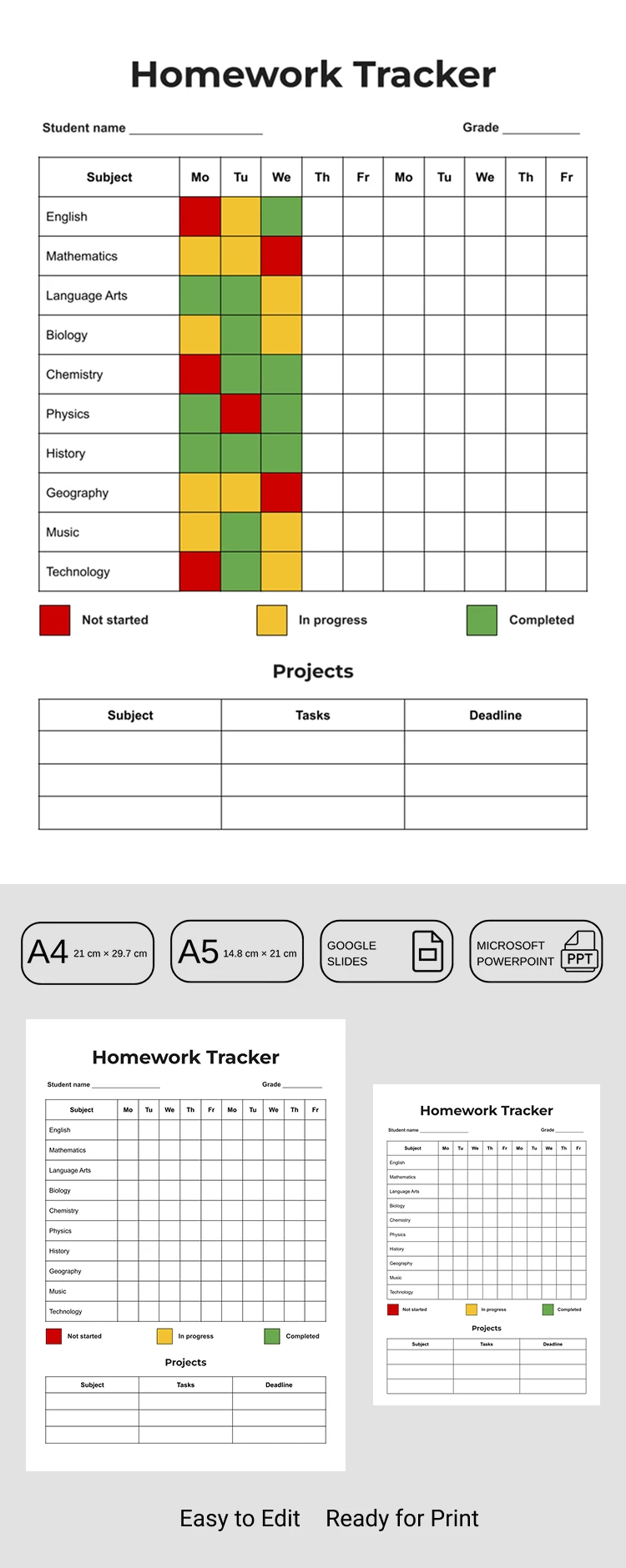
The homework tracker template is divided into several blocks. In the header section, you can enter your name and grade, or give your tracker a specific title. Below is the main section, which features a two-week table covering Monday through Friday. The first column lists various subjects (you can easily add your own), and you can update your homework status for each day.
Below the table, you will find three squares that indicate your progress. Red represents "started," yellow is for "in progress," and green means "completed." Simply copy the desired square and paste it directly into the table to show the status of your work. You can also detail specific tasks and deadlines for three subjects in the area below.
Using the template is easy:
- Select either the A5 or A4 version of the template before downloading.
- Get a copy in Google Slides or download it for editing in PowerPoint.
- Fill the table with your preferred colors or save the file as a PDF for high-quality printing.
Unique planner sheets for any task are also available on our website today.
How to Use and Edit This Template

Get Your Document

Customize Everything

Add Your Content

Print, Export, or Share
Related Templates
Recently Viewed