Simple Cornell Notes Template for Teachers
Use this free template with Google Docs and Microsoft Word
Template Specification
Key Features of This Template
About this template
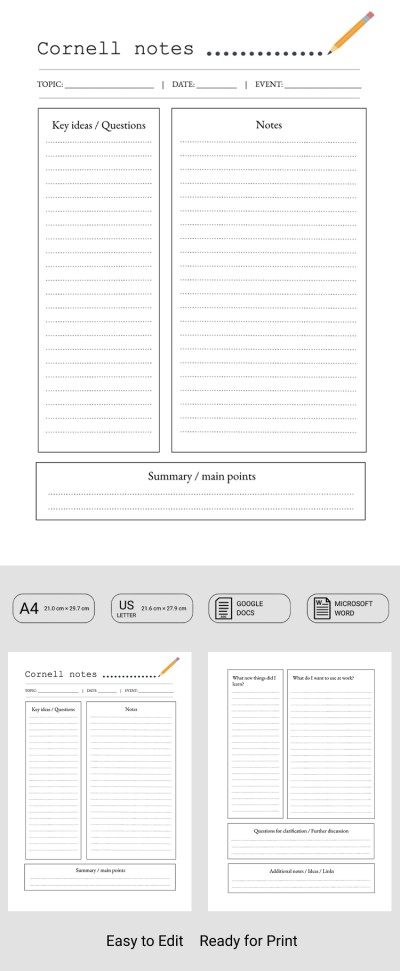
Get free access to this editable and printable Simple Cornell Notes Template. This sample is equally convenient and useful for both teachers and students. The file contains two blank sheets with pre-made sections for key notes in the Cornell format. Use our note-taking template in Word and Google Docs, or print it out for handwritten notes.
Use the Ready-to-Print Cornell Note Template
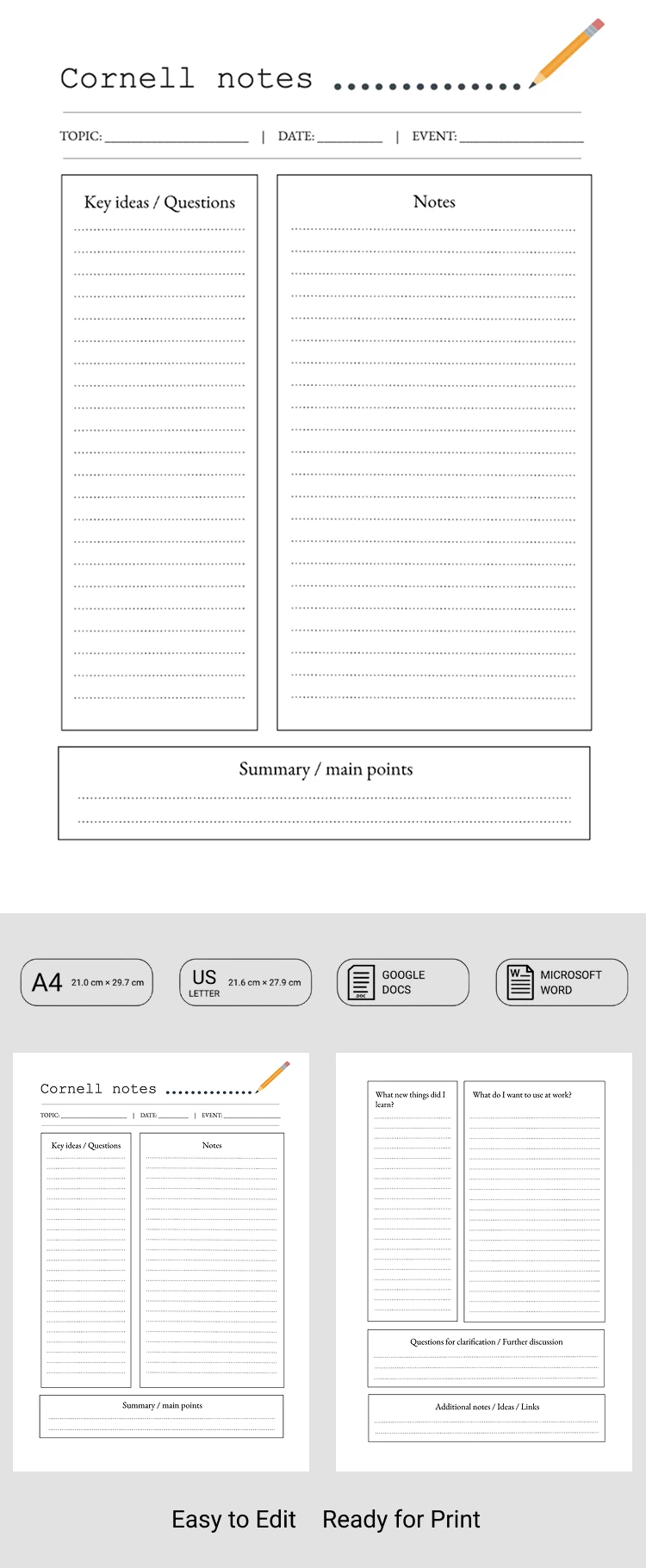
One of the main advantages of this template is its print-ready format. Simply select the A4 or US Letter size and use the pre-set formatting. Furthermore, this option is fully editable, so you can easily adjust placeholder text, column headings, and the structure of each sheet to fit your needs.
The template itself comes with two distinctive blank pages for your notes:
- The first page includes the topic, date, event, key ideas or questions, notes, and a summary.
- On the second sheet, you can answer crucial questions and include additional notes.
While this Cornell note template for Word was initially designed for teachers, students can easily rename the sections and use it too. Try our free template right away!
How to Use and Edit This Template

Get Your Document

Customize Everything

Add Your Content

Print, Export, or Share
Related Templates
Recently Viewed